
How Claude Edits An Entire Video: The Six Jobs, The Failures And The Real Cost
TL;DR
Claude can do every job of a real editor if you hand it one job at a time: research and script, the cut, the plan, motion graphics, checking its own work, and learning from your notes. Opus plans, Sonnet builds, and every note becomes a rewritten rule. One polished long-form edit cost about 1.4 billion tokens and 12 hours of Claude time.
The full guide is right here on this page. Download it to keep a copy that works offline.
Download the guideMost people think AI video editing means auto captions and a few zooms. It can now do every job a human editor does, but only if you stop asking for a finished video in one go. This guide covers the whole approach behind the video below, which was edited end to end by Claude Code from a read-to-camera script: the six jobs, the decisions inside each one, what breaks, and what it really costs.
Give Claude one job at a time, never the finished video
The first AI edits almost always look cheap, and the reason is rarely the model. A prompt like make me a polished video asks for ten different skills at once, so each one gets done at about the quality of a first guess. The result has the generic AI look: flat slides, default fonts, motion that fits nothing.
The fix that made the biggest difference over five months of trying was to split the edit into jobs and hand over one at a time, with a checkpoint after each. One job, one output you can inspect, then the next job. That structure is the whole system. Everything else in this guide is detail about how each job works and where it goes wrong.
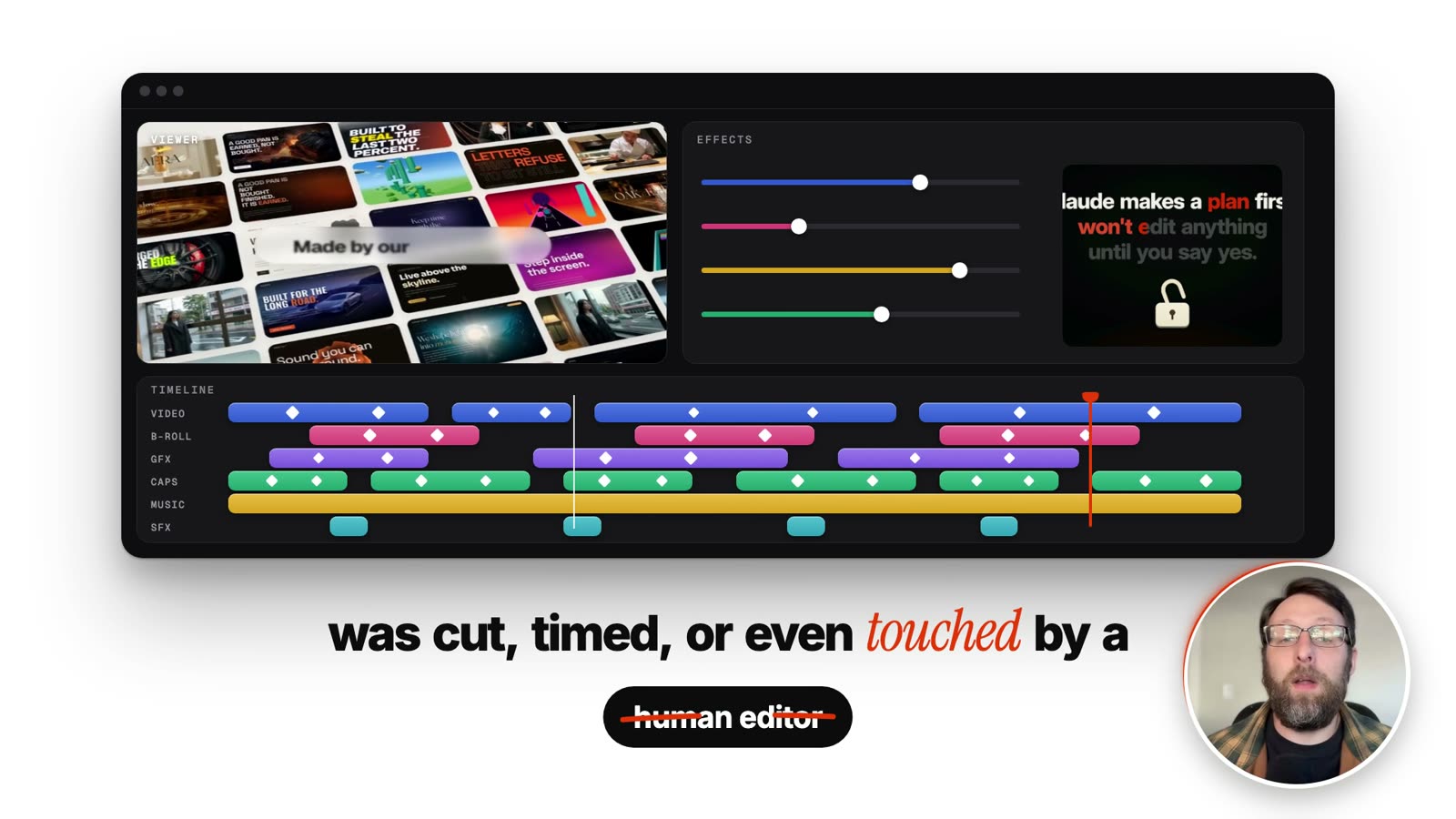
Job 1: Research and script before anything is edited
A great edit cannot rescue a confusing video. If the script tries to cover ten ideas, the viewer is lost by idea three, and no amount of motion design brings them back. So the first job is not editing at all. It is making the video worth watching.
Two moves do most of the work. First, have Claude study how the top creators in your space open their videos and save the strongest openings into a library. The useful unit is an outlier, a video that earned more than three times its creator's normal views, because the opening is a big part of why it did. The first line of the video above borrowed the shape of an opening from that library, not the words.
Second, have Claude write the script, then audit it. AI will happily invent a fact that sounds right, like a view count or a date, and it will write it with total confidence. So the rule is that every factual claim must be proven against a real source, a file you can open or a web page. If a claim cannot be proven, the line is cut. It does not get softened, it gets removed.
After that the human job is small. You read the finished script to camera. That recording is the raw material for everything that follows.
Job 2: The cut keeps your last clean take and fixes the sync
When you film, you will trip over lines, start a sentence twice and pause too long. Cutting those out is the job most people picture when they hear editing, and it is also the one a machine does well early, because the evidence is in the words. In our experience the first working version caught about eight in ten retakes on its own.
The logic has three parts. Claude transcribes your raw recording with a timestamp on every word, not every sentence. It keeps the last clean take of each line and cuts everything before it, on the reasonable bet that you stopped when you got it right. Then it closes dead air.
A fourth part is a problem many creators do not know they have. On some cameras the picture runs a few frames behind the microphone, so lips and voice do not quite match. If you record with a separate camera and mic, yours may too. Claude can measure that gap across the whole recording, because it drifts, and shift the picture back into line.
Giving Claude a real job like this, plus a way to check its own work so it keeps going until the result is right, is called loop engineering. It is the idea that carries across every job in this guide: a task plus a test it can run on itself beats a task alone.
Where the cut goes wrong: the worked example from this video
The cut in this very video needed several fixes, and they are a good map of what automatic cutting gets wrong. Each one has the same shape: the transcript says one thing and the audio says another.
- The clipped last word. Word timestamps mark where a word is detected to end, and the real sound often trails slightly past it. Cut exactly on the timestamp and the final word of a line lands clipped. The fix is a small breathing pad after the last word of every kept segment, and a check at each join.
- The hidden false start. A short false start before a good sentence can be swallowed inside a longer kept segment, so the viewer hears a stumble that the take logic never flagged. The fix is to check the final transcript, not the raw one, for starts that restart.
- The double take. The same line was kept twice because the two takes were worded slightly differently, so a simple exact-match rule did not see them as duplicates. After the cut, scan the edited transcript for repeated phrases within a short window and treat any hit as a suspect.
Notice that none of these were found by watching the finished video once at normal speed. They were found because the checking job, which comes later, looks specifically for them.
Job 3: The plan starts with a beatmap, references and a storyboard
A clean cut is still just a person talking, so the third job decides what the viewer sees while you talk. It starts with a beatmap: a list of every sentence you say and what should be on screen while you say it. For the previous video in this series that list ran to 140 beats.
Without a plan, AI edits look like slides, and early attempts did exactly that. One even had a heavy green colour bar down the side of the screen that was plainly ugly.
Show it references. Collect videos from editors whose work you admire and ask Claude what makes them look good. It will name the specifics a non-designer cannot: how text moves in and settles, how one scene hands over to the next, how much of the frame the type uses. Those observations become the look. A site like promptmotion.com is a good place to find motion graphics people have made with Claude, each with the prompt behind it, so you get the finished look and the words that produced it.
Then comes the step that saves the most money. Before building a single graphic, have Claude produce a storyboard, a plan of every graphic mapped onto the beatmap. A plan is cheap to change. A finished graphic is not. If the storyboard shows three white cards in a row, you fix it in one sentence. If you discover it after the build, you pay for every card twice.
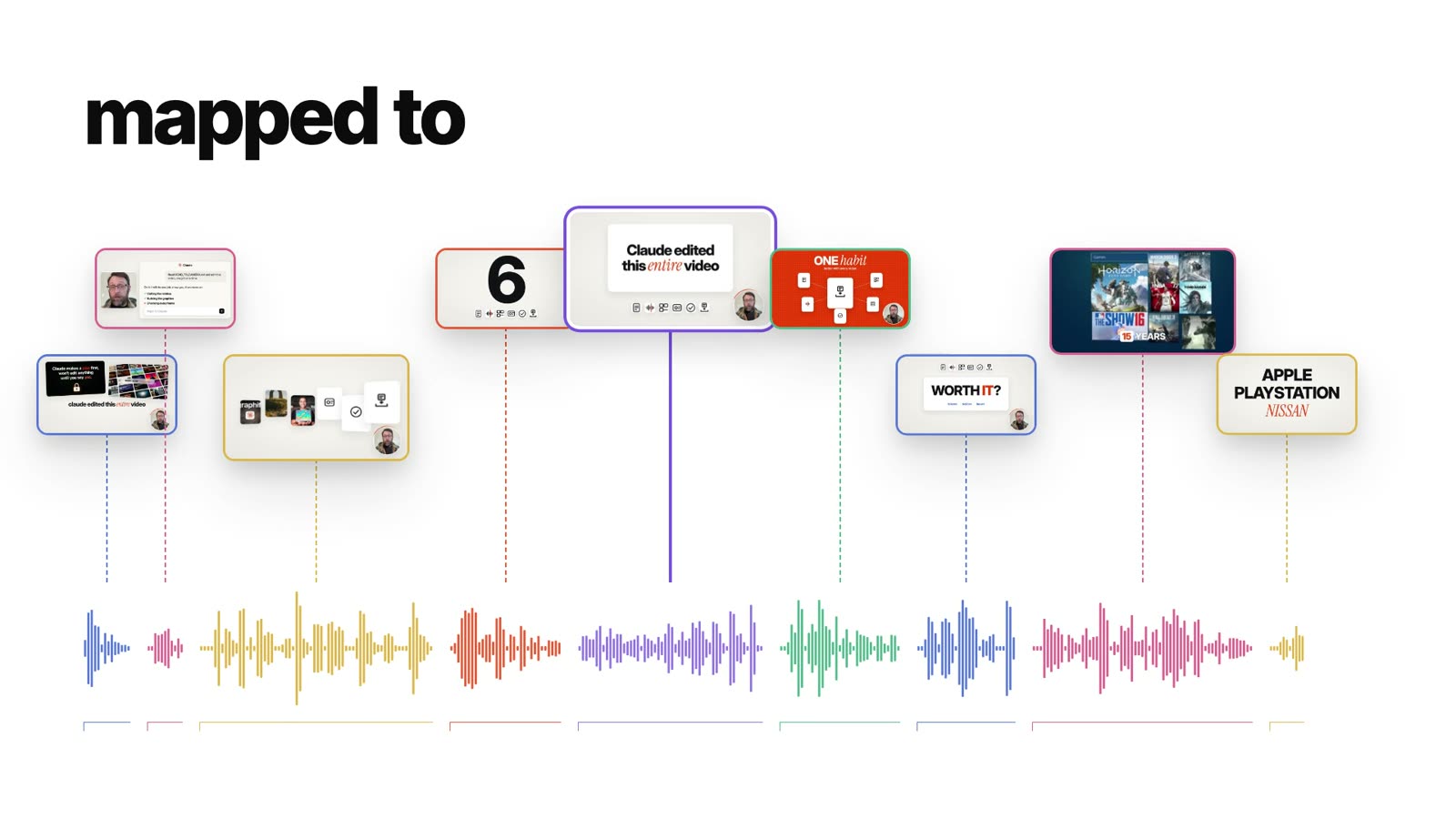
Decide what goes on screen: key words only, real text and SVG
Three rules shape almost every graphic in the edit, and each was learned by getting it wrong.
- Key words only on screen. The viewer is already hearing the sentence. If the screen also shows the full sentence, they read instead of watching and lose the thread. Put up the one or two words that carry the point.
- Real text and SVG, not screenshots. A screenshot of an interface is blurry the moment it is scaled, its text cannot be restyled, and it clashes with everything around it. Rebuild what you need as live text and vector shapes. It stays sharp at any size and takes on the same look as every other scene.
- One focus per scene. A graphic with five competing elements gets glanced at and understood by nobody. Pick the thing the viewer should take away and make everything else support it.
These are decisions, not defaults. The model will not make them unless you tell it to, and it will cheerfully fill a frame with a full sentence in small type if left alone.
Job 4: Build the graphics with sections and cheaper builder models
This is where the process stopped feeling like one AI and started feeling like a design studio. Claude splits the video into sections and hands each section to a sub agent, which is simply another copy of Claude given only that one job. On one of our videos, six sub agents built at the same time.
They do not use editing software. Every graphic is built with code, using a free tool called HyperFrames, made by HeyGen. It works like a webpage that gets turned into real video, which is how you get things like captions that light up word by word, and why the graphics are sharp and exactly timed.
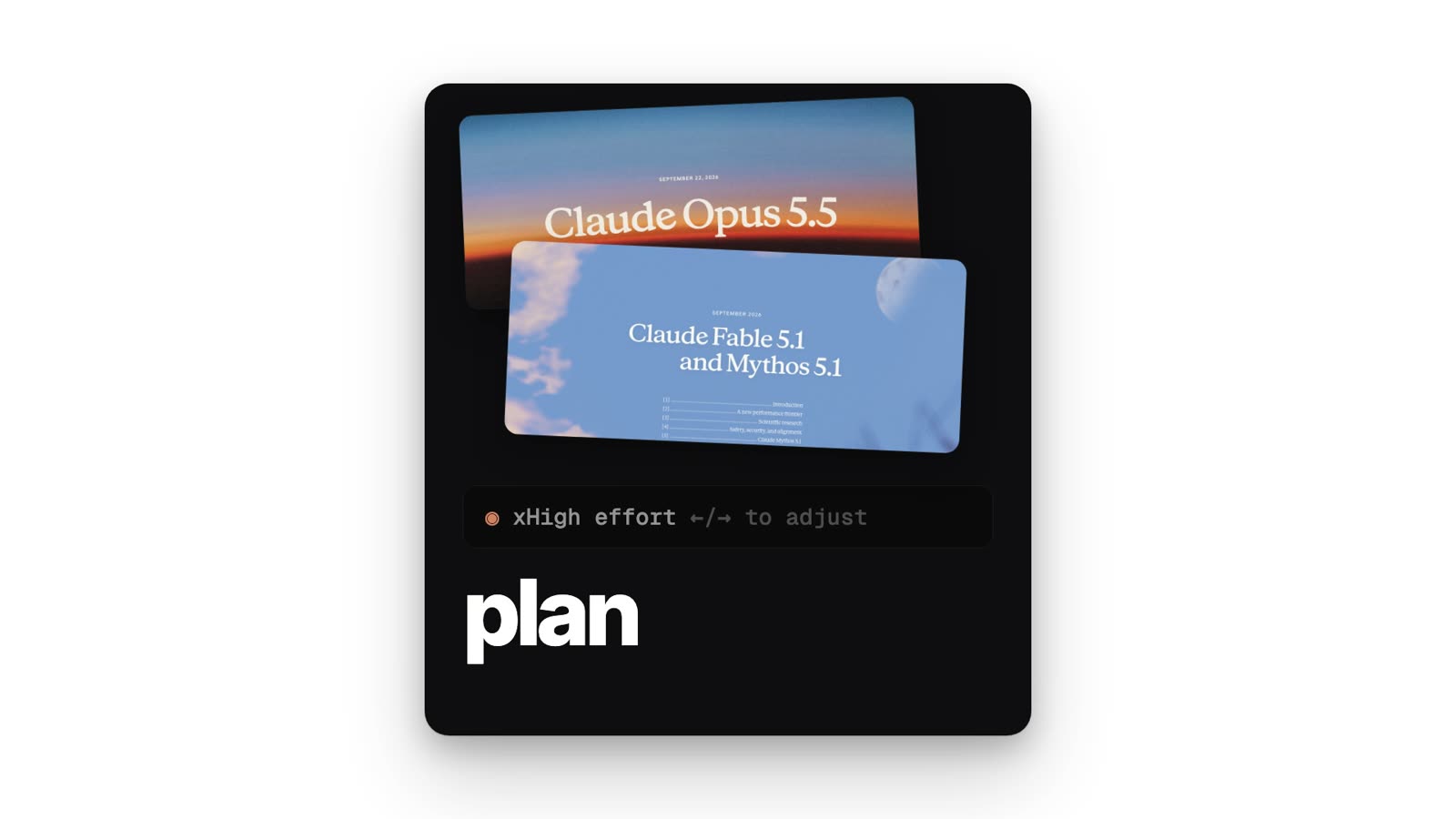
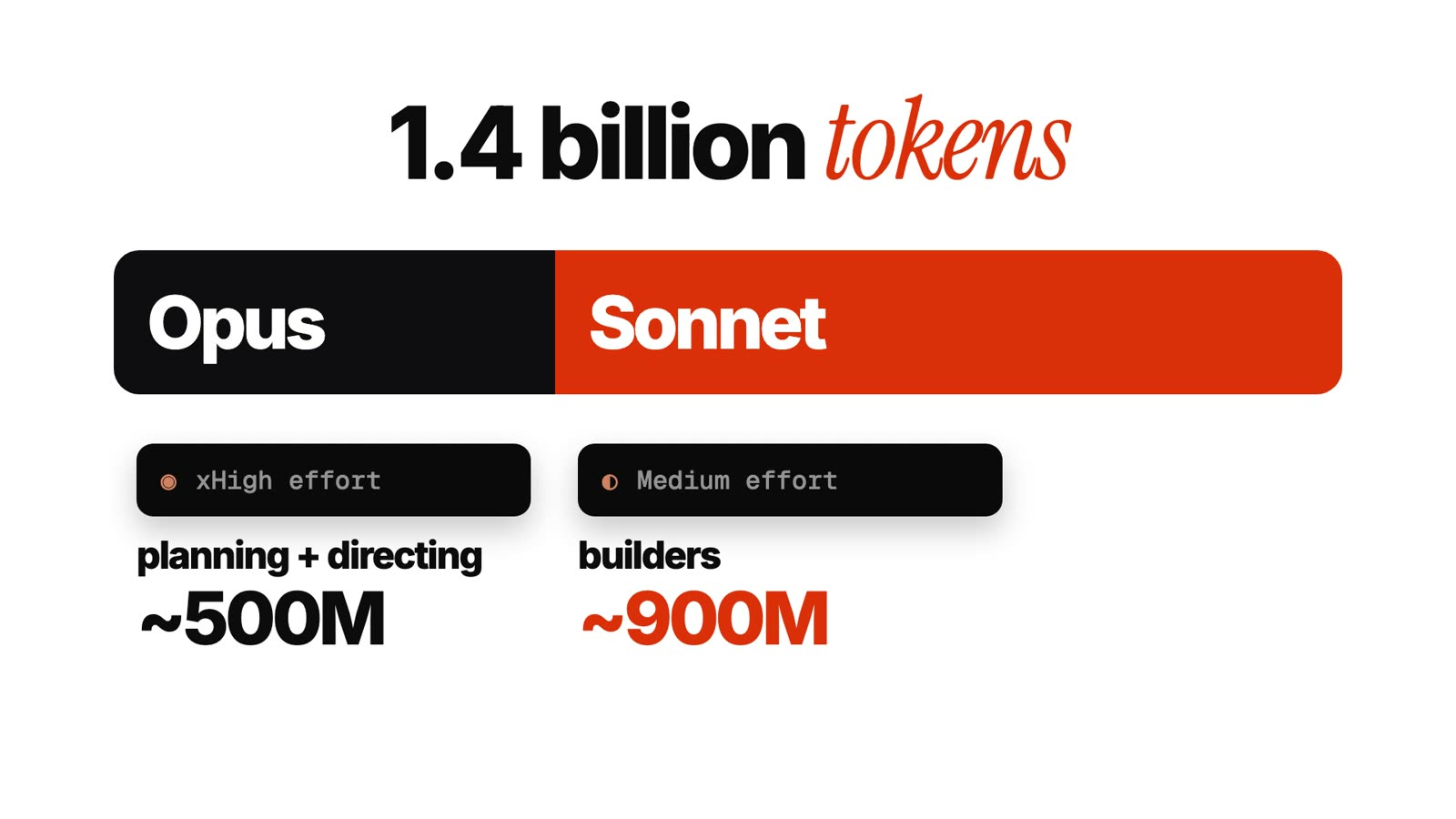
The model split matters for cost and quality. We use the strongest and most expensive models, Claude Opus, for planning and creative direction, with the effort turned up high, because mistakes at that level cascade into every scene. We use a cheaper and faster model, Claude Sonnet, at a medium effort, for the sub agents that build, because building from a clear plan is execution, not invention. Opus plans, Sonnet builds. Putting the expensive model on the building work burns tokens without improving the result.
A render is the step where that code is turned into actual video, and it is heavy work for your computer. Three lessons came from learning that the hard way.
- Queue the renders. With nine sub agents rendering at once, the machine maxed out and the renders started stopping each other. Now every render waits in line and runs one at a time.
- Turn off motion blur. To fake blur, the computer draws each frame four times. Without it each frame is drawn once, renders ran about three times faster, and we could not see the difference.
- Draft at half size. While you are still reviewing a cut, render it at half resolution. Only after you approve it do you render the full quality version.
All of this runs on your own machine with free tools such as FFmpeg, so speed depends on your hardware. A full render can take a while, so we usually let it run overnight, which also keeps the computer usable during the day.
Job 5: Check the work the way a viewer watches it, with gaps
This is the job that was underestimated most. At first Claude checked a video by looking at about one frame every second. But nobody watches a video one frame a second, so it kept missing mistakes a viewer would spot instantly. Now it looks at ten frames every second, and it checks for six specific problems.
- 1An animation that plays twice.
- 2A graphic that flashes on screen for a split second.
- 3Text that appears too late for you to read it.
- 4A graphic covering your face.
- 5A word said twice in a row.
- 6Your lips drifting out of sync with your voice.
The principle is tell it to check the way you check, not the way that is fastest. If you use Claude to make anything visual, ask yourself how a person would actually find the problem, and make the machine do that.
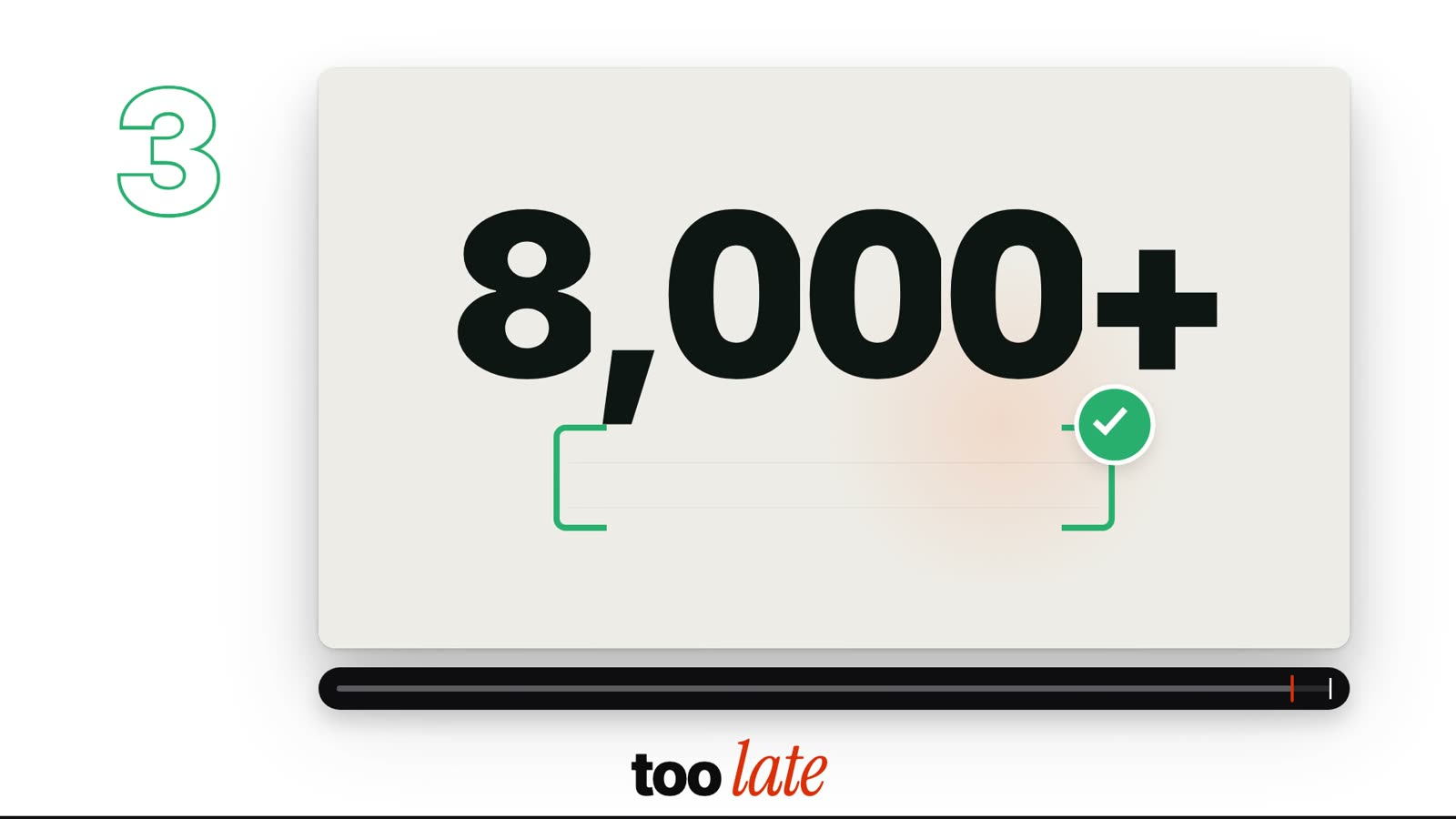
Two of the failures in this video came from the checking itself, which is a useful reminder that tests need testing.
- Old graphics leaking from clip handles. Each graphic is rendered with a few extra frames on either side so transitions have room to play. When clips were joined, those spare frames from the previous scene sometimes showed up for a moment. The fix is to check the exact frames around every join.
- Fake glitches from butted check sheets. To review many frames at once, Claude lays them out as a contact sheet. When the frames touched edge to edge, two neighbouring frames looked like one flashing image, and it reported glitches that did not exist. Leaving a visible gap between frames removed the false alarms.
Job 6: Turn every note into a rule that gets rewritten
This is the habit that makes every video better than the last. Each time you watch a cut you will have notes, the same notes you would give a human editor. On one cut we gave Claude 36 of them.
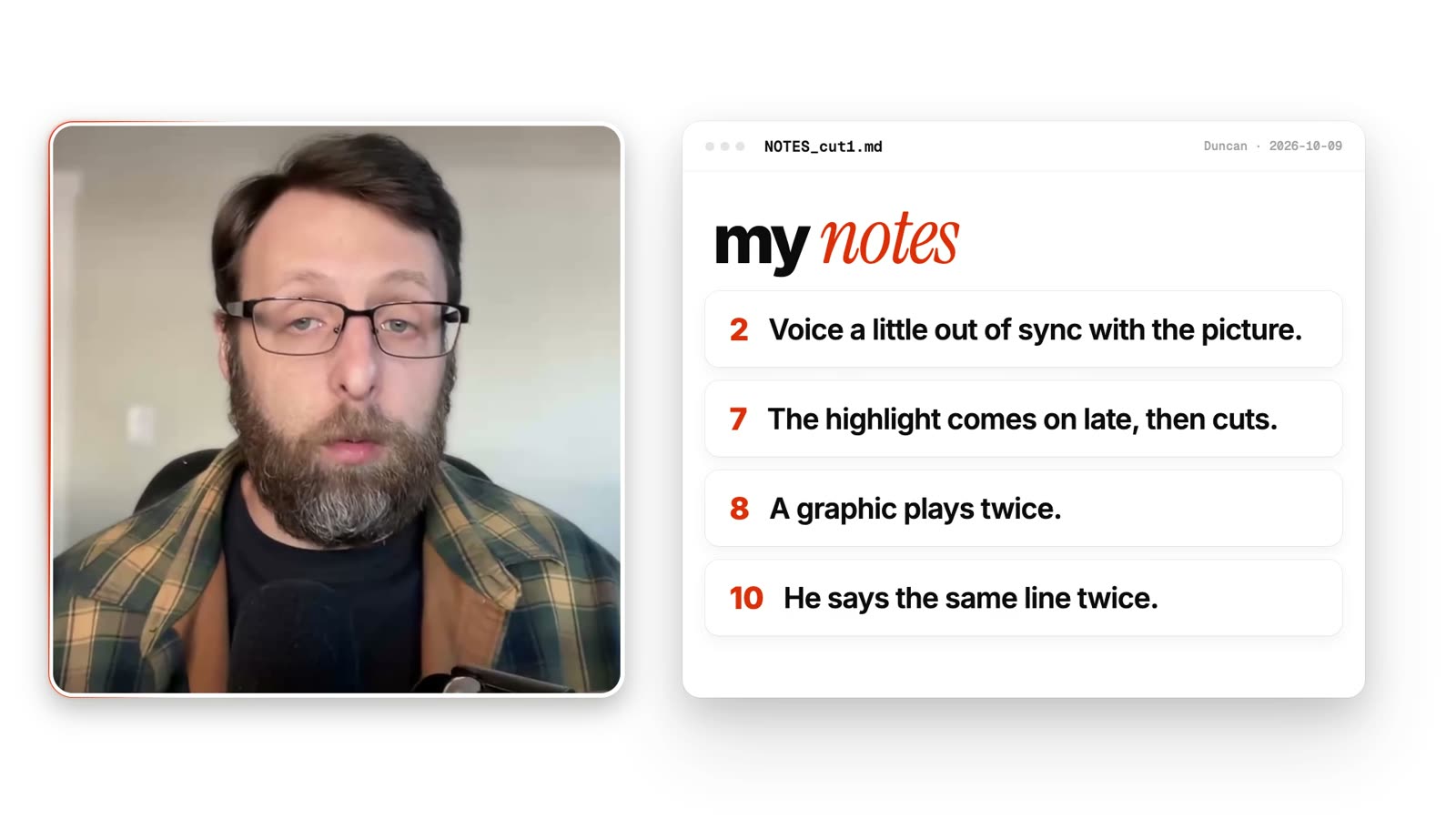
The key move is what happens next. Claude does not just fix the video. It finds the rule in its own instructions that should have prevented the mistake, and it rewrites that rule. The music was too loud, so the music level got a rule. Two copies of the presenter appeared on screen at once, so a check for that was added.
When a new note changes an old rule, the old rule gets rewritten, not buried under a second one. Stacking rules on top of each other is how instructions drift, bloat and start contradicting themselves, and that is where odd behaviour and hallucinations come from. Keeping one clean statement per rule keeps the system predictable.
This is why the video looks the way it does. It is not one magic prompt. It is five months of notes turned into a system, organised as separate sets of rules for the script, the visuals, the checking and so on.
Know what it costs before you decide it is worth it
For the version in the video, Claude used about 1.4 billion tokens. Roughly 500 million of those went to Opus, which planned and directed, and roughly 880 million went to the Sonnet builders. At API prices that comes to about 445 dollars. Because the work ran on the Claude Max 20x subscription, the actual cost was the monthly plan. Start to finish, Claude worked for about 12 hours, plus the time spent watching cuts and giving notes.
The comparison is a person doing it the traditional way: writing the script, mapping the beats, storyboarding, designing and animating every graphic, editing the audio and adding sound effects. For a fast, skilled editor that is about three days to a week. Whether the trade is worth it depends on how much you value the time and how much you enjoy directing instead of doing.
Our view is that this is the most expensive and slowest this edit will ever be. Every rule learned on this video makes the next one faster and cheaper.
A few honest limits. The system makes the mechanical and visual work faster, but you still film, and you still have the final say. A weak script produces a weak video however good the edit. The machine also cannot judge energy, so a flat delivery stays flat.
Expect the first video to look plainer than the one above. That one is the result of five months of notes, and the notes are the asset. You start a note file on day one and the quality compounds from there.
Start by hand in one sitting
You can begin today without any special setup, using the steps below, and you will understand every part of the approach by the end of it.
- 1Write a short script and have Claude check every fact against a source you can open. Cut anything it cannot prove.
- 2Record yourself reading it, then ask Claude to transcribe the recording with a time on every word.
- 3Ask it to keep the last clean take of each line and to flag any phrase that repeats within a short window.
- 4Write a beatmap together: one line per sentence, with what should be on screen. Keep it to key words only.
- 5Gather three videos whose look you love and ask Claude to describe what makes them work.
- 6Have Claude plan every graphic against the beatmap before anything is built, and approve the plan.
- 7Build one section, render it at half size, and review frames at ten per second with gaps between them.
- 8Write down every note you have and ask Claude to rewrite the rule that would have prevented each one.
Get the working starter skill inside the Club
Everything above is enough to understand the approach and begin by hand. The Claude Code Club has what saves you the five months: a starter version of the editing skill, with a guide PDF. It runs the same jobs in a simpler form. It cleans up your recording, adds word by word captions, builds simple graphics and checks its own work. It will not look like the video above on day one, because that took five months of notes, but it saves your notes the same way, so it gets better every time you use it.
Common questions
Can Claude really edit a whole video without a human editor?
In this video, yes: after the script was read to camera, Claude handled the cut, the plan, the graphics and the checking. The presenter still filmed it and had the final say on every cut. What changes is who does the labour, not who makes the decisions.
Why do most AI edits look cheap?
Usually because they were asked for in one go, without references or a plan. The model guesses what looks good, and a guess gives the generic AI look. Splitting the work into jobs, showing it references and storyboarding before building fixes most of it.
Why use two different models?
Planning and creative direction are where a mistake spreads through the whole video, so we use the strongest model, Claude Opus, with high effort there. Building from a finished plan is execution, so the cheaper Claude Sonnet at medium effort does it. It cuts cost without lowering quality.
What did this edit cost?
About 1.4 billion tokens, roughly 500 million on Opus and 880 million on Sonnet, which is about 445 dollars at API prices. It ran on a Claude Max 20x subscription, so the cash cost was the monthly plan. It took about 12 active hours of Claude working.
Do I need editing experience to try this?
No, but taste helps. You will give notes on what looks wrong, and the system turns those notes into rules. If you can tell when a cut feels off, you can direct it.
Is the starter skill the same as the one used in this video?
No. The starter skill does the same jobs in a simpler form. The version in the video is the result of five months of notes. The starter saves your notes the same way, so yours grows with you.
Keep going
- Automate The Mechanical Half Of Video Editing With Claude CodeVideo walkthroughs · 15 min
- Build Your Own Shortify: A Claude Code Skill That Turns One Topic Into One ShortSkills · 20 min
- How To Build A $10,000 Mobile Microsite With Claude CodeVideo walkthroughs · 14 min
- How To Start A Faceless YouTube Channel With AIVideo walkthroughs · 13 min
Want the working editing skill?
Get 650+ plug-and-play skills, MCPs & prompts, plus 8,000+ members - $9/mo, cancel anytime.
Join the Club