
Build Your Own Shortify: A Claude Code Skill That Turns One Topic Into One Short
TL;DR
Shortify is a Claude Code skill that turns one topic into one vertical short with your face, captions, motion graphics and a comment-to-DM ending. This guide gives you the ten stages, the decisions that matter, the mistakes to skip, what one short really costs (about $8 in cash), and 11 starter prompts so you can build your own version in your own style.
👉 https://www.skool.com/claudecodeclub
What Shortify is
I built a skill called Shortify. I give it one topic, and it hands back one vertical short with my face, my voice, captions, motion graphics, and a comment-to-DM ending that sends people the right thing. This guide shows you how to build your own version, in your own style.
What you get: the stages, the decisions that matter, the mistakes I made so you don't have to, what one short really costs, and 11 starter prompts.
You already use Claude Code. You don't need to be a developer. You need a topic, a way to put your face on screen, and a few focused sessions.
Who this is for: you use Claude Code already. You teach something, or you share tools and GitHub links you like. You want shorts that don't take you a full day each.
What this is not: a copy of my exact system. My code, file formats and settings stay mine. You get the thinking, so what you build fits your channel and your look.
One job: what a short is for
A short has one job: get the right person to raise their hand. Not go viral. Not teach everything.
So every short gives a real payoff in about 30 seconds, leaves one question open, then makes one ask. The last line is always the same shape:
cta lineIf you want [the thing], comment [WORD].That comment triggers an automatic DM with the link. The viewer gets what they asked for. You get a comment (which helps the short spread) and a conversation you can keep going.
One topic, one short. My first version cut three shorts from every long video. Now it's one topic, one short. Each one gets its own hook, its own keyword and its own day. A long video still feeds the system, but it turns into several topics posted on different days, never a batch dropped at once.
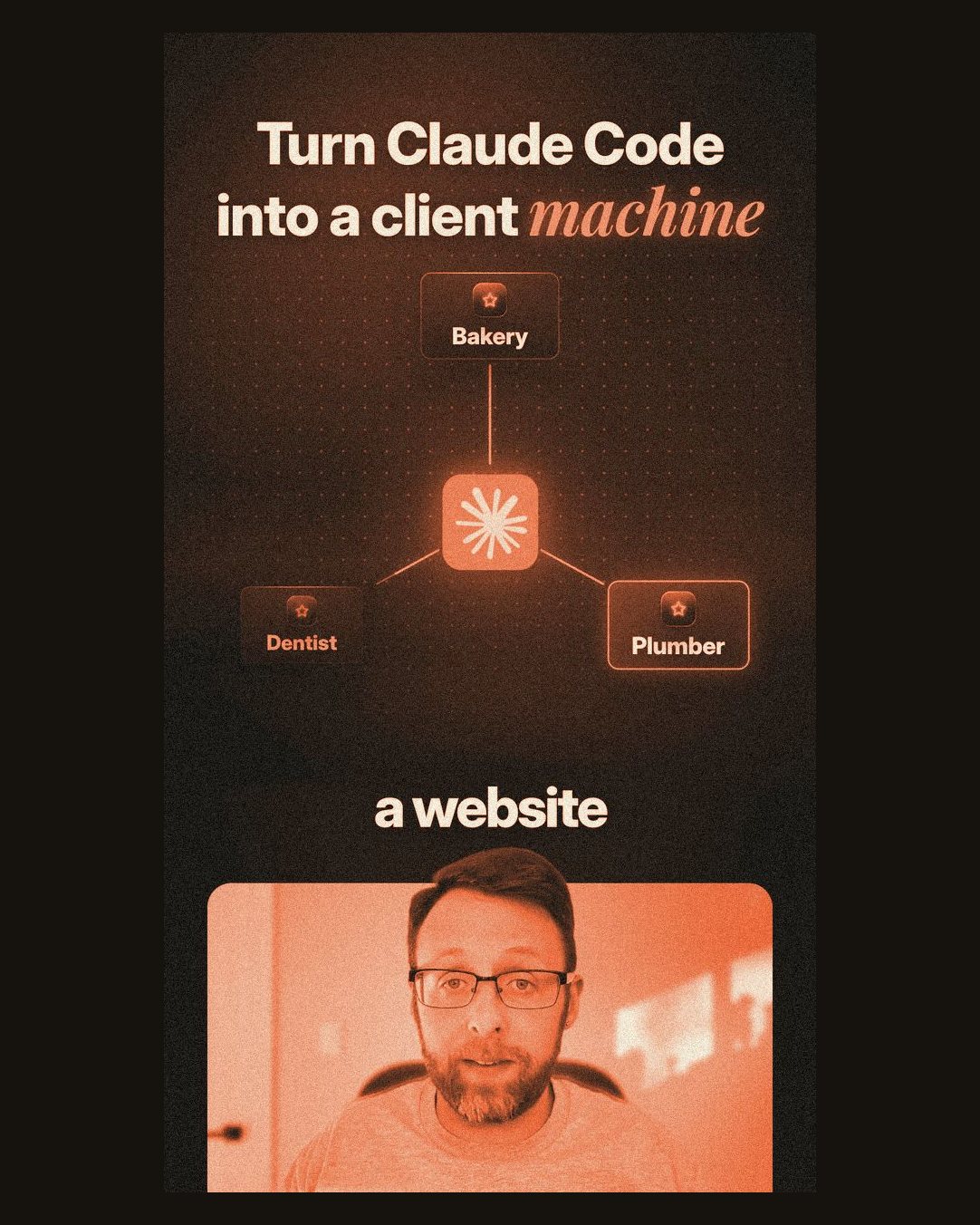
The loop: one topic, one short, one comment, one DM, one warm lead.
- 1Topic. A proven idea, tagged with a lane.
- 21 short. One hook, one ask, about 30 seconds.
- 3Comment. Viewer types your keyword.
- 4DM. They get the link automatically.
- 5Warm lead. A guide, a video, or your community.
What the system produces, per topic:
- 1 vertical short: about 30 to 34 seconds, 9:16, with your face, captions, graphics and music.
- One keyword: a short, sayable word tied to the topic. Checked so it never collides with your other DM automations.
- Captions per platform: post text written for each app, because not every app can answer a comment.
- A cover and a QA report: one cover for Instagram and YouTube. What it checked, what it fixed, and frames for you to look at.
Three lanes: what each comment gets
Where a topic comes from decides what the viewer gets when they comment. Every topic gets a lane before anything is written.
- Top (about 60% of posts). Source: other creators' outlier videos, GitHub repos taking off, new tool launches. The ask: comment a keyword. They get: a free guide page on your site: the setup, screenshots, prompts. Your community is never pitched in the short.
- Middle (about 20%). Source: your own long videos that haven't been cut into shorts yet. The ask: comment a keyword. They get: the link to the full video.
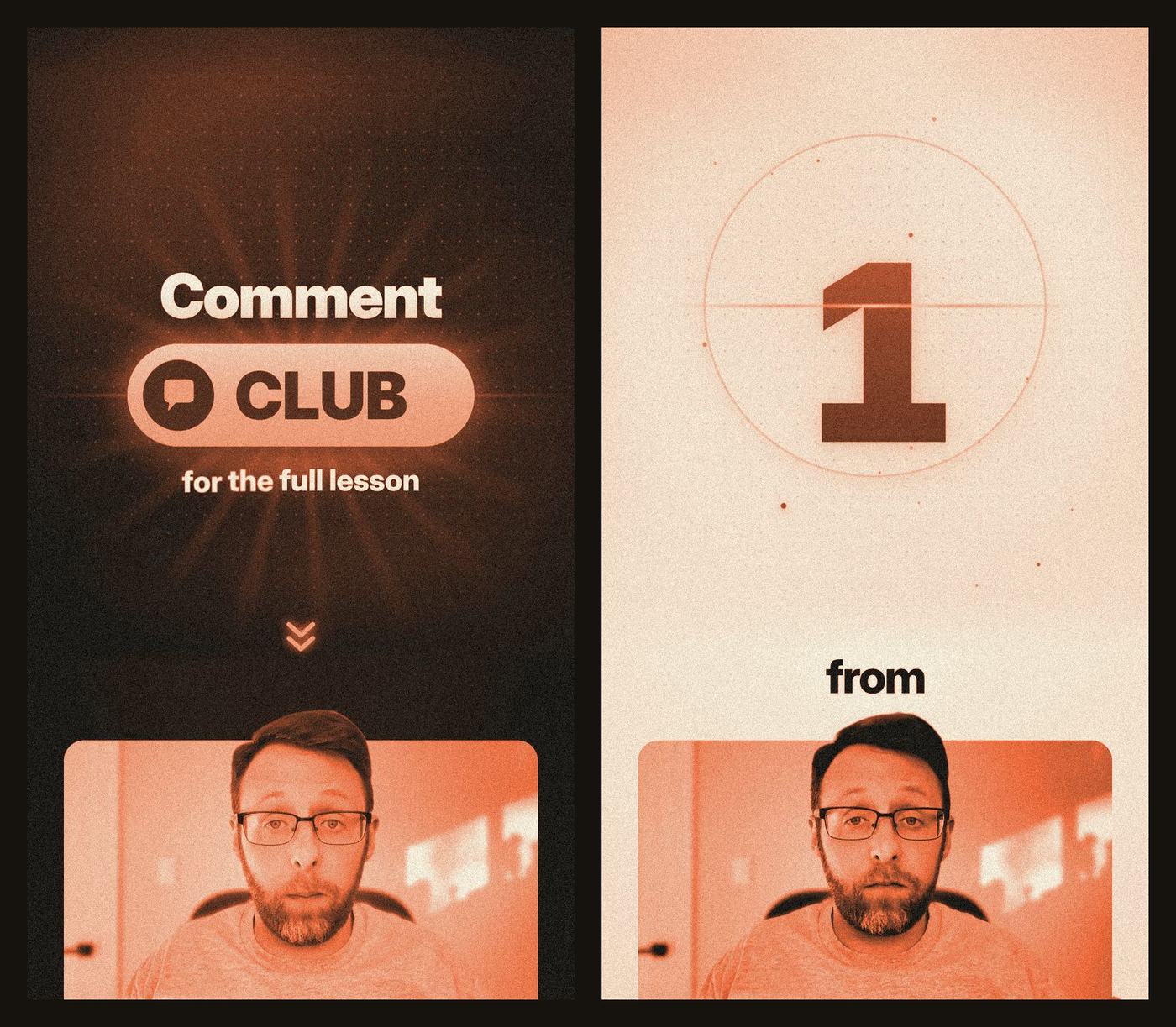
- Bottom (about 20%). Source: one lesson from inside your paid community. The ask: comment one fixed word, every time. Mine is CLUB. They get: your community. Say its name out loud ("The full lesson is inside [your community]") and show the real classroom on that line.
Why split it. Top-lane shorts bring in strangers with something free and useful. Middle-lane shorts turn them into viewers of your long videos. Bottom-lane shorts show people who already know you what's inside your community.
Each short still makes one ask. The second step lives in the DM: every guide DM also carries one button to the community.
Finding topics worth a short:
- Outliers, not big numbers. A video counts when it beat its creator's own median views by a wide margin. Big accounts get big numbers on everything.
- Fresh. Trend picks come from the last 7 days.
- Fits what you teach. Skip hot topics outside your lane.
- Not seen, not made. Skip what three competitors already covered, and anything you already posted.
The ten stages, from topic to scheduled short
Build these one at a time. Get each one working by hand in a normal Claude Code chat first. Once it works three times in a row, fold it into the skill.
- 1Topic card. The source, its real numbers, the lane, and two or three proven hook options.
- 2Keyword. Pick the comment word first and reserve it, so nothing else you run can collide with it.
- 3Hook. Steal a proven hook word for word. Swap only the slots.
- 4Script lock. Read it as a stranger, fix it, lock it. Nothing gets voiced before this.
- 5Voice + face. Your own recording, or an AI twin of you. The goal is one render per short.
- 6Dissect. Split each line into small visual moments. The verb in the line picks the motion.
- 7Build. Graphics, real proof, captions and music. Claude writes it as code and renders it on your computer.
- 8QA. Pull frames and actually look at them. Fix, render again, until every frame earns its place.
- 9Captions + cover. Post text for each platform, and one cover for Instagram and YouTube.
- 10Schedule (you approve). You watch the final and say go. It schedules one post a day and switches the DM on.
The pieces to think about
A. Steal hooks. Don't write them. This rule changed my results more than any other. Hooks I wrote from scratch were weak. So every hook now starts from someone else's winning opening, taken word for word, with only the slots swapped: the tool, the topic, the number, the audience.
- Only real winners: a hook qualifies when its video got at least 3x its creator's median views. Under that, it's noise.
- Keep the words: keep the wording and the word order. My bar: at least 70% of the original words survive. If it needs more changes, pick a different winner.
- It must read cold: a stranger with zero context gets it on the first listen. No inside terms, no jargon, no "it" or "this" with nothing to point at.
- Real numbers only: use your own proof numbers when you have them. Never invent one, never round one up.
- Write down the source: keep the link and the views next to every hook, so you can see which patterns keep winning.
B. Lock the script before the avatar. Every word you change after the voice is made costs a new render. My first Club lesson short took 8 avatar runs because the script kept changing. Now the script is locked first, and the goal is one render per short.
- Hook (line 1): the stolen hook, slots swapped.
- The problem (line 2): the viewer's real problem, in plain words.
- The steps: say the order out loud: "First..." then "Then..."
- The twist: sounds like talking: "But here's the trick if you want to [bigger outcome]. Don't [obvious move]. Instead, [better move]."
- A list of 3: three things a graphic can show. "But here's the best part" goes before the best one, not the first.
- Pre-CTA + CTA: what only the link gives you. Then the CTA line for the lane, word for word.
C. A look that's yours. Pick one style and lock it. Write it down as a short style sheet: two or three colors, one or two fonts, how things move, what a caption looks like. Then every short starts from that sheet, not from a blank page.
The four words I build to: simple, bold, big, clean. Every graphic has to read in about one second for someone who has never seen you. Premium comes from light, depth and smooth motion. It never comes from adding more stuff. If a polish pass makes a frame slower to read, undo it.
The title on screen at frame 0 is not the spoken hook. It's 3 to 8 words, leads with what the viewer gets, and poses the question the short answers. It also becomes your cover.
D. Captions. One or two words at a time, cut exactly on the spoken word. Big and bold, so they read on a phone in half a second. Never on top of a graphic. Hide them when a graphic already shows the same words.
E. Layout and safe zones. Instagram covers parts of the video with its own buttons and text. Keep anything people need to read out of those spots:
- Top strip: keep it clear of text. The app puts its own UI there.
- Bottom fifth: covered by your caption and username. No important text here.
- Right edge, lower half: the like, comment and share buttons live here. Keep text in from the edge.
Pick one home layout and use it most of the time. Mine: the graphic gets the top two thirds, one caption line, and my face as a cutout in a small card at the bottom. Center everything. A graphic hugging the left side with empty space on the right looks unfinished.
F. Pacing. Cut when the idea changes. Hang while it builds. When one idea runs for a few seconds, keep one graphic up and add to it as you speak: a new row, a new step, a highlight. Something new should land about every second. The whole graphic changes when the idea changes.
Two exceptions. The hook holds: no cuts until the first sentence ends. And the problem line and the "But here's the trick" line play full frame on your face. Graphics start on the first step.
Every visual change gets a quiet sound: a whoosh on a cut, a tick on a build step. Under it all, one energetic music bed that sits well below your voice.
G. Dark and light for pacing. My shorts run in two tones: a dark look and a light paper look. The designed graphics split fairly evenly between them, roughly 40 to 60% each. They flip in runs, on a hard cut, when the idea changes. Each flip works like a chapter change and gives the eye a fresh start.
The hook and the ending always stay dark, so they feel like home. Real screenshots keep their own tone, even for one beat inside the other run. Never fade between tones, and never flip back and forth every beat.
H. Study creators you admire, frame by frame. My best rules came from taking apart other people's reels. Download a few, pull a frame every half second, and write down what's on screen and when it changes. How long does the hook hold? How often does something new land? When do they show their face? How do their covers and captions work? You'll find patterns you'd never catch watching at normal speed.
I. What to show. For every line, ask what the line is doing. That decides what goes on screen.
- A claim ("56,000 people starred it"): the real thing, within 2 seconds. Proof first, then explain.
- How it works: a graphic that draws the idea: steps, a flow, a before and after.
- A number: the number, huge, counting up. Numbers never just appear.
- A list: one visual per spoken item, landing on its word.
- A prompt, or what Claude does: the Claude app: the prompt types in on your voice, sends, and Claude answers. Not a terminal. Most beginners use the app.
- An opinion or payoff: your face, for 1 to 2 seconds.
Three tests every visual passes:
- The one-second test. Every screenshot has to read at phone size in about a second. Both sides of any comparison visible and labeled. If it fails, don't use it. Build your own graphic with the real numbers and a small source label.
- Named means shown. If you say a prompt, a skill or a tool, it's on screen, even for a second. A tool with a logo gets its real logo. Never redraw one.
- Crop to the word. If you say one number, show that number big, not the whole page it lives on.
Real footage and screenshots are the proof, not the whole story. In my shorts they're about a quarter of the beats. Graphics carry the rest.
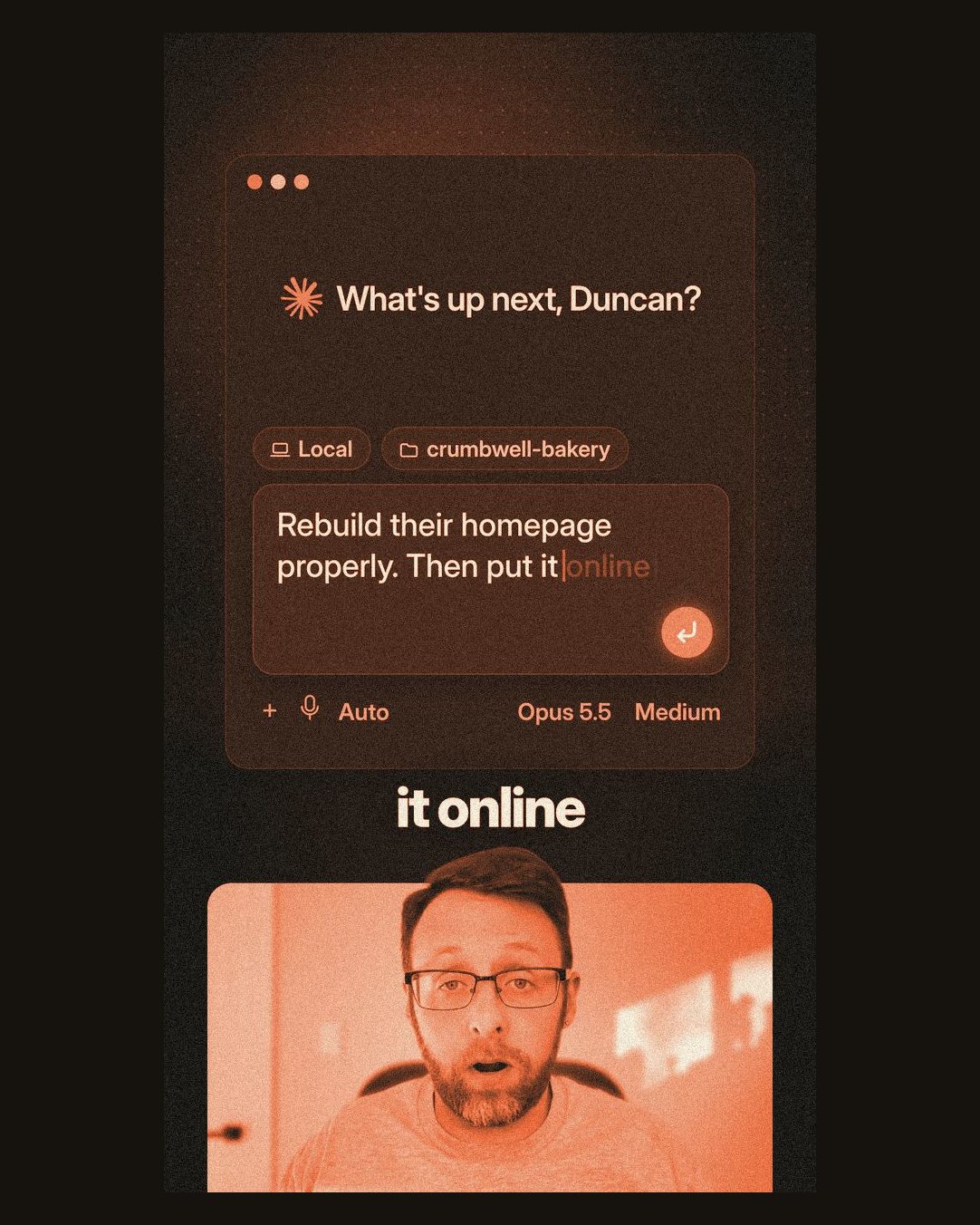
J. A graphics library you grow. Don't design every short from scratch. Build a small library of reusable motion graphics in your style: a big number, a list that builds, a step ladder, a before/after, a prompt in the app, your CTA ending. Start with six. Add one every time a script needs something the library can't draw.
Then write a one-page "which graphic when" guide. It maps the kind of line to the graphic. That page is what lets Claude make good picks on its own.
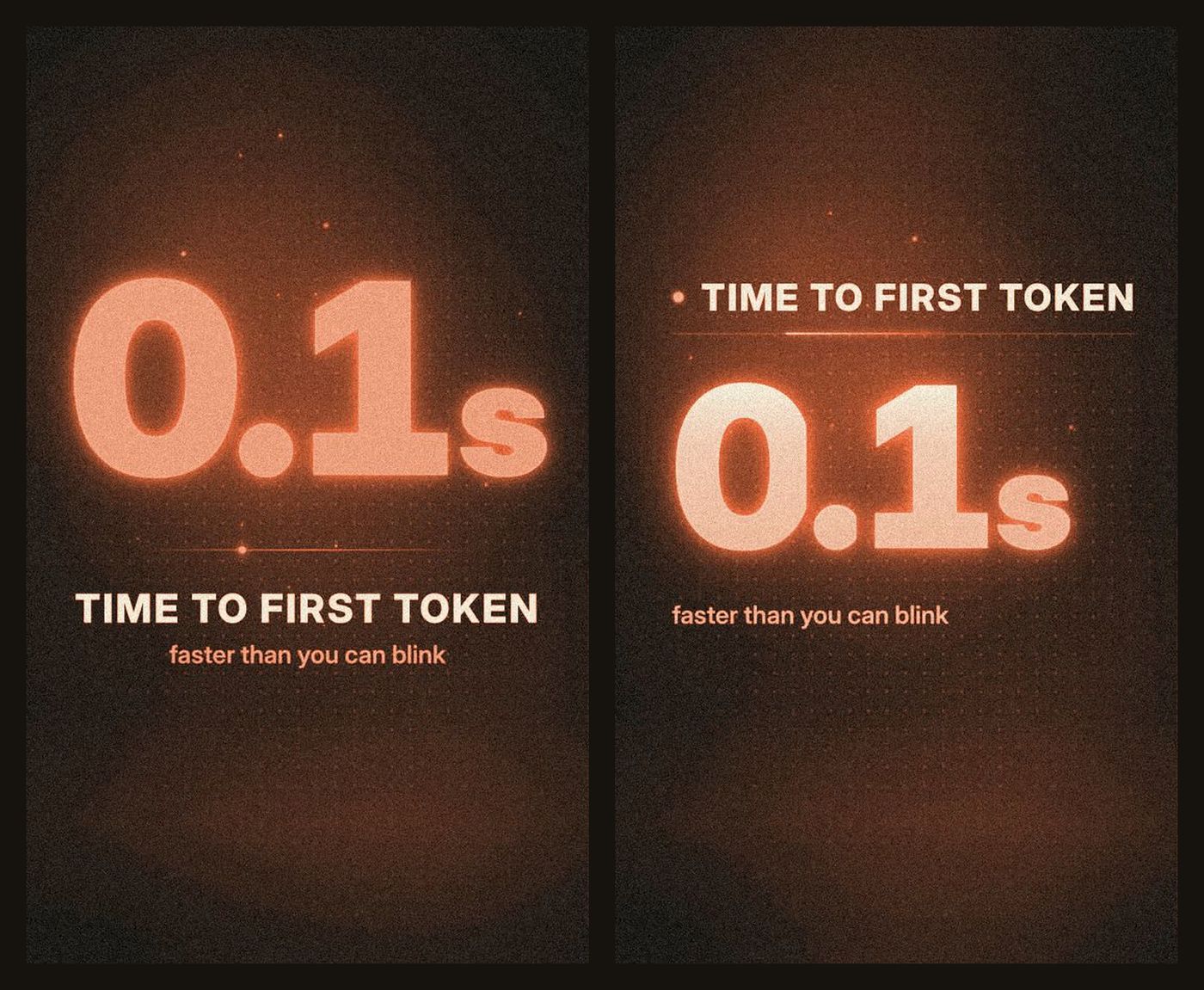
K. QA by actually watching. A render that "passed" can still be bad. Have Claude pull frames from the finished video, a few per second, and look at every one at a size you can read. Text cut off, an empty frame, a screenshot nobody can read, a caption on top of a graphic, a beat too short to read. List the problems, fix them, render again, until every frame earns its place.
Add a few automatic checks too: total length, loudness, "no cut during the hook", and that the face and voice come from the same take.
L. Dissect the script into visual moments. Planning one graphic per line misses things, because one line often holds two pictures. "Start at lesson one and grind through all 523" goes from one lesson to all of them. A single static graphic can't show that. A zoom out from one tile to the full grid can.
So before picking any graphics, have Claude split every line into small moments. For each one it writes down: when it's spoken, its job (hook, claim, number, list item, payoff), the nouns you can draw, and the verb. The verb picks the motion. "Turns into" is a morph. "Pick one" is a pick. "Send it to" shows the thing being sent. "You don't" is a cut to your face.
Example, one moment at a time:
- "This free GitHub repo" (hook): the repo name and logo land under the title.
- "is a 342-hour AI course" (number): 342 counts up on the same board. No cut.
- "Start at lesson one" (setup): close up on a single lesson tile.
- "and grind through all 523" (one to all): zoom out on "all" to reveal the full grid.
- "You don't." (turn): hard cut to my face for under a second.
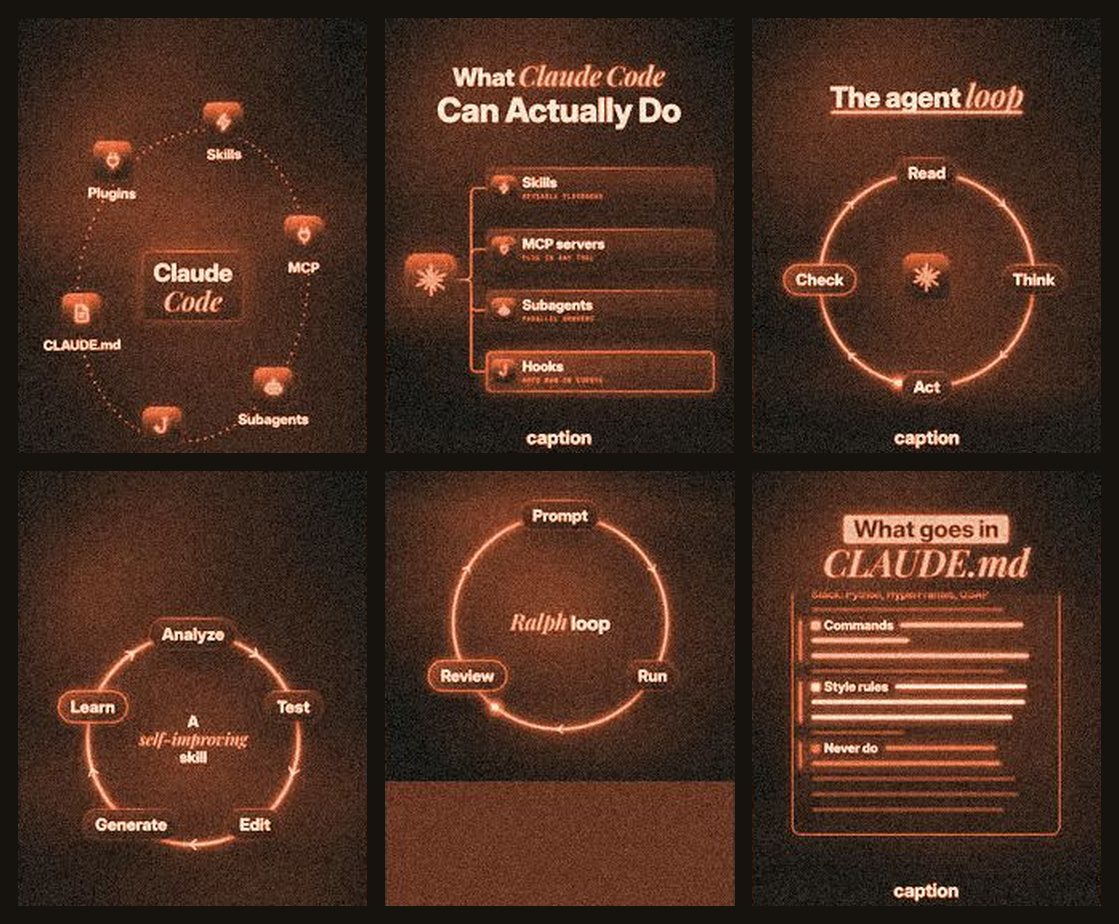
After you post: comments, captions, covers
The short is half the system. The other half turns a comment into a follow, a click and a conversation.
A. Comment to DM. The keyword fires an automatic DM with the link. Three details made mine work better:
- A trigger word nobody else uses. Before you write the script, check the word against every DM automation you run, in every tool, every keyword you've used before, and a list of common words people type anyway. If two reels share a word, one can fire the other's DM. Never reuse a retired word.
- A follow gate on Instagram. The DM asks them to follow first, then sends the link. People who already follow skip that step. Reels reach mostly people who don't follow you yet, so turning a comment into a follow is worth a small drop in delivery.
- A public reply. Under every keyword comment, a short "sent, check your DMs" reply. The next viewer sees the keyword works.
The DM also carries a second button to your community, named for what people get, in their words.
B. Captions per platform. Only some apps can answer a comment, so each app gets its own caption.
- Instagram, Facebook: line 1 is the offer: Comment "WORD" to get [the thing] + [the result]. A blank line, then the hook and the script as short one-line paragraphs.
- TikTok, YouTube, X, LinkedIn: no comment promise, because nothing answers it there. Same hook and body, then the link: the guide, the video, or your community.
- Hashtags: five at most. Instagram rejects more.
C. Covers. One cover per short. It's the Instagram cover and the YouTube thumbnail. Never a raw frame grab. Two recipes:
- Idea, lesson or opinion shorts: built from the short's own title frame. Same look, bigger and bolder, your face as a clean cutout.
- Tool, repo or launch shorts: a template: the tool's logo and name across the top, your face in the middle with two app tiles at ear level, a two-line title under your chin.
Keep the logo, face and title inside the middle 3:4 of the frame, because your profile grid crops the top and bottom. Your face is always bright and clear.
D. Cadence. One post a day, same morning slot. That's my pace until the system runs clean at that speed. Never use the same music bed as the post the day before or after. A small library of approved beds you like beats making new music for every short.
E. Reuse the winners in your community. Two days after a free-guide short goes live, count how many different people commented the keyword. Twice a week, the best one becomes a short first-person post in your community's resources section, linking the tool or the guide.
Each post says who it's for and when to skip it ("if you're busy shipping, bookmark it and keep going"). That honesty is why people trust the next one. Never post the same resource twice.
What one short costs
Real numbers from my own bills and the live pricing pages, checked September 2026. Prices change, so check yours.
- AI twin (HeyGen): one digital-twin render, about 40 seconds, billed by the second. $4.84 typical ($4.23 to $5.35) per short.
- Scheduling + comment DMs: one tool posts to every app and runs every DM ($97 a month). $3.23 per short at one post a day.
- Cover: one AI image, 9:16. $0.14.
- Topic research: outlier and hook checks. $0.12 typical.
- Music: AI-made beds, reused across shorts. Under 1 cent.
- Render, captions, mixing: runs on your own computer. $0.
- Claude: script, plan, build, QA, captions. Covered by my Claude plan.
The twin is the big line. More than half the cash goes to the AI twin. Four ways to cut it:
- One render per short. Lock the script first. My first Club lesson short took 8 runs, about $30 in renders for one short.
- Trim pauses before the render. You pay for the raw seconds. Every 10 seconds cut saves about $1.20.
- Try an older avatar engine. One costs about a third less, another about 92% less. Test them side by side with your own face first.
- Use your own camera. $0, and it's still you.
How to use subagents
A subagent is a helper Claude Code starts for one job. It works in its own fresh chat, then hands back a short report. Your main chat never fills up with its searching and reading.
Why they matter here. This system reads a lot: transcripts, video frames, other people's reels, your style notes. Put all of that in one chat and it gets slow and forgetful. Split it up and each helper stays sharp.
Why they're faster. Once the script is locked, the voice render, the guide page, the captions and the graphics plan can all run at the same time. Only the final build waits on the voice. Each short gets its own folder, so several shorts can run side by side.
The pattern:
- One helper per job. Research, build, write or check. Never "do everything."
- A brief that stands alone. The helper can't see your chat. Give it the files to read, the goal, the rules, the budget and where to save the result.
- Ask for a short report back. What it made, where it saved it, and anything it wasn't sure about.
- You review. Read the report, open the files, decide. Then the next step starts.
Six splits that work:
- Topic scout (research): pulls outliers and fresh repos, returns two or three topic cards.
- Creator study (research): one helper per creator. Frames plus transcript, returns their rules.
- Cold reader (write): reads the script as a stranger and flags every unclear line.
- Graphics builders (build): one helper per new graphic, each tested on its own.
- Dissector (plan): turns a script into visual moments and graphic picks.
- QA reviewer (check): pulls frames, reads every one, returns a list of defects.
11 starter prompts
Paste these into Claude Code. Fill in every [BRACKET]. They're starting points, so edit them as you learn what you like. Run them roughly in this order.
Prompt 1: Study creators frame by frame (Research, subagents)
promptI want to learn how these creators build their short videos: [LINK 1], [LINK 2], [LINK 3]. Start one subagent per video, all at the same time. Each one should: download the video, pull a frame every 0.5 seconds, get the transcript with timestamps, and write down: how long the hook holds, how often something new appears on screen, when the face shows, what the captions look like, what graphic sits under each type of line, and how the cover and the post caption work.
Each subagent saves notes to [FOLDER]/creator-name.md and reports back in under 150 words. Then combine them into one list of rules I could copy, with the timestamp that proves each rule.
Prompt 2: Steal a proven hook (Write)
promptHere is a proven hook, word for word: "[WINNING HOOK]"
Source: [LINK], [VIEWS] views. The creator's median is [MEDIAN VIEWS].
My topic: [TOPIC]. My real numbers: [NUMBERS + WHERE EACH ONE IS FROM].
First check the ratio. If views are under 3x the median, stop and tell me to pick a different hook. Adapt it to my topic. Keep every other word and the word order. Swap only the slots: the tool, the topic, the number, the audience.
Give me 3 versions. For each, show the share of original words you kept (aim for 70% or more) and what you swapped.
Then read each one as a stranger who has never heard of me. Flag any word that won't make sense cold: inside terms, jargon, "it" or "this" with nothing to point at. Never add a number I didn't give you.
Prompt 3: Lock the script with a cold read (Check, subagent)
promptHere's my short script: [SCRIPT]. The lane is [TOP / MIDDLE / BOTTOM] and the last line must be: "[CTA LINE]".
Use a subagent that has never seen this project to check it before I record anything:
1) Read every line as a stranger. Flag any line that isn't clear on its own, and offer a plainer one.
2) Line 2 names the viewer's real problem in plain words.
3) Steps say "First" and "Then" out loud.
4) Every line ends on a noun or number a graphic can show.
5) 105 to 125 words. No hype word without a number next to it.
6) Money is written as words for the voice ("five dollars and seventy cents"). Numerals only in captions and graphics.
7) Every number has a source I gave you. Cut any that don't.
Return the fixed script and a list of what changed and why. Once I say "locked", don't change a word.
Prompt 4: Lock my look (Style sheet)
promptHelp me write a one-page style sheet for my short videos. My vibe is [3 WORDS, e.g. dark, bold, techy]. Here are 2 or 3 creators or screenshots I like: [LINKS OR IMAGES]. Give me: a dark look and a light look, one accent color for each, one or two fonts, how captions look, how things move in and out, and 5 things I should never do. Rule for every choice: a stranger reads any frame in about one second. Keep it simple, bold, big and clean. Save it as [FOLDER]/STYLE.md.Prompt 5: Build a graphics library and its guide (Build, subagents)
promptUsing [FOLDER]/STYLE.md, build a small library of reusable motion graphics for 9:16 video in [HyperFrames / Remotion / After Effects]. Start with 6: a big number that counts up, a list that adds one row per spoken word, a step ladder, a before/after, a prompt typing into the Claude app and getting an answer, and my ending card with a comment keyword. One subagent per graphic. Each takes text and timing as inputs, renders a 3-second test and saves a still.
Then write a one-page guide: which graphic for which kind of line (claim, number, list, steps, prompt, opinion, hook, ending), when to cut and when to keep building, a "never do" list, and the lines we have no graphic for yet. Save it as [FOLDER]/GRAPHICS.md.
Prompt 6: Dissect a script into visual moments (Plan, subagent)
promptTake the locked script at [SCRIPT FILE] and the word timestamps from [AUDIO OR AVATAR FILE]. Use a subagent to split every sentence into small visual moments. For each: start and end time, its job (hook, claim, number, list item, payoff...), the nouns you can draw, and the verb. The verb picks the motion (turns into = morph, pick = pick, one to all = zoom out, send to = show it being sent). Then pick what to show from [FOLDER]/GRAPHICS.md: the real thing, a graphic, or my face. Rules: the hook has no cuts; anything under half a second is a step on the current graphic; claims show proof within 2 seconds; every screenshot must read in one second at phone size, or we build our own graphic instead. Show me the plan as a table before building.Prompt 7: QA this render frame by frame (Check, subagent)
promptUse a subagent to QA [VIDEO FILE]. Pull 3 frames per second and put them on contact sheets, then open the frames at full size. List each problem with its timestamp: text cut off or too small on a phone, empty or black frames, a screenshot you can't read in a second, captions on top of a graphic, something shown before it's said, beats too short to read, a cut during the hook, text in the app's safe zones. Also check length ([TARGET] seconds) and loudness.
Return the list, worst first. Then fix them, render again, and repeat until the list is empty. Save the sheets so I can look too.
Prompt 8: Check a trigger word (Check)
promptI want [WORD] as the comment keyword for a short about [TOPIC]. Check it's free before I write the script. Look in my keyword list at [FILE], every comment-to-DM automation in [MY DM TOOLS], and my last [NUMBER] post captions. Reject it if it's used anywhere, if it's a common word people type anyway (yes, love, info, link), or if it's hard to spell after hearing it once. If it fails, suggest 5 short, fun, sayable words tied to the topic and check those too.
When one passes, add it to my list as reserved, with the topic and today's date. Never reuse a word that was retired.
Prompt 9: Captions for every platform (Write)
promptWrite post captions for my short. Script: [SCRIPT]. The comment gets: [THE THING]. Keyword: [WORD]. Link: [LINK].
Instagram and Facebook: line 1 is exactly
Comment "[WORD]" to get [the thing] + [the result].
Then a blank line, then the hook and the script as short one-line paragraphs. TikTok, YouTube, X and LinkedIn: no comment promise, since nothing answers comments there. Same hook and body, then end with the link. Five hashtags at most per platform. Plain words, no hype. Save one block per platform in one file, ready to paste.
Prompt 10: Cover prompt skeleton (Image)
promptA 9:16 short-video cover. Image 1 is my face. Image 2 is the [TOOL] logo. Top: that logo and the name "[TOOL NAME]" in large clean type. Middle: my face, centered, smiling, wearing [WHAT I WEAR], lit with bright, even studio light and true skin tones. Two equal app tiles at ear level, one each side, slightly behind my head: [TOOL 1] and [TOOL 2]. Under my chin, a tight two-line title: "[LINE 1]" / "[LINE 2]", line 2 on a [ACCENT COLOR] bar. Leave the top and bottom 13% empty.Prompt 11: Turn it all into a skill (Skill)
promptWe've now made shorts by hand [NUMBER] times. Turn this into a Claude Code skill called [NAME] that takes one topic and makes one short.
Steps: 1) read the topic card and its lane, 2) reserve a keyword that passes the check, 3) adapt a proven hook, 4) write the script and run the cold read, then stop until I say "locked", 5) voice and face, 6) dissect, 7) build, 8) QA until the list is empty (subagent), 9) captions per platform and a cover, 10) stop and show me everything.
Point to STYLE.md and GRAPHICS.md instead of copying them in. Log what each short spent. It must never post or schedule anything until I say go in that chat. Keep a list of the mistakes we fixed so it doesn't repeat them.
Before you post: the checklist
The hook and script:
- One topic, one short, one lane. The CTA line matches the lane, word for word.
- The hook comes from a winner at 3x or more, word for word, only the slots swapped.
- A stranger gets every line on the first listen. Every number has a source.
- Money is written as words for the voice. The script was locked before the voice was made.
The picture:
- The hook holds with no cuts until the first sentence ends.
- Every claim shows the real thing within 2 seconds. Every screenshot reads in one second, or it became your own graphic.
- Nothing readable sits in the top strip, the bottom fifth or the right-edge buttons.
- Captions are 1 or 2 words and land on the spoken word.
- You watched it on your phone, with sound, start to finish.
The loop:
- The keyword passed the check and no other automation uses it.
- You tested the DM from a second account, follow gate included.
- Instagram and Facebook captions open with the comment line. The others carry the link.
- The cover still works after the profile grid crops it.
- You said go. Nothing was posted by the skill alone.
This guide gives you the map. Inside the Claude Code Club we build systems like this together: you post what you made, you get feedback, and you see how other members are using Claude Code to earn from what they build.
If you build your own version of Shortify, come show me. I want to see what your style looks like. Duncan
👉 https://www.skool.com/claudecodeclub
Common questions
Do I need to be a developer to build this?
No. You already use Claude Code, and that's enough. You need a topic, a way to put your face on screen, and a few focused sessions. Build each stage by hand in a normal chat first, then fold it into the skill.
How much does one short cost?
About $8 in cash per short ($8.34 typical) on a Claude plan, or about $250 a month at one post a day. More than half of it is the AI twin render. Using your own camera brings that line to $0.
Is this Duncan's exact system?
No. My code, file formats and settings stay mine. You get the stages, the rules and 11 starter prompts, so what you build fits your channel and your look.
Does the skill post for me?
Only when you say go. Nothing posts without you watching the final first. The skill does the work. You keep the final say.
Keep going
Want to build systems like Shortify with us?
Get 650+ plug-and-play skills, MCPs & prompts, plus 8,000+ members - $9/mo, cancel anytime.
Join the Club