
5 Free Repos That Give Claude Real Design Skills
TL;DR
Claude's websites look generic because it guesses at design. Five free repos fix the guessing: Taste Skill for taste, UI/UX Pro Max for a full design system, Awesome Claude Design for 68 ready-made DESIGN.md files, Taste Skill's motion presets for movement that means something, and the DESIGN.md Chrome extension to copy the look of any site. Start with UI/UX Pro Max, then add the rest.
👉 https://www.skool.com/claudecodeclub
See why Claude's websites all look the same
Ask Claude for a website with no design system and it guesses. Guessing gets you the same safe page everyone else gets. These five free repos swap the guessing for a real spec: rules for taste, a library of styles, ready-made design systems, motion that means something, and a way to copy the look of any site you like.
Four of the five are GitHub repos. Number four, motion presets, lives inside Taste Skill, so you get it with the same install. We kept it as its own step because motion is where most AI pages go wrong.
Repo 1: Kill the AI look with Taste Skill
Taste Skill is a free set of design skills with over 90,000 stars on GitHub. It works in Claude Code, Cursor and Codex, and it pushes Claude toward stronger layout, type, motion and spacing.
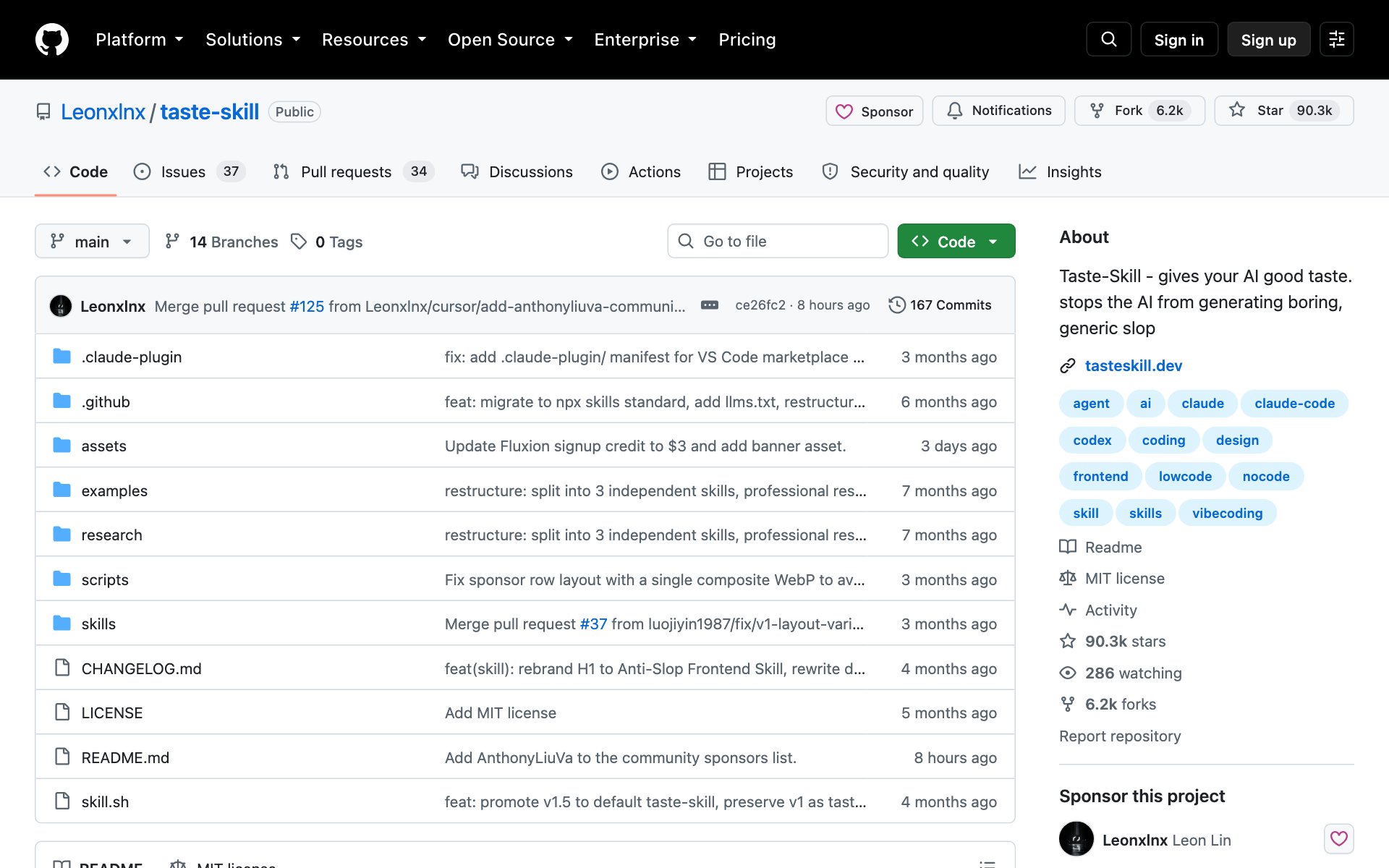
What Taste Skill does for you: one main skill with three 1 to 10 dials (layout variance, motion, density), plus add-on skills for a set look: soft and premium, minimalist, brutalist, and one for redesigning a site you already have.
Who Taste Skill is for: anyone building a landing page, portfolio or product site who's tired of the default AI look. When to skip it: you already have a strict brand system and just want Claude to follow it. Hand Claude that system as a DESIGN.md instead (repo 3 and repo 5).
We walk through the three dials in depth in our guide 3 Free Design Skills That Stop Claude From Making AI Slop. Here we care most about the motion side, which is repo 4.
How to install Taste Skill: copy the repo URL below, paste it into Claude Code, and say: install this.
repo URLhttps://github.com/Leonxlnx/taste-skillOr install it by hand with one terminal command:
bashnpx skills add https://github.com/Leonxlnx/taste-skillPrompt to try with Taste Skill:
promptUse the taste skill to build a landing page for [your offer]. Set DESIGN_VARIANCE to 6, MOTION_INTENSITY to 3 and VISUAL_DENSITY to 3. Before you write code, list the three choices on the page most likely to look AI-made and what you'll do instead.Repo 2: Pick a real design system with UI/UX Pro Max
UI/UX Pro Max is the most-starred design skill on this list, with over 130,000 stars. Before Claude writes a line of code, UI/UX Pro Max searches its own library and hands Claude a full design system for your kind of product.
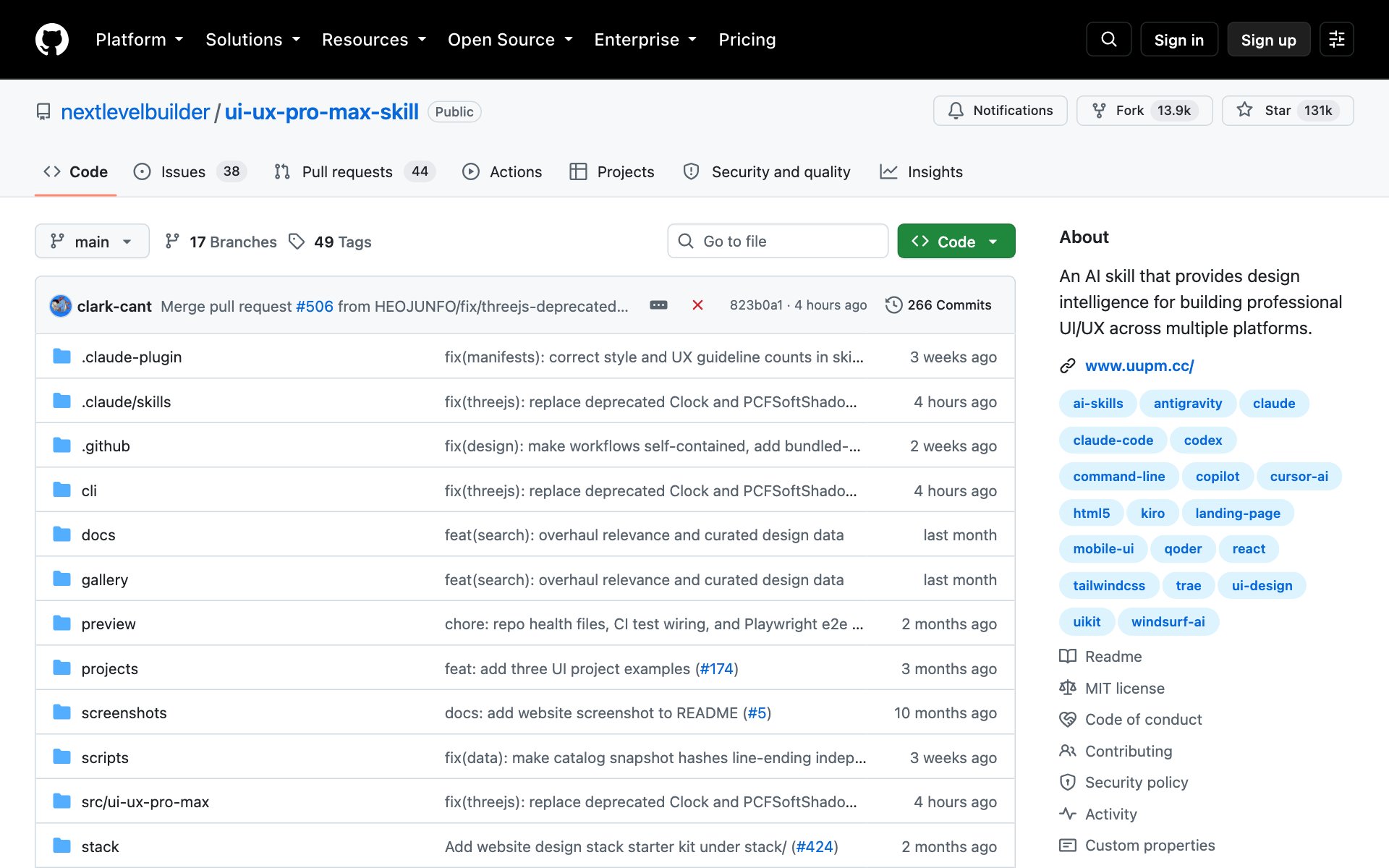
What UI/UX Pro Max does for you: it matches your product to one of 192 product types, then picks from 79 UI styles, 192 color palettes, 74 font pairings and 34 landing page layouts. You get colors, fonts, page structure, effects, a list of things to avoid, and a checklist to run before you ship.
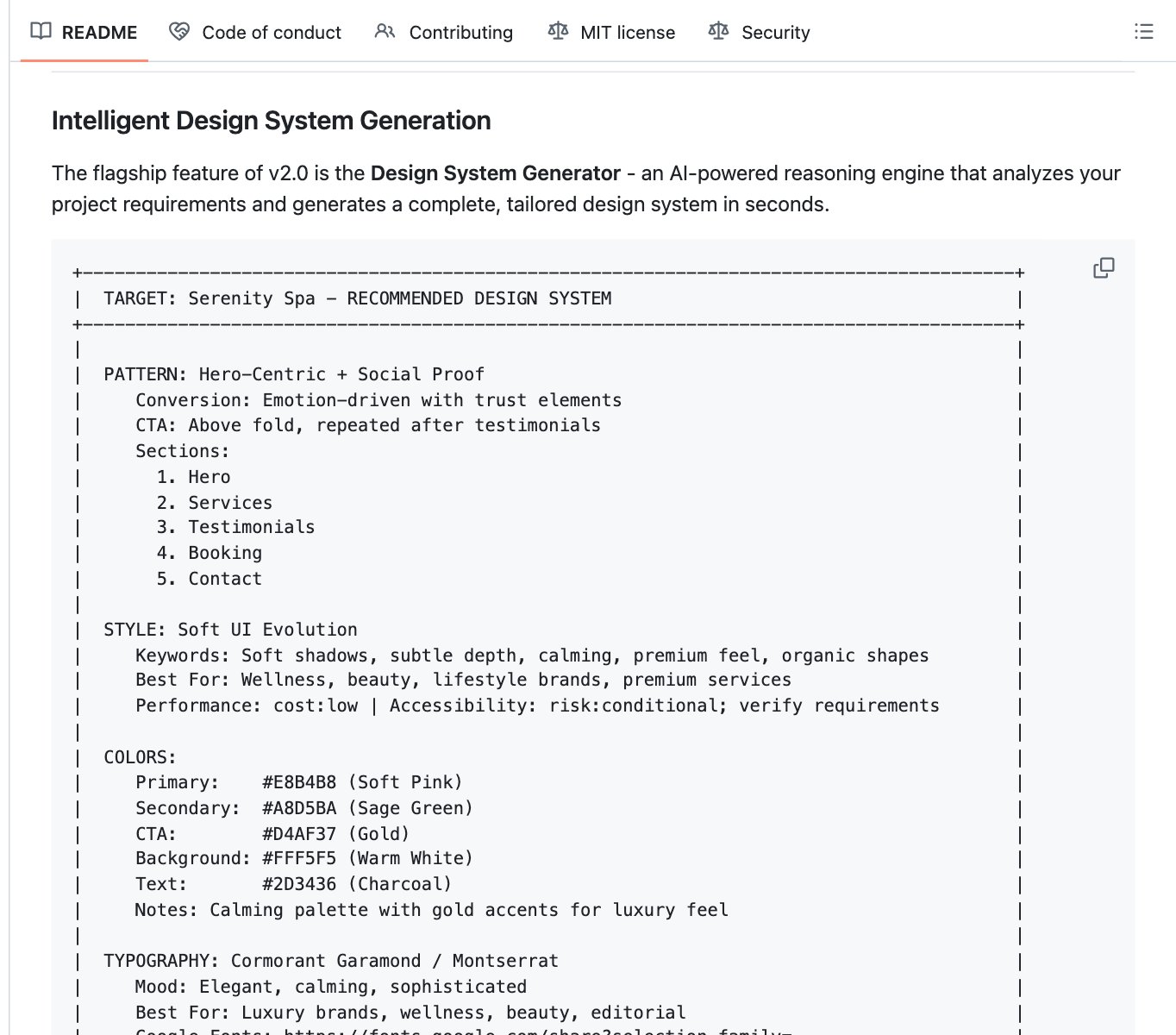
Who UI/UX Pro Max is for: people who don't know which fonts or colors fit their business and want Claude to decide with a reason. It also covers 22 tech stacks, from plain HTML to React, SwiftUI and Flutter. When to skip it: you already picked your look. The repo is the free Basic version. The paid Premium version adds logos and brand kits, which you don't need for a website.
How to install UI/UX Pro Max: copy the repo URL below, paste it into Claude Code, and say: install this.
repo URLhttps://github.com/nextlevelbuilder/ui-ux-pro-max-skillOr install it by hand. Type these two lines into Claude Code. The skill's search script needs Python 3 on your computer.
claude code/plugin marketplace add nextlevelbuilder/ui-ux-pro-max-skill
/plugin install ui-ux-pro-max@ui-ux-pro-max-skill
UI/UX Pro Max turns on by itself when you ask for UI work, so you can just ask for the page.
Prompt to try with UI/UX Pro Max:
promptUse ui-ux-pro-max to make a design system for [your business], a [type of business] for [who your customers are]. Show me the style, colors, fonts, page layout and the things to avoid. Wait for my OK, then save it as DESIGN.md and build the homepage against it.Repo 3: Start from 68 ready-made design systems with Awesome Claude Design
Awesome Claude Design is a list of 68 design systems in DESIGN.md format, modeled on how brands like Stripe, Linear, Vercel, Apple and Notion build their sites. A DESIGN.md is one plain text file that tells an AI how a site should look: colors, type, components, spacing, and do's and don'ts.
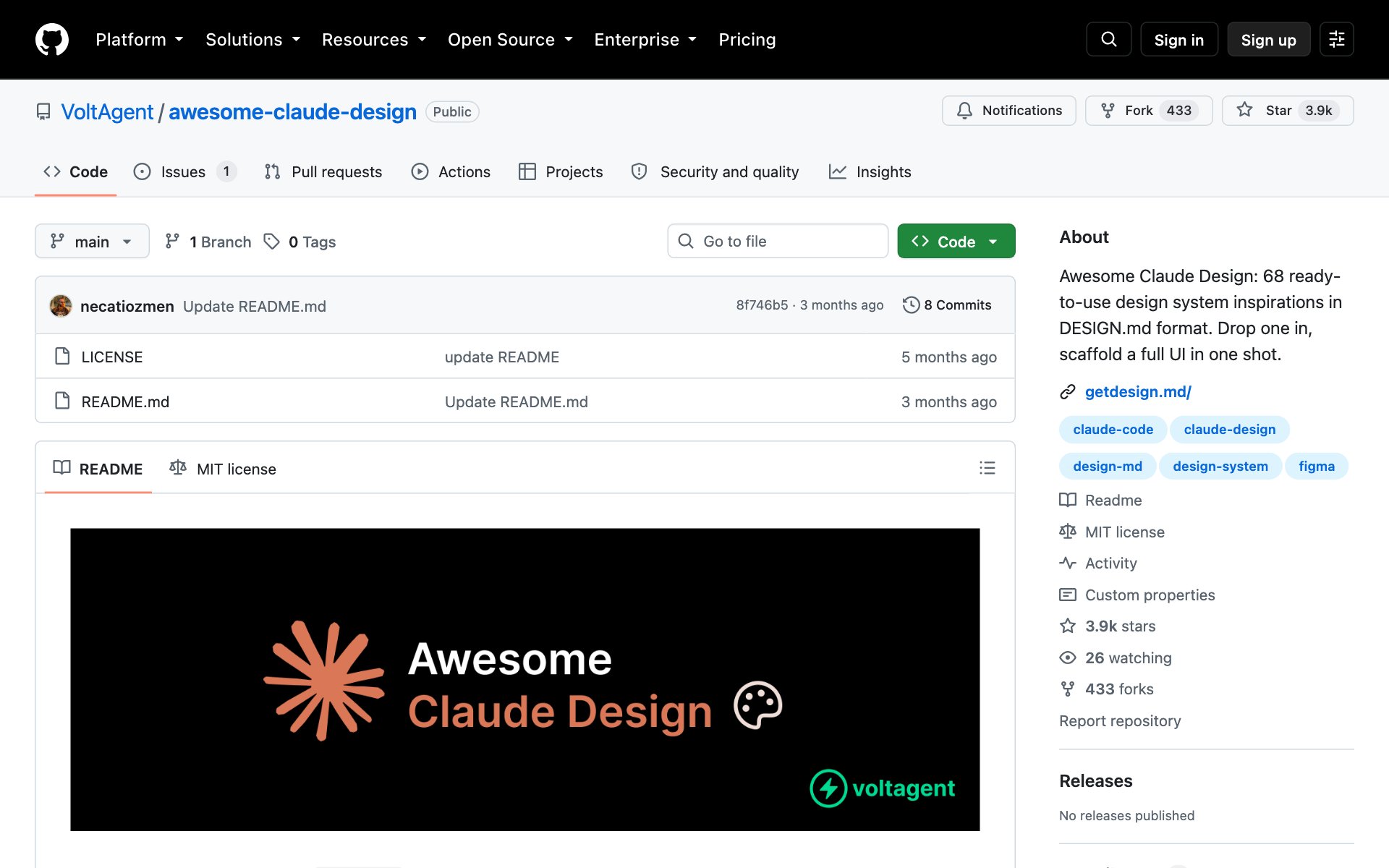
What Awesome Claude Design does for you: you skip the blank page. Pick the design system closest to the feel you want, give Claude the file, and every screen it builds stays on that system. Each file has the same nine sections, so Claude always knows where to look.
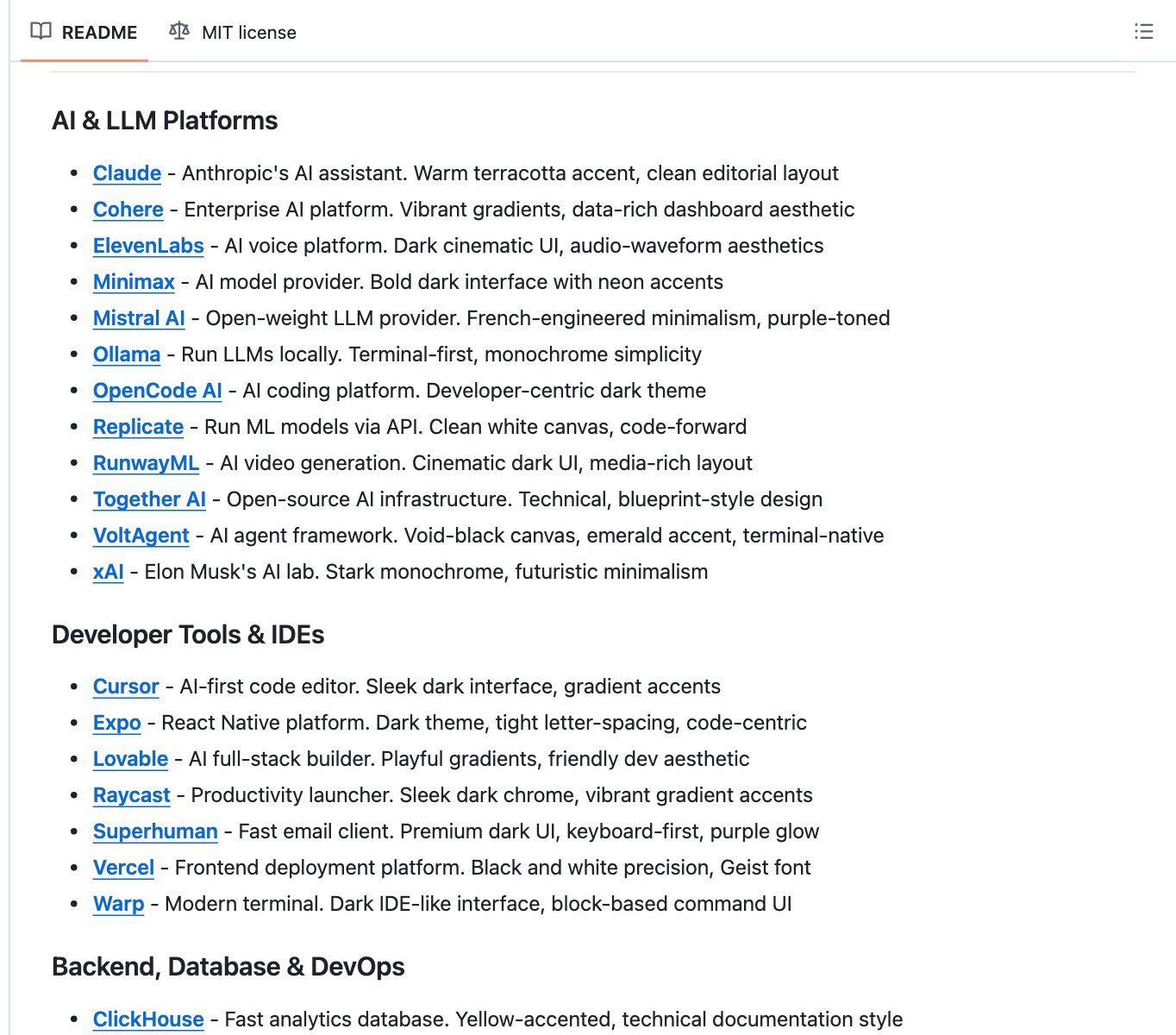
Who Awesome Claude Design is for: anyone who can point at a site and say "like that." It was made for Claude Design, Anthropic's design workspace at claude.ai/design, and the same files work in Claude Code. When to skip it: you want your own look from scratch. Use repo 2 instead.
The repo itself is only the list. The DESIGN.md files live on getdesign.md, one page per design system. How to get one into Claude Code: copy the repo URL below, paste it into Claude Code, and say which design system you want.
repo URLhttps://github.com/VoltAgent/awesome-claude-designOr grab one by hand. Each getdesign.md page has a Download DESIGN.md button and a one-line command you run from your project folder. For the Stripe-style system:
bashnpx getdesign@latest add stripePrompt to try with Awesome Claude Design:
promptHere's the Awesome Claude Design list: https://github.com/VoltAgent/awesome-claude-design. I'm building [your site] for [who it's for]. Suggest the 3 design systems that fit best and why. When I pick one, save its DESIGN.md in this project and build every page against it.Repo 4: Make your builds move with motion presets
Motion presets get their own step on this list, but there's no separate motion repo to install. The motion lives inside Taste Skill (repo 1): its main skill has a motion dial from 1 (static) to 10 (cinematic), plus ready-made GSAP code for scroll effects like sticky card stacks, sideways scrolling sections and staggered reveals. UI/UX Pro Max (repo 2) adds a key effects line to each design system it makes.
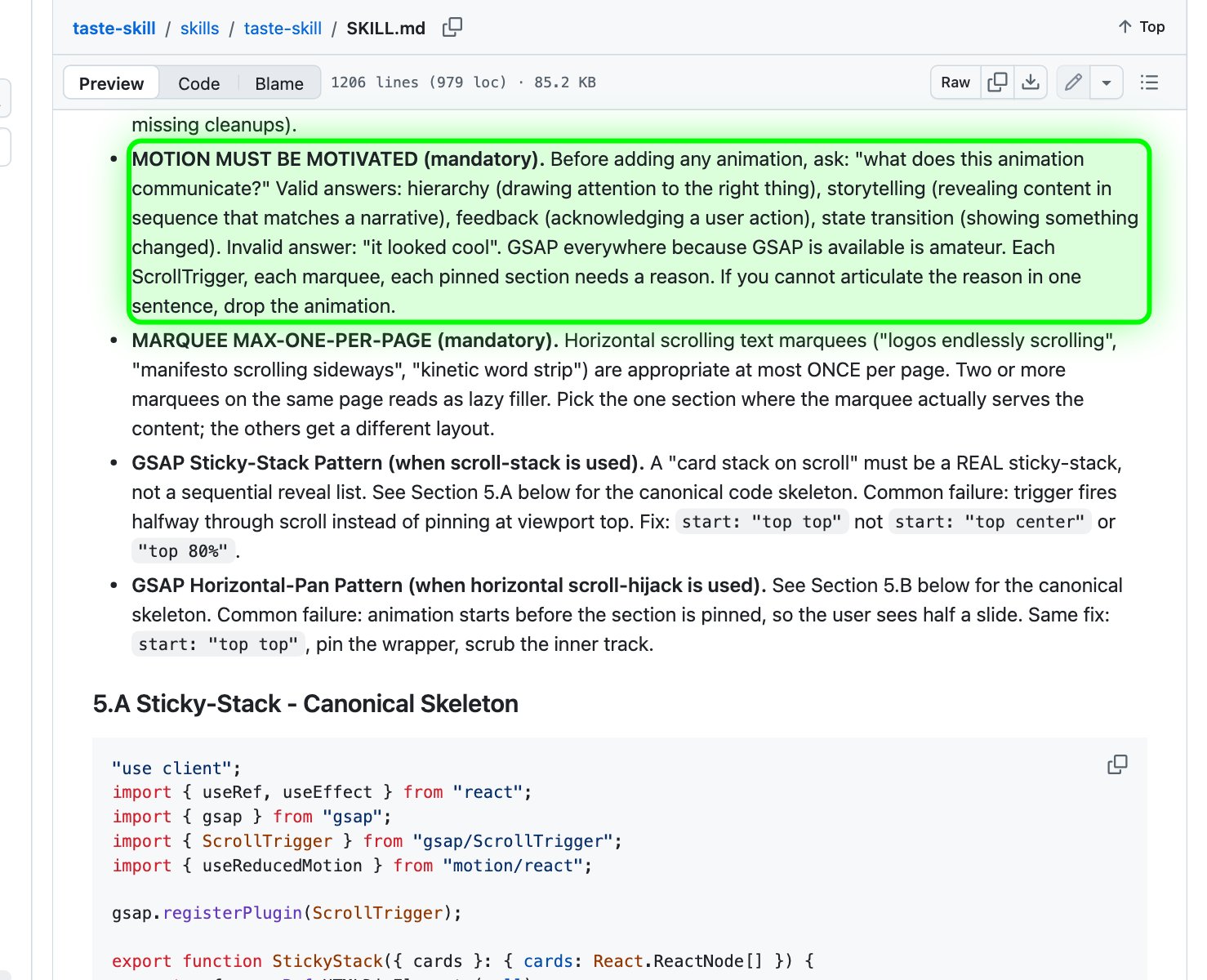
What the motion presets do for you: Claude stops adding random fade-ins and uses motion only when it has a job. Taste Skill's rule is blunt: "Motion must be motivated." Every animation has to show what matters, tell a story, answer a click or show that something changed. "It looked cool" doesn't count.
Who the motion presets are for: anyone whose site feels flat, or whose last AI build moved so much it felt cheap. When to skip them: dashboards and tools people use all day. Keep those still.
How to get the motion presets: install Taste Skill (repo 1). There's nothing extra to install.
Best practices for motion:
- Animate one or two moments per section, not everything. Let most of the page sit still so the motion that's there lands.
- Keep the motion dial at 3 or lower unless you want a showy page. Taste Skill says that if Claude can't make the motion work, it should drop the dial to 3 and ship a clean still page.
- Ask for motion by name, like "a staggered entrance on the feature cards," instead of "make it animated."
- Check that the page respects reduced motion for people who turn animations off. Both Taste Skill and UI/UX Pro Max ask Claude to.
Prompt to try with motion:
promptUse the taste skill with MOTION_INTENSITY at 4. Add motion to [the page] only where it helps: one entrance for the hero and one staggered reveal for [the section]. For each animation, tell me in one sentence what it shows the visitor. Respect reduced motion.Repo 5: Copy any site's design system with the DESIGN.md Chrome extension
The DESIGN.md Chrome extension from TypeUI reads the site you're looking at and writes its design system into a file for Claude. It has about 2,900 stars on GitHub and it's also on the Chrome Web Store as DESIGN.md Style Extractor.
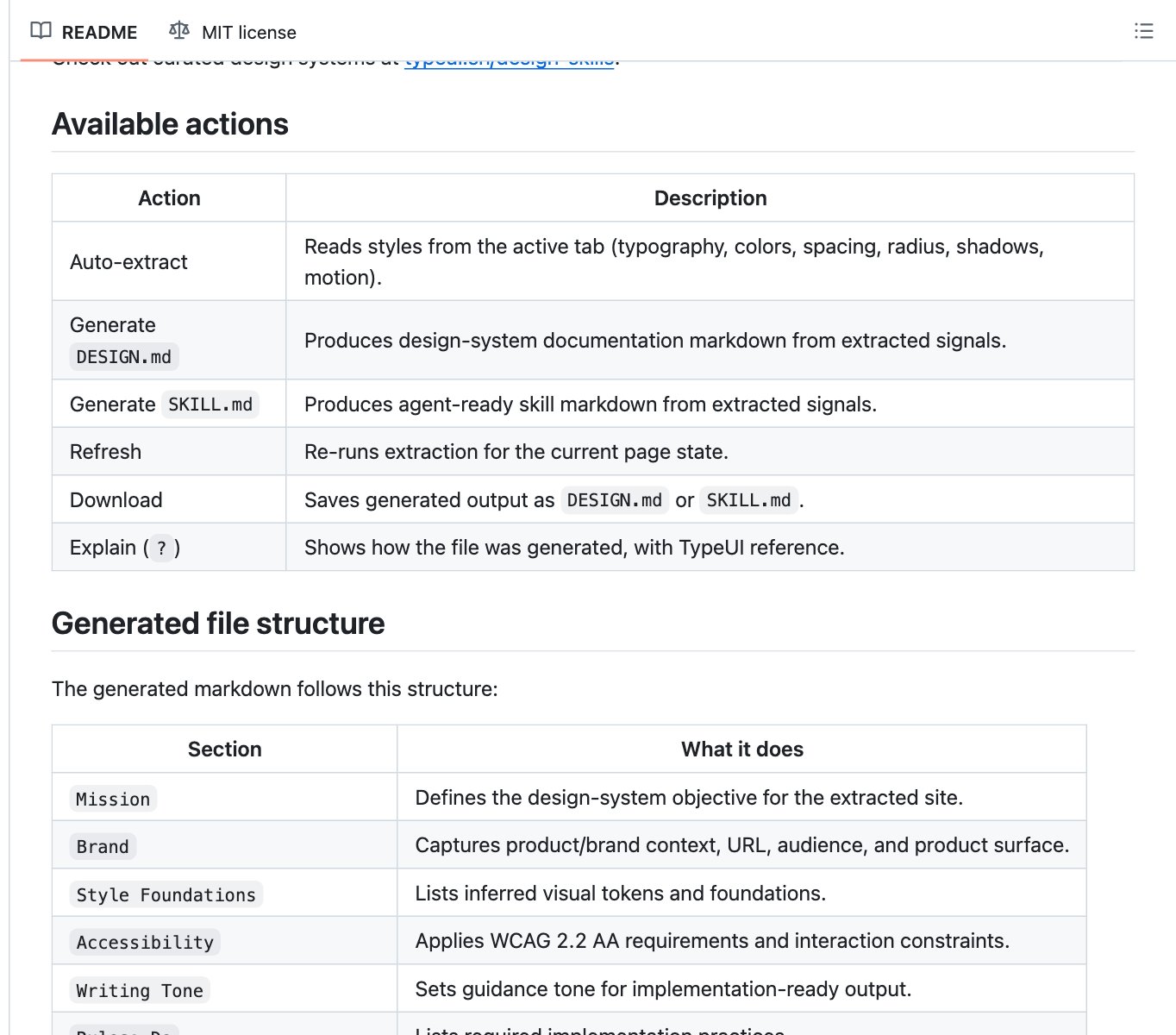
What the DESIGN.md Chrome extension does for you: open any site, click the extension, and it pulls out the fonts, colors, spacing, rounded corners, shadows and motion. It turns them into a DESIGN.md or a SKILL.md you can download, with do's and don'ts and accessibility rules already in the file.
Who the DESIGN.md Chrome extension is for: anyone who found a site they love and wants their own site to feel like it. When to skip it: the site you like is already on the Awesome Claude Design list. Grab that file instead (repo 3).
How to install the DESIGN.md Chrome extension: a Chrome extension goes into Chrome, so Claude Code can't install it for you. The easy way is the Chrome Web Store: search for DESIGN.md Style Extractor and add it to Chrome. Or load it from GitHub: download the repo, open chrome://extensions, turn on Developer mode, click Load unpacked, and pick the folder.
repo URLhttps://github.com/bergside/design-md-chromePrompt to try with the DESIGN.md Chrome extension:
promptI exported this DESIGN.md from [a site I like] with the DESIGN.md Chrome extension. Read it and build [your page] against it. Use the same feel, spacing and type, but swap in my own colors [your colors], my logo and my copy so it's clearly my brand.Use the five repos together
The five repos work best as one pipeline. Reference in, system set, taste and motion on top:
- 1Get a reference. Export a DESIGN.md from a site you love with the Chrome extension (repo 5), or pick one of the 68 in Awesome Claude Design (repo 3).
- 2Or have one made. No reference in mind? Let UI/UX Pro Max (repo 2) build a design system for your kind of business.
- 3Build against the DESIGN.md. Tell Claude to build every page against that one file.
- 4Add taste and motion. Use Taste Skill (repo 1) and its motion dial (repo 4) to polish the build.
If you only install one, we'd start with UI/UX Pro Max. It gives Claude a design system on day one, and a design system is the single biggest upgrade. Add Taste Skill when you want more personality and motion.
One caution on copying brands. The design systems on getdesign.md say they're independent takes on each brand's public look and aren't linked to those brands. Use them to learn the patterns, then make the look your own. Don't copy a brand's logo, name or whole identity for a client.
👉 https://www.skool.com/claudecodeclub
Common questions
Are these design repos free?
Yes. All four GitHub repos are free and open source under the MIT license. They still run on your normal Claude plan. UI/UX Pro Max also sells a Premium version, and you don't need it for websites.
Is there a separate repo for motion presets?
No. The motion presets live inside Taste Skill: a 1 to 10 motion dial plus ready-made GSAP scroll effects. Install Taste Skill and you have them.
What is a DESIGN.md file?
One plain text file that tells an AI how a site should look: colors, fonts, components, spacing, and do's and don'ts. Put it in your project and tell Claude to build against it.
Which repo should I install first?
UI/UX Pro Max. It gives Claude a full design system before it writes any code. If you already have a site you want to match, start with the DESIGN.md Chrome extension instead.
How is this different from your design skills guide?
Our guide 3 Free Design Skills That Stop Claude From Making AI Slop goes deep on three skills: Frontend Design, Taste Skill and Impeccable. This page covers the design system side: ready-made DESIGN.md files, a tool to export them from any site, and motion.
Keep going
Want Claude to design sites people remember?
Get 650+ plug-and-play skills, MCPs & prompts, plus 8,000+ members - $9/mo, cancel anytime.
Join the Club