
3 Free Design Skills That Stop Claude From Making AI Slop
TL;DR
Without help, Claude builds websites that all look the same: purple gradients, cards inside cards, the same font everywhere. Three free skills fix that. Frontend Design from Anthropic makes Claude act like the lead at a design studio. Taste Skill gives you three 1 to 10 dials for layout, motion and density. Impeccable adds 24 design commands and 61 checks that catch the AI look. Install one, then paste the prompts below into Claude Code.
👉 https://www.skool.com/claudecodeclub
See why every AI website looks the same
Ask Claude to build a website with no extra help and you get the same page almost every time. Every AI model learned from the same pile of website templates, so they all reach for the same safe choices.
Impeccable, the third skill on this list, names the most common ones: Inter for everything, purple-to-blue gradients, cards nested in cards, gray text on colored backgrounds, and a rounded-square icon above every heading. Once you see these, you will spot them on half the new sites you visit.

A skill is a set of instructions Claude reads before it starts a job. Design skills give Claude taste: what to avoid, what to try instead, and how to check its own work. All three below are free and open source.
Skill 1: Use Frontend Design, straight from Anthropic
Frontend Design is the design skill Anthropic made for Claude. It lives in Anthropic's official skills collection. The skill tells Claude to work like the design lead at a studio that gives every client a look nobody else has.
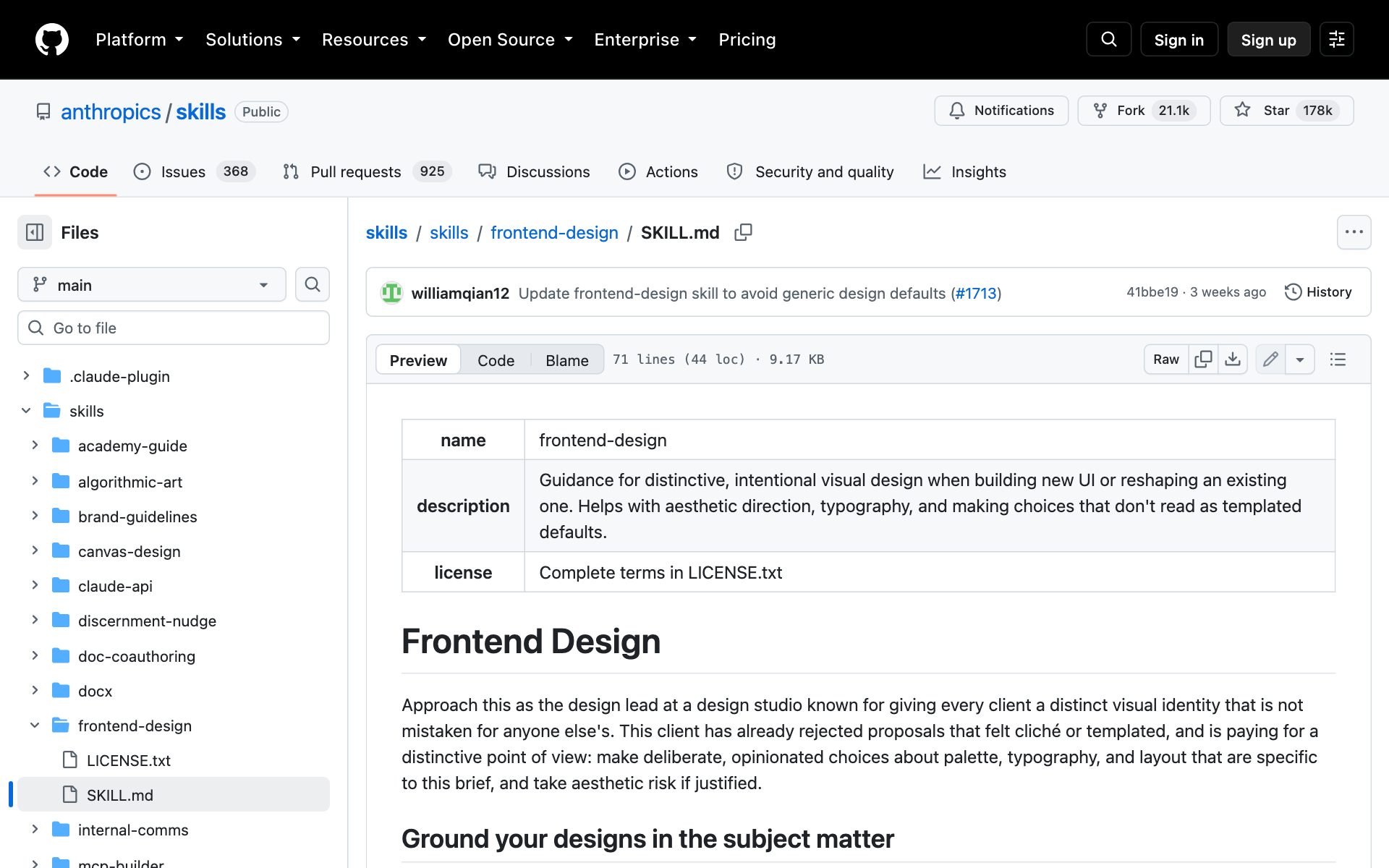
What Frontend Design does for your designs: Claude picks colors, fonts and layout for your actual subject instead of reaching for a default. A site for a kids' toy and a dashboard for financial analysts should look nothing alike, and the skill says so in those words. It also lists the looks AI keeps repeating, like the cream background with a clay-orange accent and the dark page with one acid-green accent, and tells Claude not to spend your brief on them.
The one rule we love most: spend your boldness in one place. Pick one thing to be memorable and keep everything around it quiet. The skill even quotes Chanel: before leaving the house, look in the mirror and remove one accessory.
How to install Frontend Design: copy the repo URL below, paste it into Claude Code, and say: install this.
repo URLhttps://github.com/anthropics/skills/tree/main/skills/frontend-designOr install it by hand. Type these two lines into Claude Code. The second one installs Anthropic's example skills set, which includes Frontend Design.
claude code/plugin marketplace add anthropics/skills
/plugin install example-skills@anthropic-agent-skills
Best practices for Frontend Design:
- Tell Claude what the site is about and who it is for in your first message. Frontend Design builds every choice from the subject, so a vague brief gets a vague page.
- Choose the one bold thing yourself: a giant headline, one strong color, or one great photo. Then ask Claude to keep the rest calm.
- Ask Claude to screenshot the page and critique it before you call it done. The skill tells Claude to check its own work, and a screenshot makes that check real.
Prompts to try with Frontend Design:
promptUse the frontend-design skill to build a one-page website for [your business]. It is for [who your customers are]. Before you write any code, give me a short design plan: 4 to 6 colors, the fonts, and the layout. Then tell me which part of the plan looks like a generic AI default, change it, and build the page.promptLook at the page you just built with the frontend-design skill. Take a screenshot, then find the one element that should be the most memorable thing on the page. Make that element bolder and make everything around it quieter. Then remove one decoration that does not need to be there.Skill 2: Set the three dials with Taste Skill
Taste Skill is a free set of design skills with over 90,000 stars on GitHub, which makes it one of the most popular design skills for AI. Its own tagline is "Less slop, designs pop," and it works with Claude Code, Cursor, Codex and more.
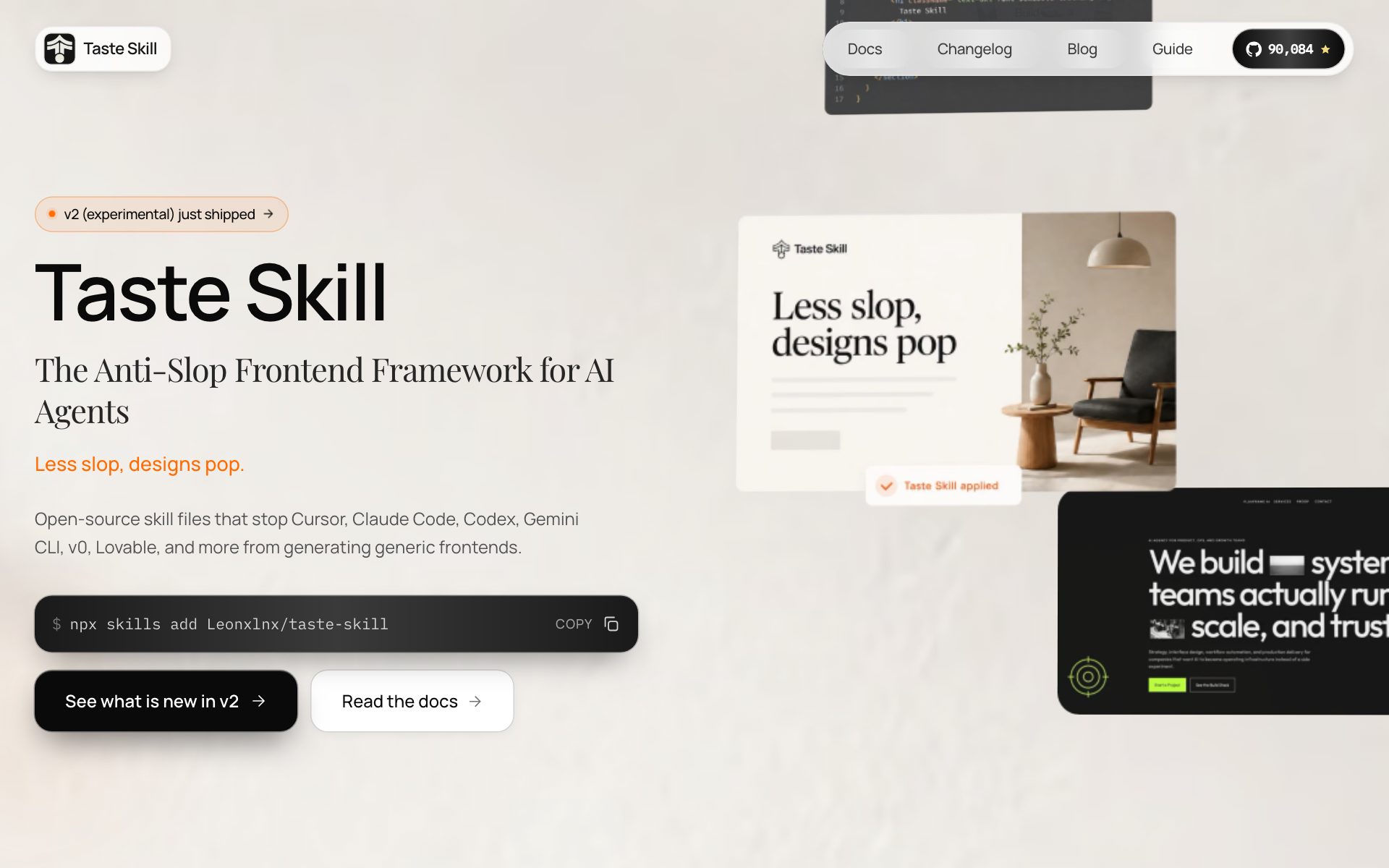
What Taste Skill does for your designs: you get three dials, each set from 1 to 10, at the top of the skill file.
- Design variance: how daring the layout is. 1 is perfectly centered and even. 10 is bold and off-balance.
- Motion intensity: how much the page moves. Low means small hover effects. High means scroll effects and movement everywhere.
- Visual density: how much fits on one screen. Low is airy like an art gallery. High is packed like a dashboard.
The defaults are variance 8, motion 6 and density 4. Change the numbers and the same request gives you a very different site. Taste Skill also comes with extra skills for a set look: a soft premium style, a minimalist style, a brutalist style, and one for redesigning a site you already have.
How to install Taste Skill: copy the repo URL below, paste it into Claude Code, and say: install this.
repo URLhttps://github.com/Leonxlnx/taste-skillOr install it by hand with one terminal command:
bashnpx skills add https://github.com/Leonxlnx/taste-skillBest practices for Taste Skill:
- Set the dials in your prompt instead of editing the skill file. "Variance 3, motion 2, density 7" for a dashboard, "variance 8, motion 6, density 3" for a portfolio.
- Keep motion at 3 or lower unless you truly want a showy page. The skill says a page that claims high motion must actually move, and more motion means more that can break.
- For a site you already have, use the redesign skill (install name redesign-existing-projects). Taste Skill's own guide says the main skill is for new builds and the redesign skill is for fixing old ones.
Prompts to try with Taste Skill:
promptUse the taste skill to build a landing page for [your offer]. Set DESIGN_VARIANCE to 7, MOTION_INTENSITY to 3 and VISUAL_DENSITY to 3. Before you build, tell me in one sentence each what those three settings will change on this page.promptBuild the same hero section three times with the taste skill so I can compare them side by side: one at variance 2, one at variance 5, and one at variance 9. Keep motion at 2 and density at 4 for all three.Skill 3: Fix the AI look with Impeccable
Impeccable is built on top of skill number one. Its own page says Anthropic's Frontend Design was the first widely used design skill for Claude, and Impeccable started from there. It has over 71,000 stars on GitHub and calls itself "the missing design vocabulary for agents."
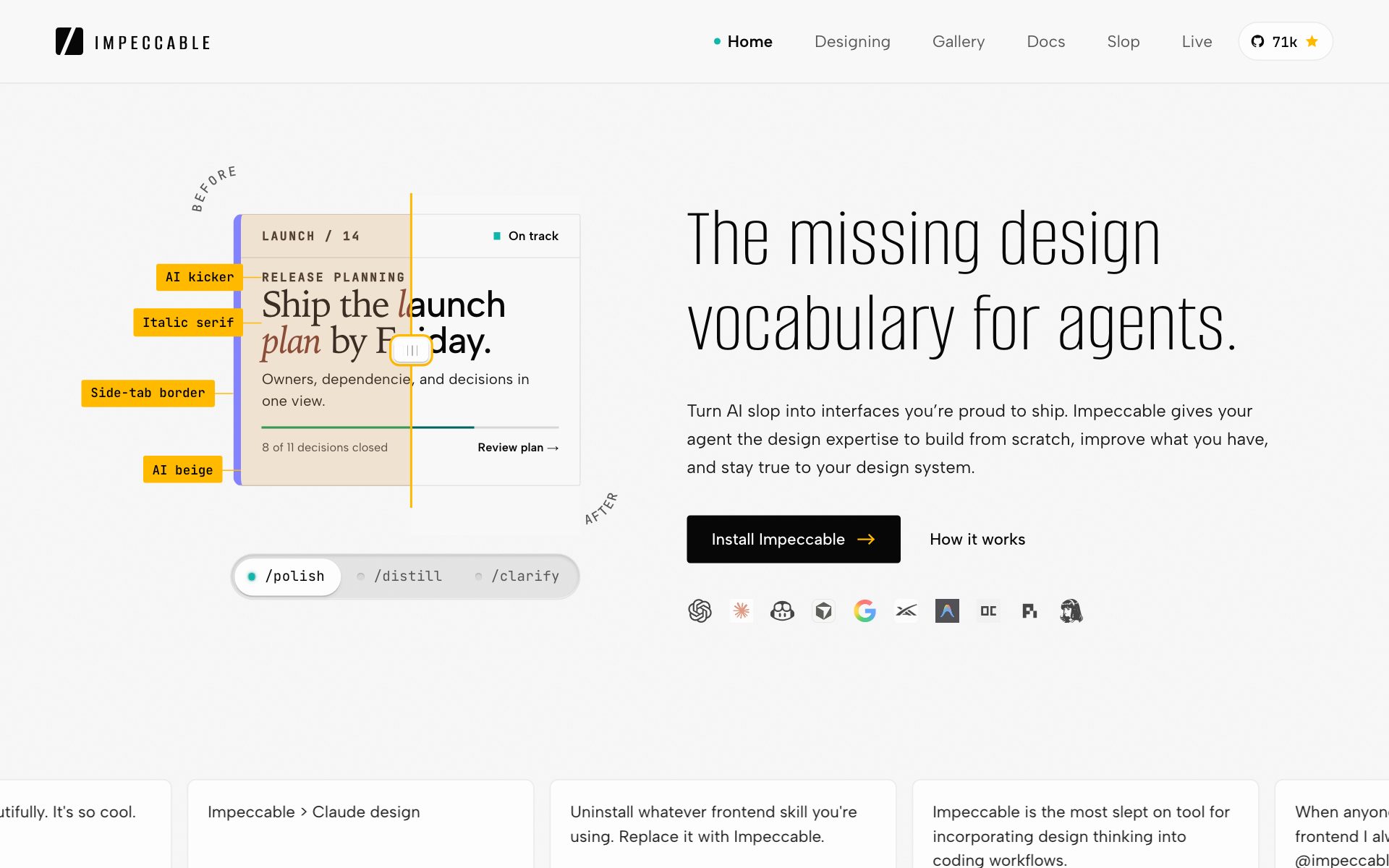
What Impeccable does for your designs: you get 24 design commands you can give Claude by name. A few you will use a lot:
- /impeccable polish: the final pass before you ship.
- /impeccable bolder: wakes up a boring design.
- /impeccable quieter: calms down a design that is too loud.
- /impeccable audit: checks the page for problems on phones, speed and accessibility.
Impeccable also has 61 rules that scan your page for the AI look, like purple gradients, thick colored side borders on cards and bouncy animations. Those checks run with no AI and no API key, so they are fast and give the same answer every time.
How to install Impeccable: open your project in Claude Code, copy the repo URL below, paste it in, and say: install this. When it is done, type /impeccable init.
repo URLhttps://github.com/pbakaus/impeccableOr install it by hand. Run the first line in your project folder, then type the second line inside Claude Code:
bashnpx impeccable install
/impeccable init
The setup command asks you a few questions about your product and saves the answers in a file called PRODUCT.md. Every later command reads that file, so Impeccable knows who the site is for.
Best practices for Impeccable:
- Run /impeccable init once at the start of every project. Commands without it are guessing about your audience.
- Use one command at a time and look at the result before the next one. Polish, then bolder or quieter, then polish again.
- Before you share a page, scan the live site with npx impeccable detect followed by your web address. The scan lists every AI tell it finds.
Prompts to try with Impeccable:
prompt/impeccable critique my homepage. List the three changes that would make the biggest difference, in order. Do not change any code yet.promptRun npx impeccable detect on my homepage and show me every AI design tell it finds. Fix each one with the right /impeccable command, then run the scan again and show me the before and after count.Pick which design skill to start with
Start with one skill, not all three. Each skill has its own rules, and two sets of rules at once can pull Claude in two directions.
- You already have a site that looks AI-made: start with Impeccable. Run /impeccable init, then the detect scan, then polish.
- You are building something new and want the simplest start: use Frontend Design. Two lines to install, straight from Anthropic.
- You want to steer the look with numbers: use Taste Skill and play with the three dials.
If you can only pick one, we would start with Impeccable. It began from Frontend Design's ideas and adds the commands and the scan, so you get a way to fix pages as well as build them.
👉 https://www.skool.com/claudecodeclub
Common questions
Are these Claude design skills free?
Yes. All three are free and open source. Frontend Design and Impeccable use the Apache 2.0 license, and Taste Skill uses the MIT license.
Do I need to know how to code to use them?
No. You install each skill once, then you ask Claude for what you want in plain words. To install one, paste its repo URL into Claude Code and say: install this.
Can I use all three design skills at the same time?
You can, but start with one. Each skill has its own rules, and mixing them can give Claude mixed signals. Get good results with one skill, then try another on a new page.
Which design skill works best on a site I already built?
Impeccable. Its detect scan finds the AI tells on your existing page, and commands like polish, bolder and quieter change what is there without starting over. Taste Skill's redesign skill is a good second choice.
Keep going
Want Claude to build sites people remember?
Get 650+ plug-and-play skills, MCPs & prompts, plus 8,000+ members - $9/mo, cancel anytime.
Join the Club