
What Is the Difference Between Skills, MCP, Subagents and Hooks?
A skill is a saved set of instructions Claude follows, MCP connects Claude Code to other apps, a subagent is a helper that does a side job in its own workspace, and a hook is an automatic rule that runs at a set moment every time. They sound alike because all four "extend" Claude Code, but each one solves a different problem.
I'm not a developer, and I work in Claude Code every day. I use all four. The fastest way to keep them straight is an analogy for each, so that's how this post works.
The Comparison Table
The four extras at a glance. Details for each follow below.
| At a glance | Skill | MCP | Subagent | Hook |
|---|---|---|---|---|
| Plain analogy | A recipe card | A power adapter | A specialist you hand a job to | A smoke alarm |
| What it is | A text file of instructions for one kind of task | A standard link between Claude Code and another app or service | A helper Claude with its own separate workspace | A command that runs automatically at a set moment |
| Who starts it | You (type /name) or Claude, when the task matches | Claude, when it needs that app | Claude, when a task matches its description (or you ask) | Claude Code itself, every time the moment happens |
| Can Claude skip it? | Claude decides when to use it | Claude decides when to use it | Claude decides when to hand off | No. It runs every time |
| Example | "Write my weekly report in this format" | "Read my Notion page" or "check my Gmail" | "Research this and give me a summary" | "Alert me when Claude needs me" or "never touch my .env file" |
| Reach for it when | You keep pasting the same instructions | You keep copying data in from another tool | A side task fills your chat with clutter | Something must happen with no exceptions |
Skills: The Recipe Card
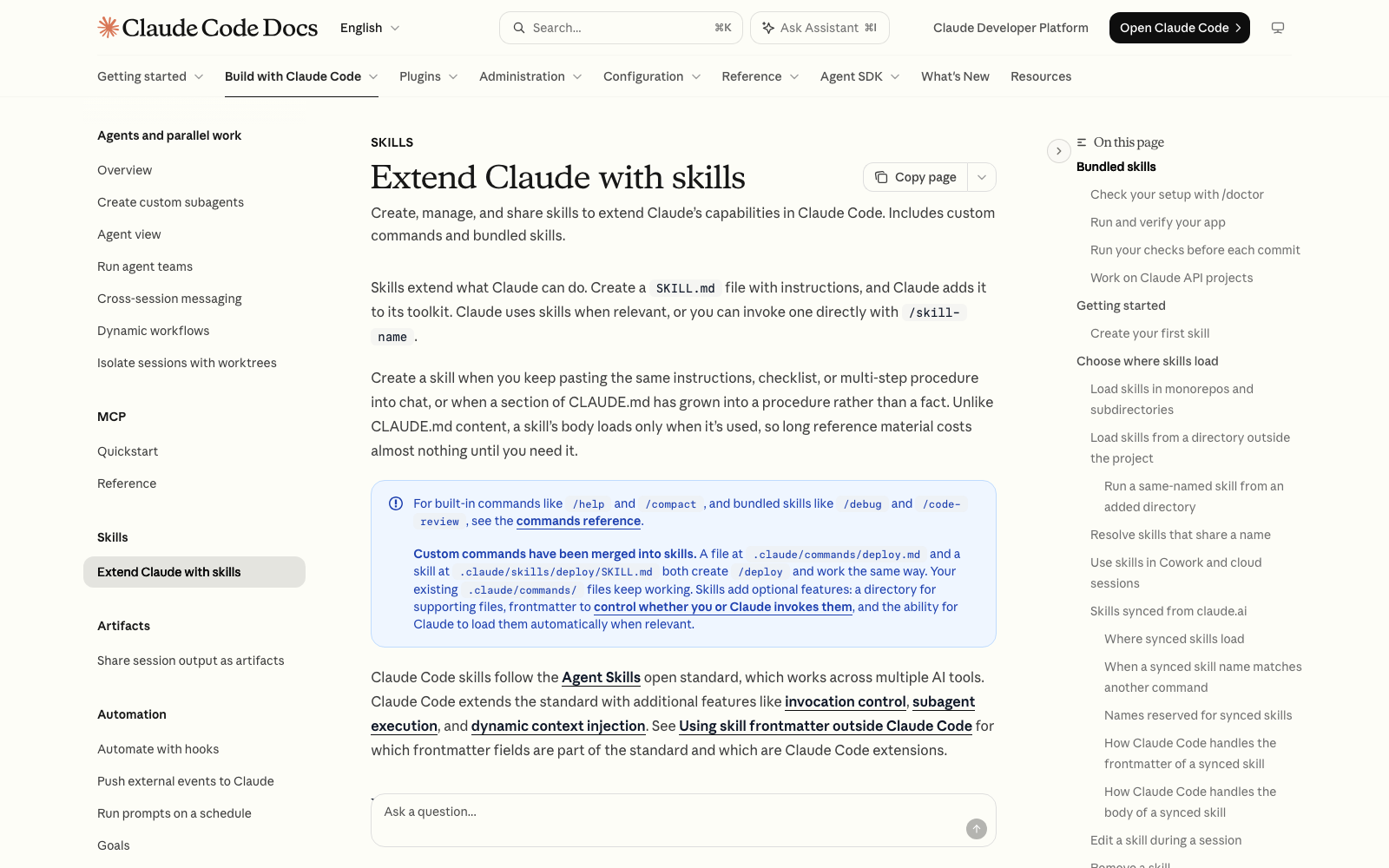
A skill is a recipe card in a binder. The card holds the steps for one kind of job, and Claude pulls it out when that job comes up. You write the steps once, and from then on Claude follows them without you pasting them in again.
Technically, a skill is a text file named SKILL.md inside a folder. Anthropic's docs say Claude uses a skill when it's relevant, or you can run it directly by typing a slash and the skill's name, like /summarize-changes. A skill's full instructions load only when it's used, so a long skill costs almost nothing until you need it. That is a big difference from CLAUDE.md, the file Claude reads at the start of every session, which is covered in What should I put in CLAUDE.md, and how do I organize it?.
Anthropic's guidance for when to create one: you keep pasting the same instructions, checklist or multi-step procedure into chat, or a section of CLAUDE.md has grown into a procedure instead of a fact. Good first skills are boring and repeatable: your weekly report, your invoice format, how you want blog posts structured, a checklist before sending a client email.
To see the skills you have, type /skills in Claude Code. Claude Code also includes bundled ones such as /code-review and /debug. To make your own, describe the procedure to Claude and ask it to turn it into a skill, or write the SKILL.md file yourself.
MCP: The Power Adapter
MCP is a power adapter. Your laptop and a foreign wall socket don't fit together, and the adapter makes them. Likewise, Claude Code can't reach your Notion pages, your Gmail or your database on its own, and an MCP server is the adapter that lets it.
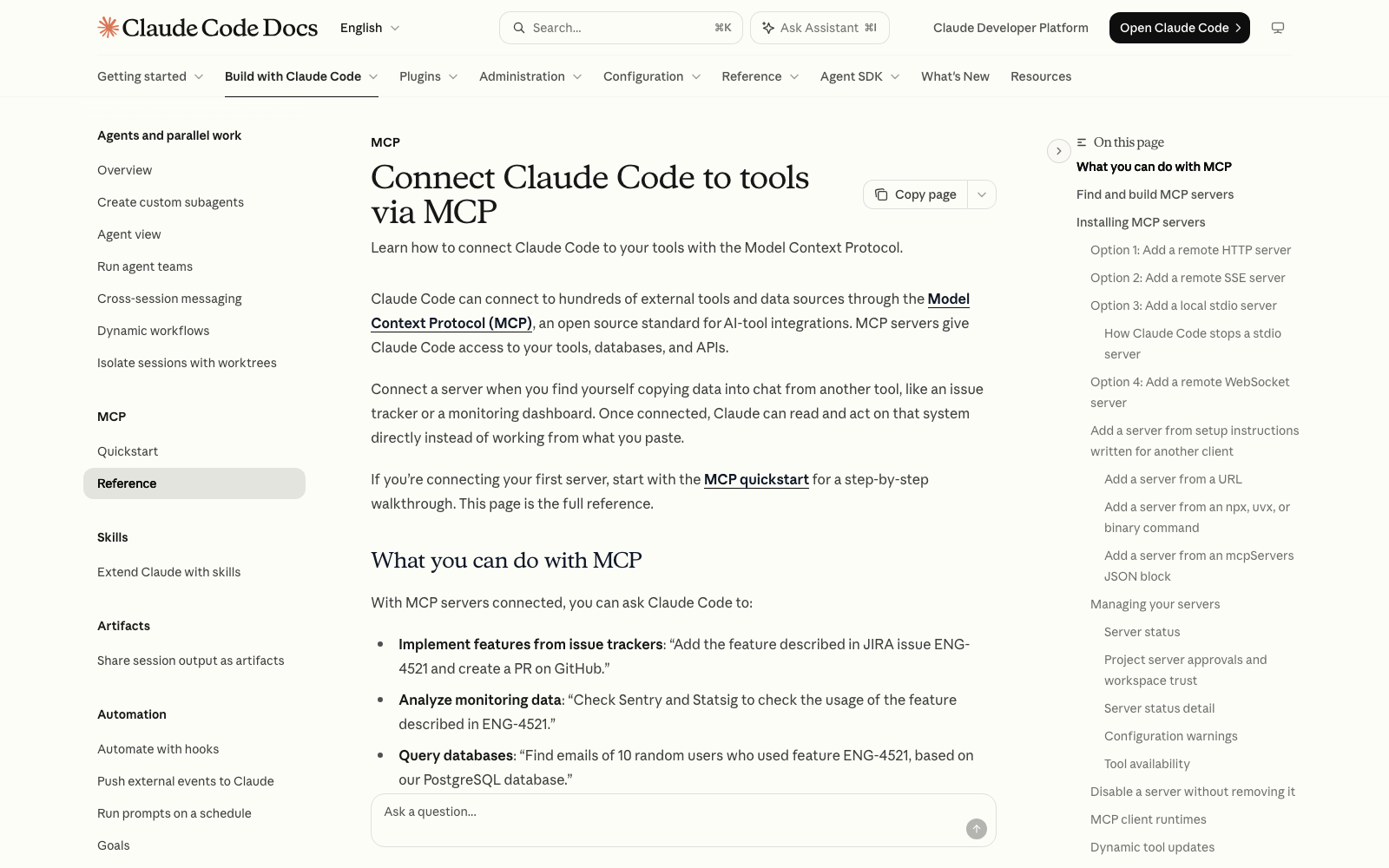
MCP stands for Model Context Protocol, an open standard for connecting AI tools to other apps. Anthropic's docs say that once a server is connected, Claude can read and act on that system directly instead of working from what you paste. The page lists examples like querying a database, creating Gmail drafts and pulling a design from Figma.
Installing one is a single line you paste. For example, Anthropic's docs show connecting Notion with: claude mcp add --transport http notion https://mcp.notion.com/mcp. Inside Claude Code, the /mcp command is where you manage your servers, and the Anthropic Directory lists reviewed connectors.
Subagents: The Specialist You Hand a Job To
A subagent is a specialist you hand a side job to. Imagine you're writing a report at your desk and need to know which of 200 files mention a client. You send an assistant to the filing room, and they come back with one sticky note. Your desk stays clear, and you never saw the 200 files.
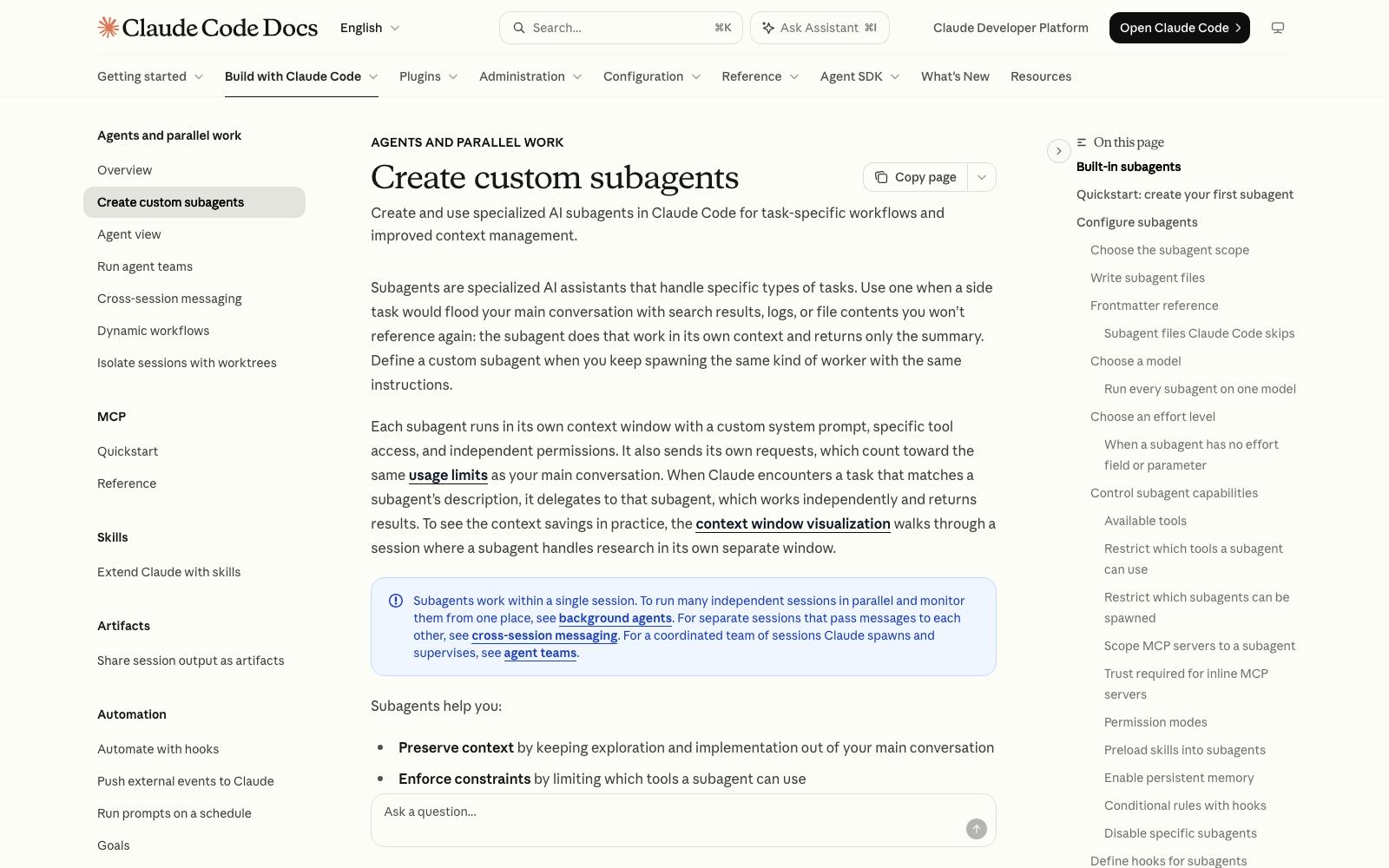
Anthropic's docs describe it the same way. A subagent runs in its own context window, which is Claude's working memory for a conversation, with its own instructions, tool access and permissions. It does the work there and returns only the summary. Use one when a side task would flood your main conversation with search results, logs or file contents you won't reference again.
Claude Code already has built-in subagents it uses automatically. One example is Explore, a fast agent that can only read, never edit, built for searching your files. You can also define your own. Anthropic's quickstart suggests asking Claude to create it for you, describing what you want and whether it should be read-only. Each subagent is saved as a simple text file, in ~/.claude/agents/ for every project or in a project's .claude/agents/ folder for just that one.
Hooks: The Smoke Alarm
A hook is a smoke alarm. It doesn't wait for anyone to remember it or decide to use it. When the trigger happens, it goes off, every time.
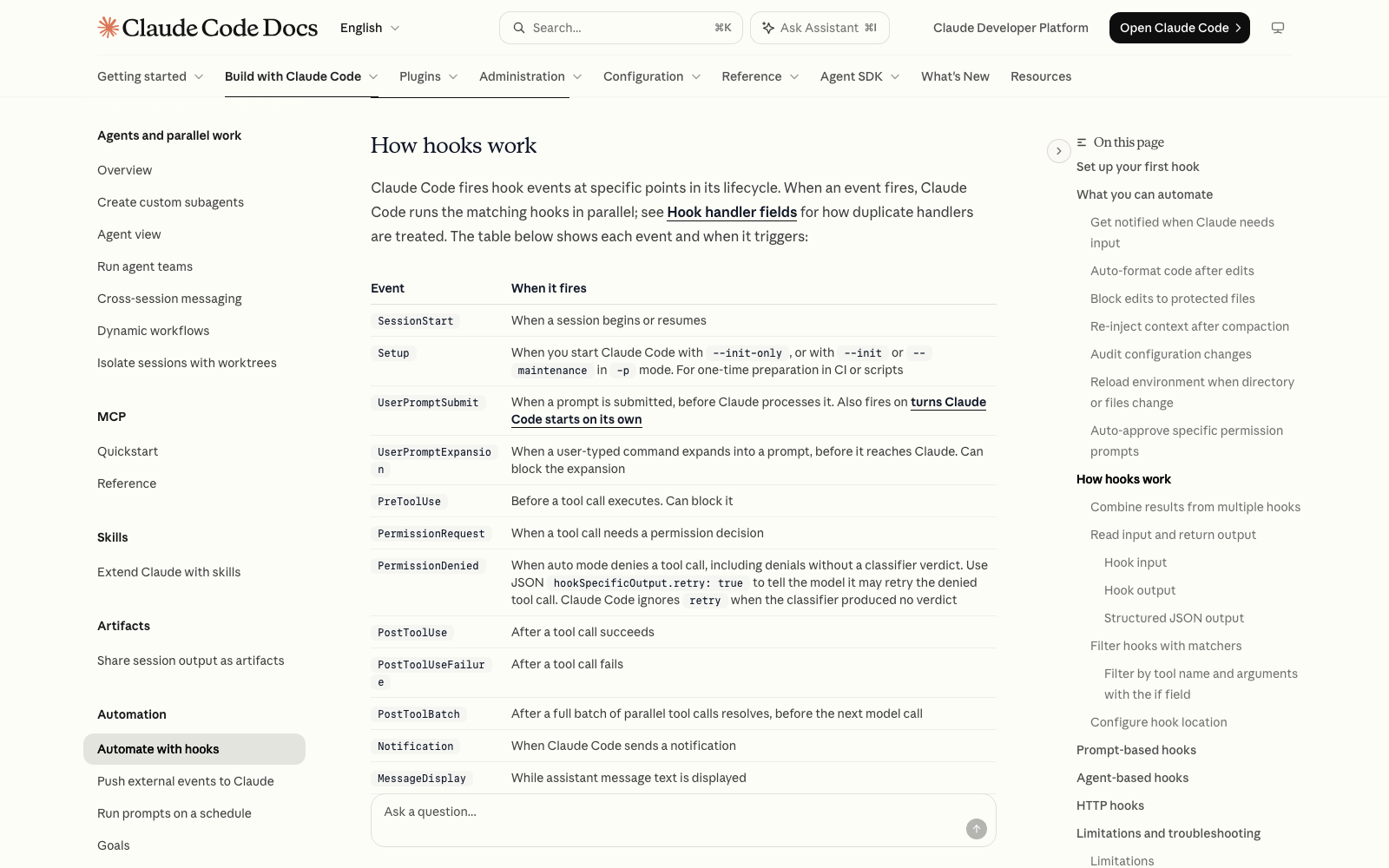
That's the key difference from the other three. A skill is advice Claude may or may not follow. A hook is a rule Claude Code enforces. Anthropic's hooks guide says hooks give you deterministic control, meaning certain actions always happen instead of relying on Claude to choose to run them. A hook is a command Claude Code runs at a specific point, like before Claude edits a file, after it finishes a response, or when it needs your attention.
Three hooks Anthropic's guide walks through, all useful to a beginner:
- Get notified when Claude needs you. A desktop notification pops up when Claude is waiting on you, so you can switch to other work while it runs.
- Block edits to protected files. A hook can stop Claude from changing something like your .env file (where passwords live), and Claude receives a message explaining why so it can adjust.
- Auto-format after edits. A hook can run a formatting tool every time Claude edits a file, so the result is tidy with no reminder from you.
You don't have to write one by hand. The guide says you can ask Claude to write the hook for you by describing what you want, and /hooks shows the ones you have. Hooks live in a settings file, such as ~/.claude/settings.json.
Which One Do You Need? A Quick Decision Guide
Ask which problem you have right now.
- "I keep pasting the same instructions." Make a skill.
- "I want Claude to use information that lives in another app." Add an MCP server.
- "A side job keeps cluttering my conversation." Use a subagent.
- "This must happen every time, no exceptions." Add a hook.
- "Claude should always know this one fact about me or my project." That isn't any of the four. Put it in CLAUDE.md.
Here is how they stack in real life. Say you want a weekly client report. A skill holds your report format. MCP lets Claude pull the numbers from your spreadsheet and the notes from Notion. A subagent does the digging through old files, returning a short summary. And a hook sends you a notification when it's finished. Four tools, one job, each doing the part it's best at.
Common Problems
- My skill never gets used: Claude decides when to use a skill by reading its description, so make the description say what the skill does and when to use it. You can always run it directly by typing /skill-name.
- I can't tell what's installed: /skills lists your skills, /hooks shows your hooks, and /mcp is where your MCP servers live.
- Everything feels slower or my usage runs out sooner: subagents each make their own requests, which count toward your limits, and extras you aren't using still take up room. Anthropic's /doctor checkup flags unused skills, MCP servers and slow hooks.
- A hook is blocking something I want to do: type /hooks, find the hook, and ask Claude to explain it or turn it off.
Where to Go Next
Once you know what each one is, the next step is picking your first connection, so read Which MCP servers are worth installing, and how do I set them up?. If you'd rather have example skills and setups to copy, Claude Code Club is $9/month and that's where I walk members through setting these up.
Short, practical drops on skills, MCP, agents, prompts, and more. No spam, unsubscribe anytime.
Frequently asked questions
What is the difference between a skill and a subagent in Claude Code?
A skill is a set of instructions Claude follows in your current conversation, like a recipe card. A subagent is a separate helper that works in its own context window and returns only a summary, like a specialist you send off on a side job. Skills teach Claude how to do something, and subagents keep the work out of your main chat.
What does MCP stand for, and do I need it?
MCP stands for Model Context Protocol, an open standard for connecting AI tools to other apps and services. You need it only when you want Claude Code to read or act in another tool, like Notion, Gmail or a database. Plenty of projects never need one.
Are hooks the same as skills?
No. A skill is advice Claude chooses whether to follow. A hook is a command that Claude Code itself runs automatically at a set moment, such as before an edit or after a reply, so it happens every time. Use a hook when a rule can't have exceptions.
Can I use skills, MCP, subagents and hooks together?
Yes, and they combine well. A skill can hold your instructions, MCP can supply the data, a subagent can do research without cluttering your chat, and a hook can notify you when the work is done.
Which one should a beginner learn first?
A skill. It's a plain text file you can read and change, and it solves the most common beginner annoyance of pasting the same instructions again and again. Add MCP when you need another app, and hooks and subagents later.
Last reviewed by Duncan Rogoff on November 9, 2026