
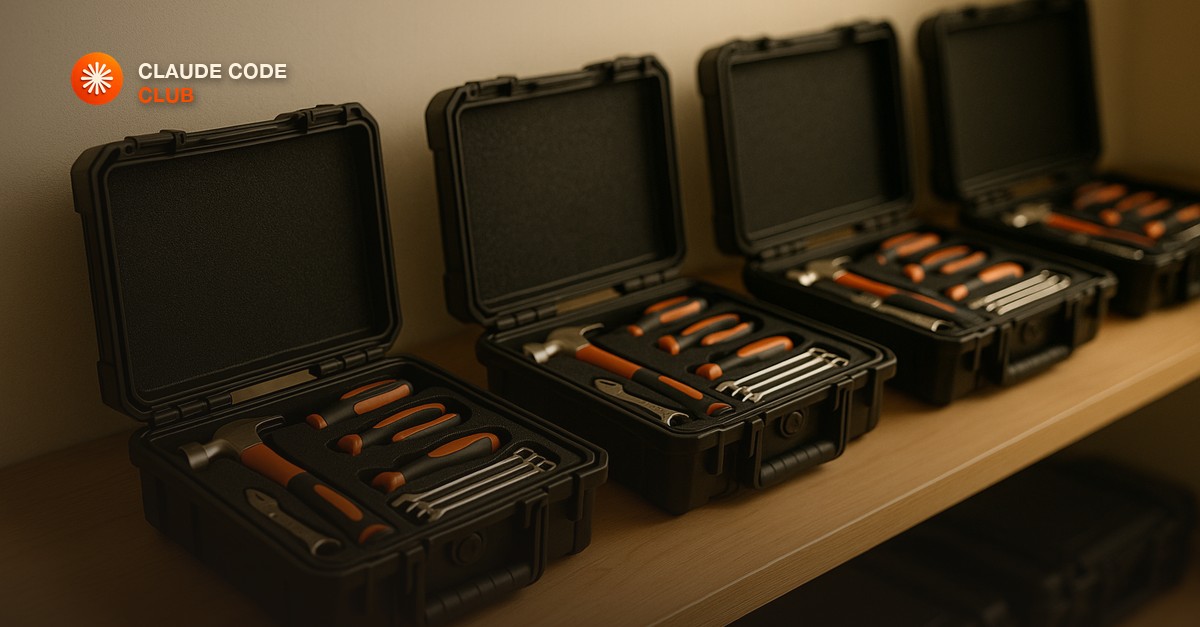
What a Claude Code Plugin Actually Bundles
A Claude Code plugin is a shareable package that bundles several pieces of setup into one install: custom slash commands, MCP server connections, hooks that run on specific events, and standing agent instructions. Instead of you writing a slash command here, wiring an MCP server there, and pasting the same CLAUDE.md rules into every new project, a plugin packages all of it and installs in one step.
This matters most the moment more than one person, or more than one project, needs the same setup. A solo builder can get by copy-pasting their config between projects. An agency running the same workflow across a dozen client engagements cannot - drift creeps in, someone forgets a rule, and every project ends up configured slightly differently. A plugin is the fix: one source of truth, installed the same way everywhere.
Installing a Plugin
Plugins are distributed through marketplaces - a marketplace is just a git repository or curated index that lists available plugins. You add a marketplace once, then install from it.
- Add the marketplace with /plugin marketplace add, pointing at the repo or index URL.
- Browse or search what it offers with /plugin, or install directly by name if you already know it.
- Confirm the install - Claude Code shows you exactly what the plugin adds (which commands, which servers, which hooks) before it takes effect.
- Restart the session if prompted. From then on, the plugin's commands and tools are just part of your Claude Code setup.
Building Your Own Plugin
A plugin is mostly a folder with a manifest and the pieces you want to bundle - a plugin.json that declares its name and what it includes, plus your commands, hooks, and server configs in their normal locations inside that folder. If you already have a working CLAUDE.md, a few custom slash commands, and an MCP server you use on every project, packaging them as a plugin is mostly moving files into the right structure and writing the manifest, not building anything new.
- Start from what you already have. Do not design a plugin from scratch - pull the commands, hooks, and config you already use across projects and bundle those first.
- Keep it narrow. A plugin that does one job well (your intake workflow, your deploy checklist) is more useful and easier to trust than one that tries to bundle everything.
- Version it. Once teammates or clients depend on the plugin, treat changes to it like you would any shared dependency - test before you push an update everyone pulls automatically.
A Real Build: Packaging the Agency Intake Workflow
Every new client project on our side starts the same way - the same CLAUDE.md ground rules, the same discovery-brief slash command, the same connection to our project-tracking tool. For a long time that meant re-pasting the same files into every new repo, and inevitably one project would end up missing a rule because I forgot a step during a busy week.
Packaging it as a plugin turned that into one install command at the start of a new engagement. The discovery-brief command, the ground rules, and the tracker connection all arrive together, configured the same way every time. The value was not any single piece - it was that a new project now starts at the same baseline as every project before it, instead of at whatever I remembered to copy that day.
When a Plugin Is Overkill
If it is one command you use in one project, just write the slash command directly in that project. Reach for a plugin once the same setup needs to travel - across your own projects, across a team, or across a roster of clients. Building a plugin for something that will only ever live in one place is a packaging step you do not need yet.
Package Your Own Setup This Week
Look at the last three projects you started and find the one thing you copy-pasted into all three - a command, a rule, a tool connection. Package just that one thing as a plugin, install it fresh on your next project, and confirm it arrives exactly as configured. That is the whole discipline: stop re-typing the setup, install it instead.
Short, practical drops on skills, MCP, agents, prompts, and more. No spam, unsubscribe anytime.
Frequently asked questions
What is a Claude Code plugin?
A shareable package that bundles slash commands, MCP server connections, hooks, and standing agent instructions into one install. Instead of assembling each piece separately in every project, installing a plugin gives you the whole configured setup at once.
How do I install a Claude Code plugin?
Add a marketplace (a git repo or curated index of plugins) with /plugin marketplace add, then browse or install a specific plugin by name. Claude Code shows you exactly what it will add before you confirm, and it is available in every session from then on.
Is it safe to install any Claude Code plugin?
Only install plugins from marketplaces you trust. A plugin can include hooks that run automatically and MCP servers that connect to real systems, so review what it adds before confirming, the same way you would vet a new dependency before adding it to a codebase.
Why would I build my own plugin instead of just using slash commands?
Build one once the same setup needs to travel to more than one place - across your own projects, a team, or a roster of clients. Packaging your commands, rules, and tool connections as a plugin means every new project starts at the same configured baseline instead of being rebuilt from memory each time.
Last reviewed by Duncan Rogoff on August 10, 2026
