
5 New GitHub Repos Every Claude User Should Try
TL;DR
Five new GitHub repos gained over 28,000 stars in one week. Cloudflare's security-audit-skill finds security holes, Alibaba's open-code-review reviews your code, Addy Osmani's agent-skills adds an engineering workflow, Tencent's WeKnora builds a knowledge base from your documents, and Tencent's BrowserSkill lets Claude use your logged-in browser. To install any of them, paste its repo URL into Claude Code and say: install this.
👉 https://www.skool.com/claudecodeclub
Five new repos, ranked by this week's star gain
These five GitHub repos are new, and together they gained over 28,000 stars in seven days. Each one gives Claude a new job: audit security, review code, follow an engineering workflow, answer questions from your documents, or use your real browser. Number one is the repo that gained the most stars this week.
1. Run a security audit with Cloudflare's security-audit-skill
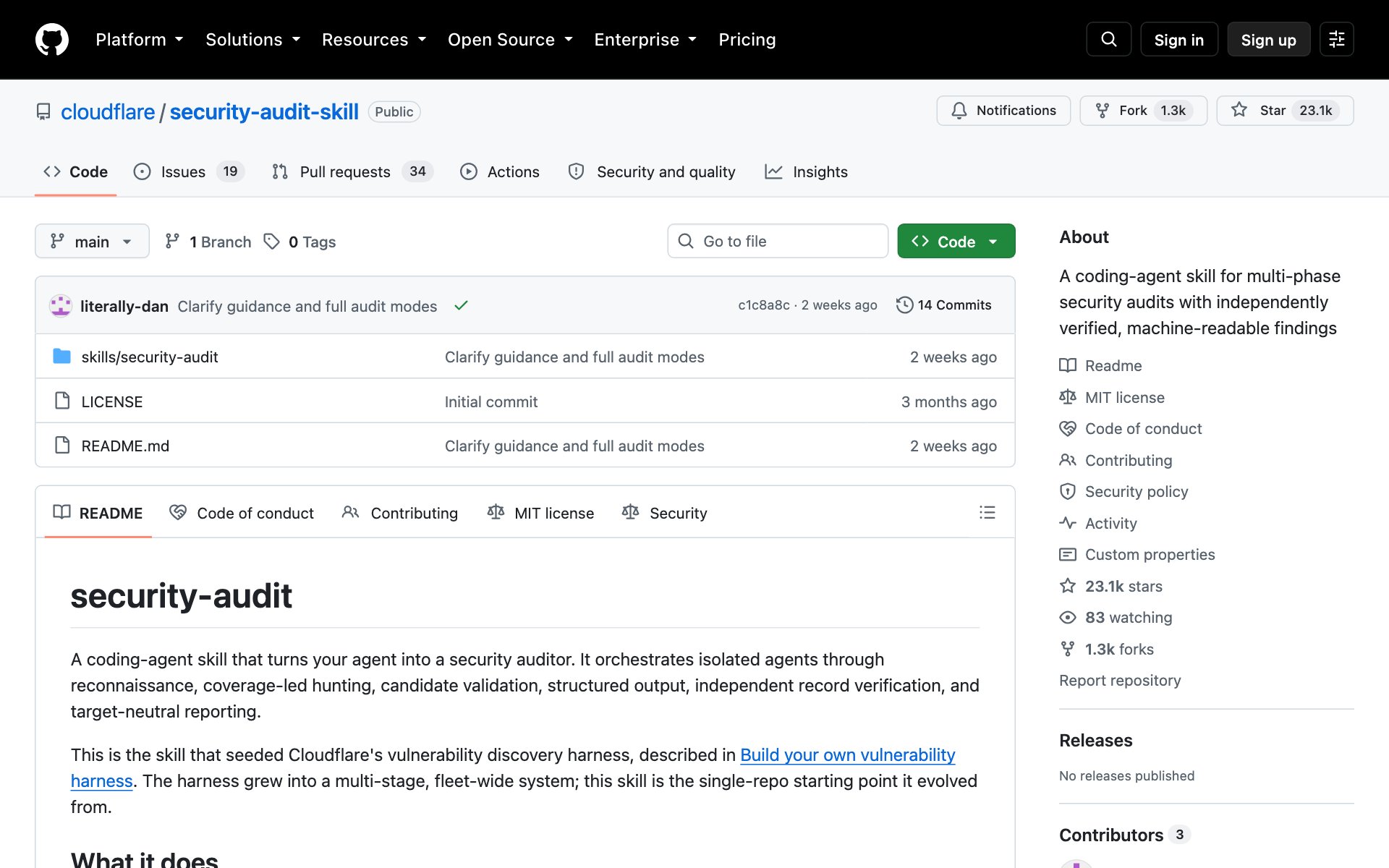
What security-audit-skill does for you: it turns Claude into a security auditor. It works through six phases: recon, hunting, candidate validation, structured output, independent record verification and reporting. Each finding gets a verdict of confirmed, needs_validation or rejected, and you get a report you can read.
How to install security-audit-skill: copy the repo URL below, paste it into Claude Code, and say: install this.
repo URLhttps://github.com/cloudflare/security-audit-skillOr install it by hand with the command from the README:
bashnpx skills add https://github.com/cloudflare/security-audit-skill --skill security-auditBest practices for security-audit-skill:
- Run it on a project you own. It needs Node.js, and it only runs target code inside an operating-system sandbox. Without one, leads stay marked needs_validation.
- Run it more than once. The README says repeat runs add coverage, and one run found only about half of what repeated runs found in total.
- Read the needs_validation list yourself. Those are leads that Claude could not prove.
Prompts to try with security-audit-skill:
promptSecurity audit this codebase. Save the results outside my repo, then explain the confirmed findings in plain English.promptRead the needs_validation list from the last security audit and tell me which three leads to check by hand first, and why.2. Review your code line by line with Alibaba's open-code-review
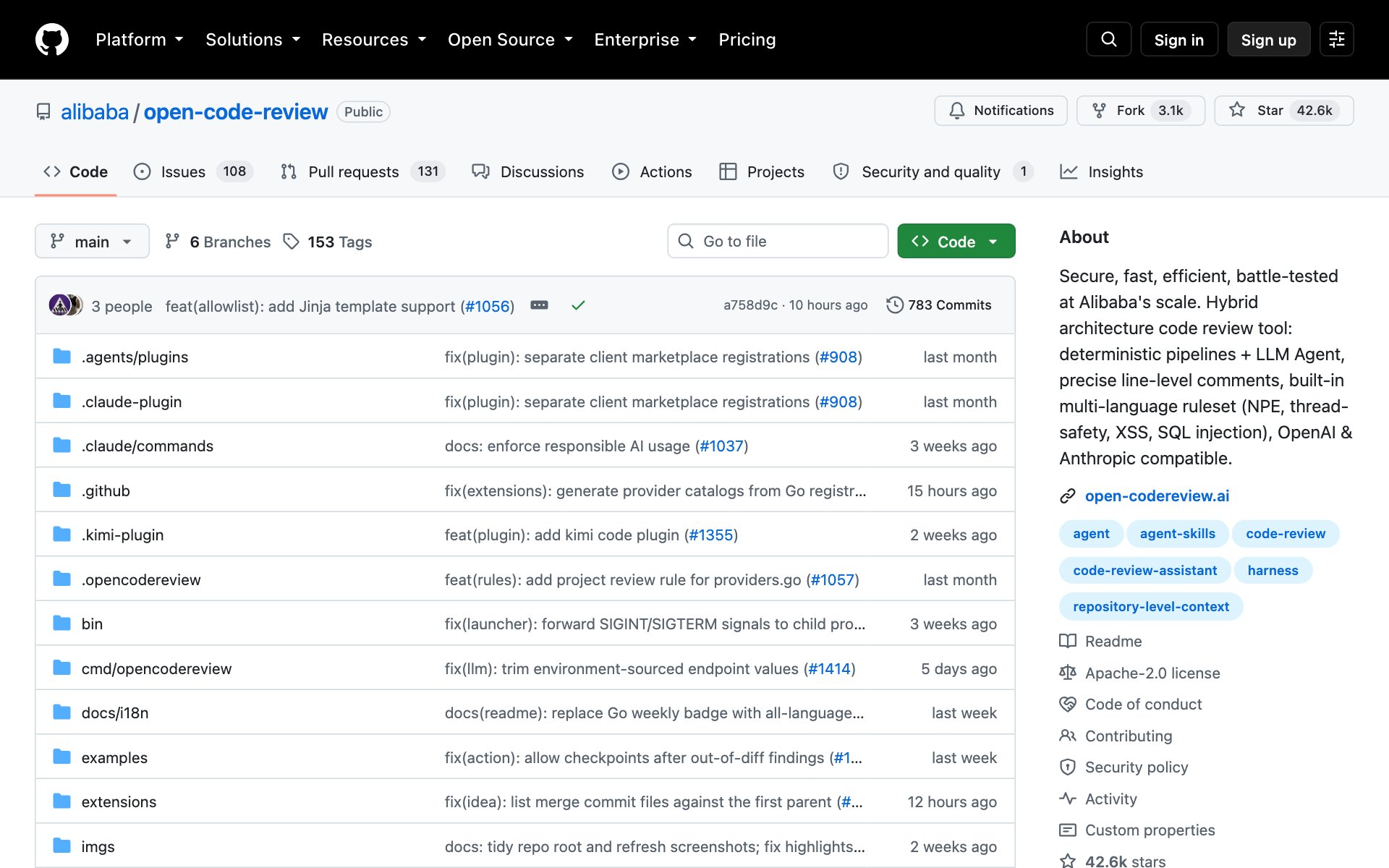
What open-code-review does for you: it is a command-line code reviewer called ocr. It reads your Git changes and leaves line-level comments using the AI model you set up. Plain code picks the files and matches the rules. The AI model does the actual review.
How to install open-code-review: copy the repo URL below, paste it into Claude Code, and say: install this.
repo URLhttps://github.com/alibaba/open-code-reviewOr install it by hand. It needs Git 2.41 or newer and an API key for an AI model:
bashnpm install -g @alibaba-group/open-code-review
ocr config provider
ocr config model
ocr review
Best practices for open-code-review:
- Use ocr review for your current changes, and ocr scan when you want whole files checked with no diff.
- Its own benchmark says it beats Claude Code on precision and F1 for the same model at about one ninth of the tokens, but it misses more issues on purpose. Treat it as a sharp first pass, not the last word.
- If a review stops halfway, resume it with the --resume flag and the session id.
Prompts to try with open-code-review:
promptRun ocr review on my current changes and list the three comments most worth fixing before I commit.promptRun ocr scan on the src folder and tell me which files have the riskiest code.3. Give Claude an engineering workflow with Addy Osmani's agent-skills
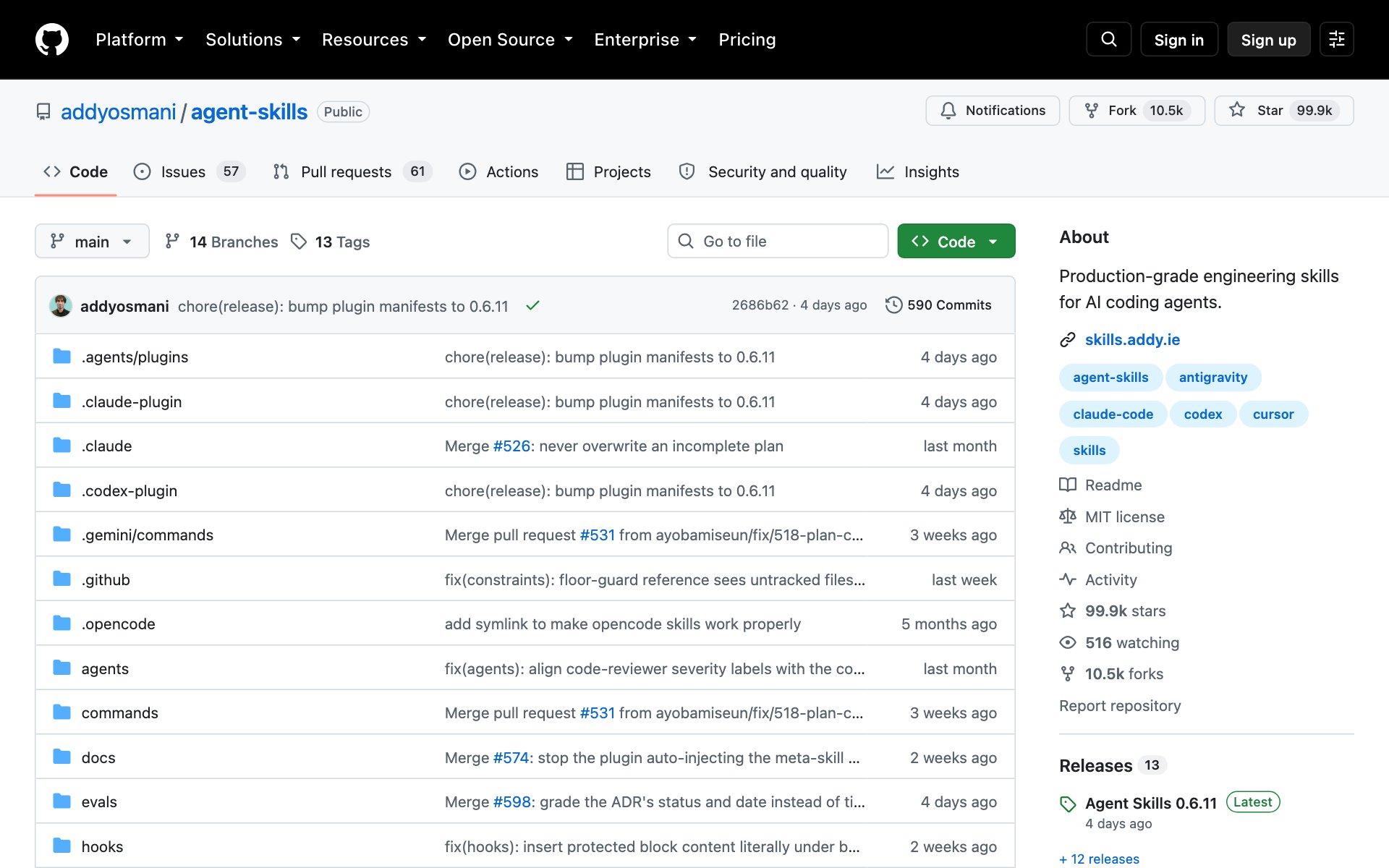
What agent-skills does for you: it adds 25 engineering skills and 9 slash commands, such as /spec, /plan, /build, /test, /review and /ship. Together they walk Claude through a full development loop: define, plan, build, verify, review and ship. Skills also switch on by themselves. Designing an API, for example, triggers the API design skill.
How to install agent-skills: copy the repo URL below, paste it into Claude Code, and say: install this.
repo URLhttps://github.com/addyosmani/agent-skillsOr install it by hand:
bashnpx skills add addyosmani/agent-skillsBest practices for agent-skills:
- For the shared checklists, install it as a Claude Code plugin or clone the repo. A single-skill npx install skips the references folder.
- If the plugin install fails with an SSH permission error, use the full HTTPS repo URL instead.
- Start with /spec on a small feature, then step through /plan and /build. Save /build auto for after you trust the plan.
Prompts to try with agent-skills:
prompt/spec Add a password reset flow to my app. Ask me any questions you need first.prompt/review Check my latest changes and list what to fix before I ship.4. Build a knowledge base from your documents with Tencent's WeKnora
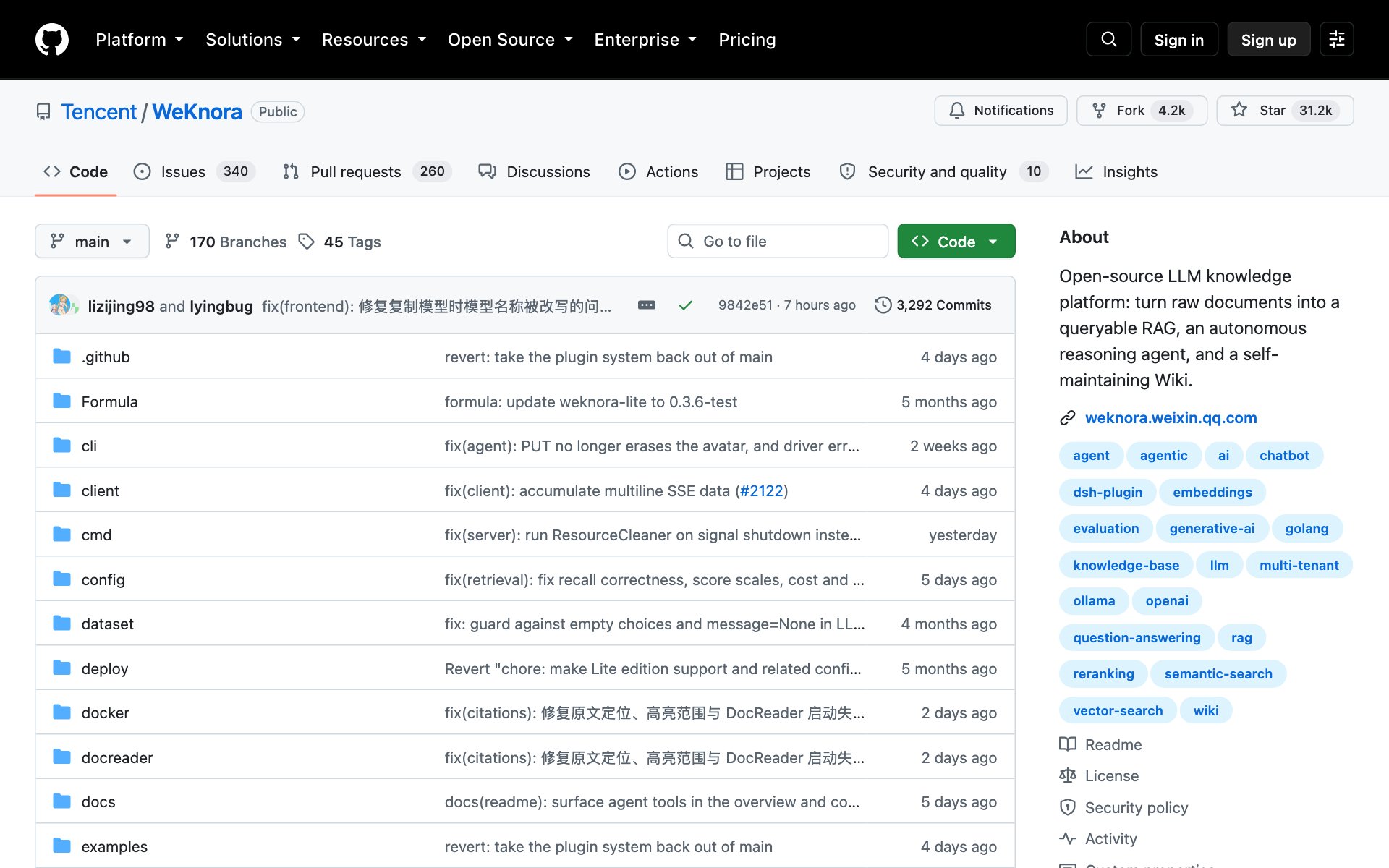
What WeKnora does for you: it is a knowledge platform you run yourself. You upload your documents, then ask questions and get answers with citations. It also has an agent for multi-step tasks and a wiki it builds for you. Its built-in MCP server (a way for Claude to use other apps) can share a knowledge base with Claude.
How to install WeKnora: copy the repo URL below, paste it into Claude Code, and say: install this.
repo URLhttps://github.com/Tencent/WeKnoraOr install it by hand. It needs Docker, Docker Compose and Git, plus an AI model (an API key, or Ollama running on your computer):
bashgit clone https://github.com/Tencent/WeKnora.git && cd WeKnora
cp .env.example .env
docker compose pull
docker compose up -d
Best practices for WeKnora:
- Open http://localhost after it starts, then add your AI model before you upload documents.
- Keep it on an internal network behind a firewall. The README warns against exposing it to the public internet.
- When you upgrade, run docker compose pull before docker compose up -d, so old cached images do not leave the app out of sync.
Prompts to try with WeKnora:
promptWalk me through installing WeKnora with Docker on my computer, one step at a time, and check each step worked.promptConnect Claude Code to my WeKnora knowledge base through its MCP endpoint, then ask it what my documents say about [your topic].5. Let Claude use your real browser with Tencent's BrowserSkill
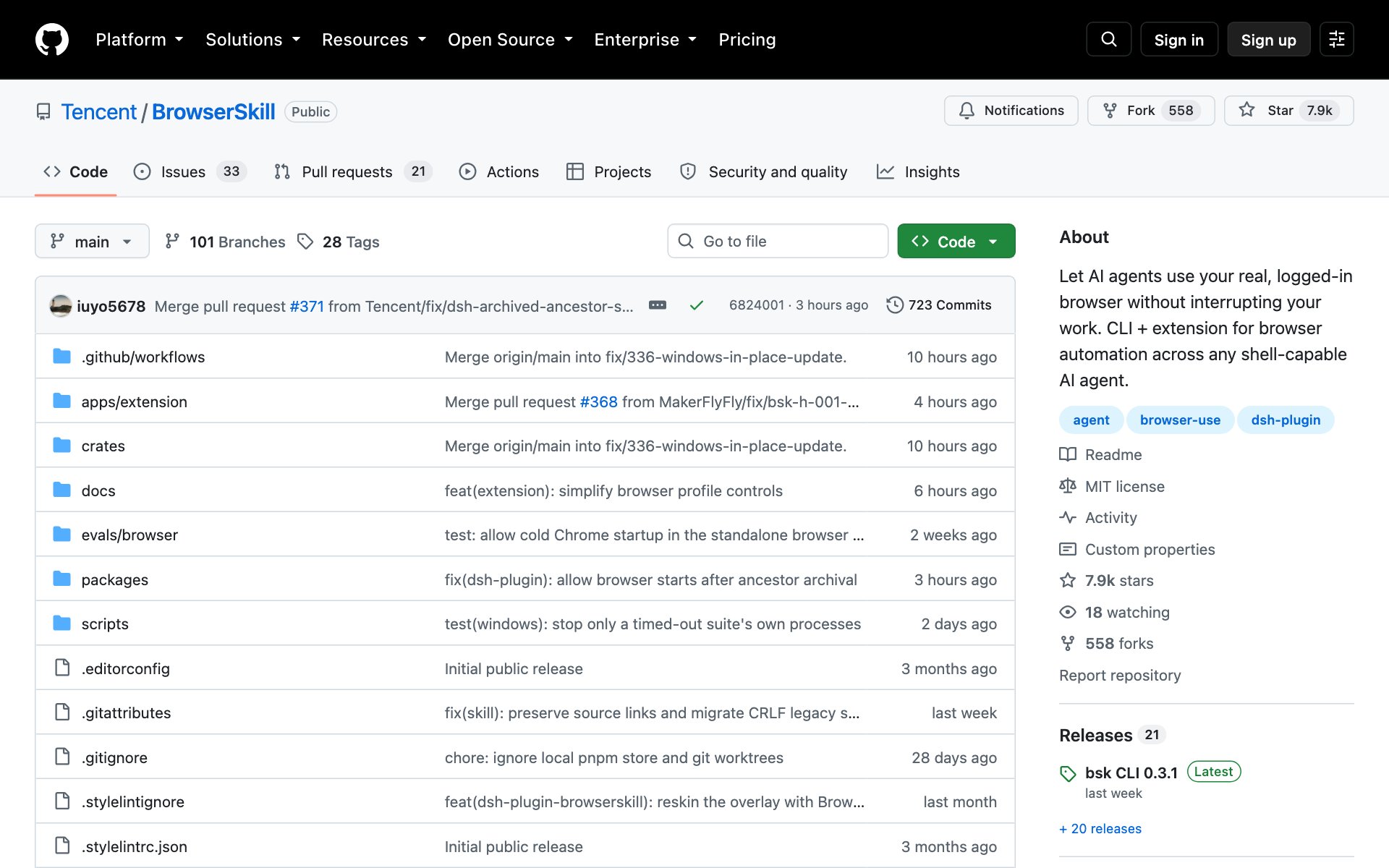
What BrowserSkill does for you: it lets Claude use your own logged-in Chrome or Edge to read pages, fill in forms, take screenshots and debug websites. The work happens in a separate Agent Window, so it does not take over the tabs you are using.
How to install BrowserSkill: copy the repo URL below, paste it into Claude Code, and say: install this.
repo URLhttps://github.com/Tencent/BrowserSkillOr install it by hand on Mac or Linux. You also add the browser extension from the Chrome Web Store or Edge Add-ons:
bashcurl -fsSL https://raw.githubusercontent.com/Tencent/BrowserSkill/main/install.sh | sh
bsk install-skill
bsk doctor
Best practices for BrowserSkill:
- The Agent Window shares your logins and is not a security sandbox. Claude acts with your signed-in permissions, so start with pages that cannot hurt you.
- End each task with bsk session stop and the session id.
- Debugging evidence is saved for 30 days and can still hold sensitive data, so delete it when you are done.
Prompts to try with BrowserSkill:
promptUse my browser to open my analytics dashboard, take a screenshot, and summarize what changed this week.promptOpen my website in the Agent Window, check the console for errors, and tell me what is broken.Which one to start with
- Shipping code: start with agent-skills, then add open-code-review for a second pair of eyes.
- Worried about security: start with security-audit-skill on a project you own.
- Lots of documents: start with WeKnora.
- Repeating browser chores: start with BrowserSkill, on low-risk pages first.
👉 https://www.skool.com/claudecodeclub
Common questions
How do I install a GitHub repo in Claude Code?
Copy the repo URL, paste it into Claude Code, and say: install this. Claude reads the README and does the setup with you. Each repo above also lists its by-hand command.
Are these five repos free?
The repos are open source. security-audit-skill, agent-skills and BrowserSkill use the MIT license, and open-code-review uses Apache-2.0. Some also need an AI model, which can have its own cost.
Which repo is safest to try first?
agent-skills only adds skills and slash commands to Claude Code, so it is the lowest-risk start. BrowserSkill acts with your logged-in accounts, so try it last.
Do I need to know how to code?
Not to start. Claude can walk you through each install. WeKnora needs Docker, and security-audit-skill needs Node.js, and Claude can help set those up too.
Keep going
Want to build with Claude Code, not just learn about it?
Get 650+ plug-and-play skills, MCPs & prompts, plus 8,000+ members - $9/mo, cancel anytime.
Join the Club