
TL;DR
Five new open source repos for AI agents, ranked by how fast they are growing on GitHub. Hindsight gives agents a memory, AX and Agent Substrate run agents at scale, Paperclip manages a team of agents, and Orca runs coding agents side by side. Paste a repo link into Claude Code and say install this.
👉 https://www.skool.com/claudecodeclub
5 agent repos worth installing, ranked by weekly growth
An agent is an AI that does a job for you, not just answers a question. These five GitHub repos help you build, run and manage agents. All five are free and open source, and each one was picked because it is growing fast right now. The order below is by stars gained over the last 7 days, best one first.
Two of them, Hindsight and Orca, are easy to try today. AX and Agent Substrate are tools for developers who run a Kubernetes cluster, so read their sections before you install.
1. Hindsight: give your agents a memory that learns
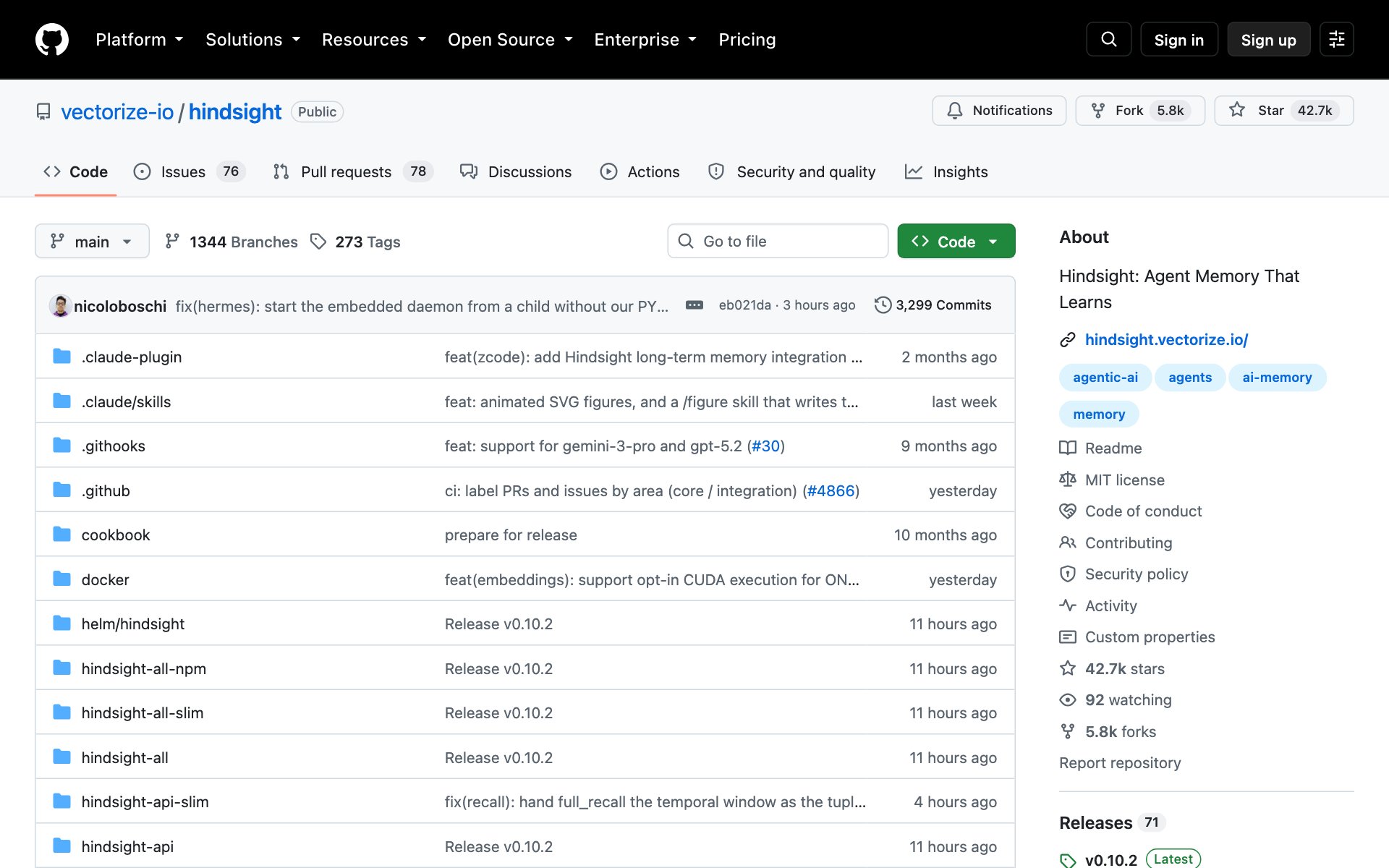
What Hindsight does for you: it is an agent memory system. Most memory tools only recall old chats. Hindsight is built so your agents learn over time, so the next task starts smarter than the last one. Its README reports top results on LongMemEval, a test for long term memory.
How to install Hindsight: copy the repo URL below, paste it into Claude Code, and say: install this. Hindsight runs in Docker, a free app that runs tools in their own little box, so have Docker open first.
repo URLhttps://github.com/vectorize-io/hindsightOr install it by hand (from the README). This starts the Hindsight server. The API lives at http://localhost:8888 and the dashboard at http://localhost:9999.
bashexport OPENAI_API_KEY=sk-xxx

docker run -it --pull always --name hindsight --restart unless-stopped -p 8888:8888 -p 9999:9999 \
  -e HINDSIGHT_API_LLM_API_KEY=$OPENAI_API_KEY \
  -v hindsight-data:/home/hindsight/.pg0 \
  ghcr.io/vectorize-io/hindsight:latest
Best practices for Hindsight:
- Start with one agent and one job, like a support helper that should remember each customer. Add more agents once that works.
- The README says Hindsight can run on your existing Claude Pro or Max plan through its claude-code provider, with no API key. Check the Quick Start before you pick a provider.
- Open the dashboard on port 9999 after a few runs and read what your agent stored. If the memories look wrong, fix the instructions, not the memory.
Prompts to try with Hindsight:
promptRead the README at https://github.com/vectorize-io/hindsight and explain in plain words how Hindsight would give my [type of agent] a memory. Then list the exact steps to try it on my computer.promptInstall Hindsight with Docker, start the server, and then write me a tiny test that tells it one fact about [a customer or project] and asks for it back the next day.2. AX: run agents at scale from a simple task file
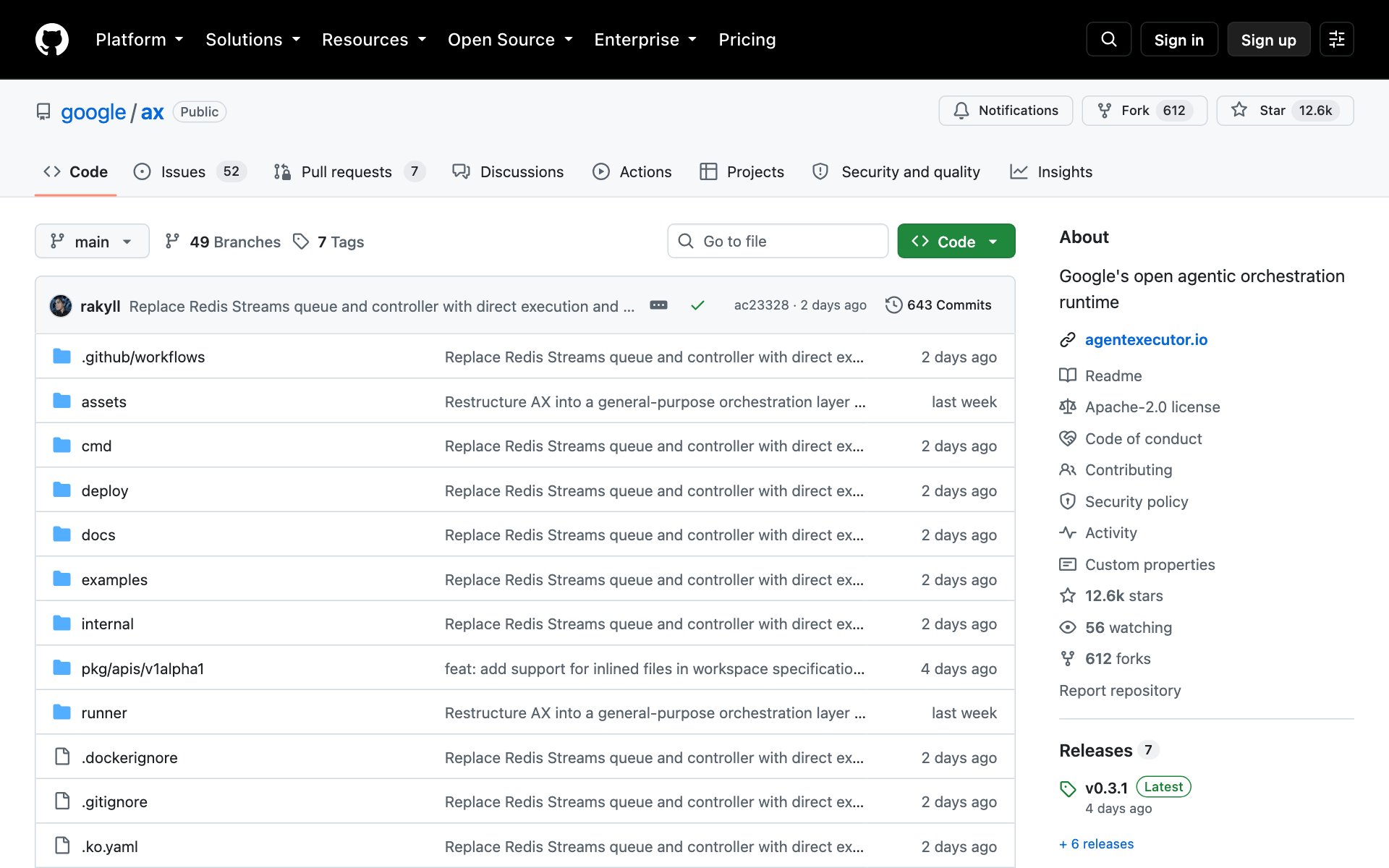
What AX does for you: AX is a tool from Google for running lots of agents at once. You write a short YAML file (a plain settings file) that says what the agent should do and which code it can see. AX runs it in a sandbox and helps you scale it. If you have used Kubernetes, AX will feel familiar. The README warns that AX is in heavy development, so expect changes.
How to install AX: copy the repo URL below, paste it into Claude Code, and say: install this. AX needs a Kubernetes cluster that already runs Agent Substrate (item 5 below), so ask Claude to check that first.
repo URLhttps://github.com/google/axOr install the AX command by hand (from the README). You need Go installed, and the folder that Go installs into must be on your PATH.
bashgo install github.com/google/ax/cmd/ax@latestBest practices for AX:
- Set up Agent Substrate on a test cluster first. AX will not run without it.
- Turn on the debug setting for your first task so you can look inside the sandbox with ax ssh.
- Do not point AX at a cluster that runs anything you care about while the project is still changing.
Prompts to try with AX:
promptRead the AX README at https://github.com/google/ax. Do I already have everything AX needs (Kubernetes, Agent Substrate, Go, kubectl, ko)? Check my computer and tell me what is missing.promptWrite me an AX task file that clones [my GitHub repo] and asks an agent to [a small job, like fixing one failing test]. Explain each line in plain words.3. Paperclip: manage a whole team of agents in one dashboard
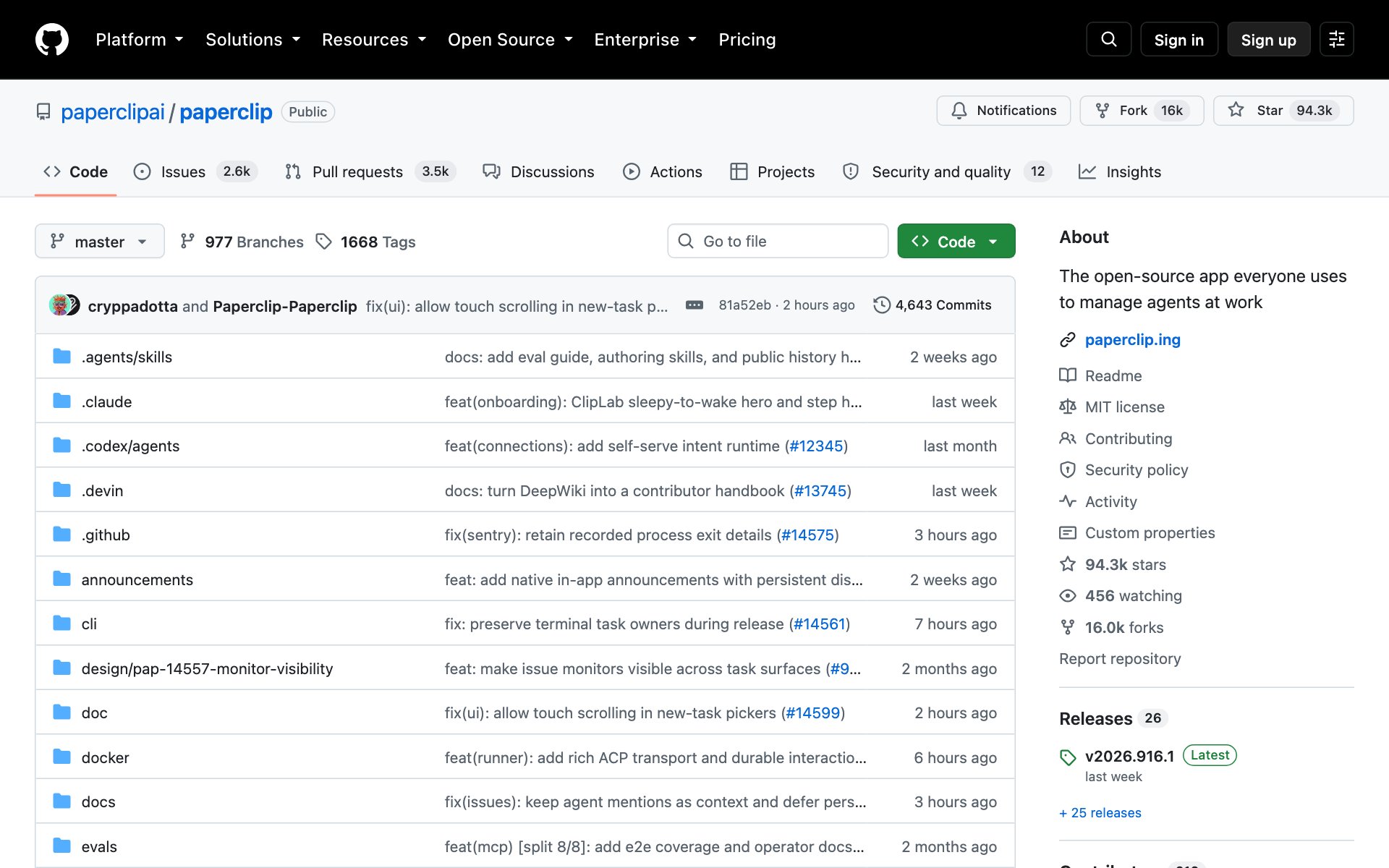
What Paperclip does for you: Paperclip is a dashboard for running a team of AI agents. You set a goal, add the agents you want, set budgets and watch the work and costs in one place. It works with Claude Code, Codex, Cursor and OpenClaw. The README puts it this way: if OpenClaw is an employee, Paperclip is the company.
How to install Paperclip: copy the repo URL below, paste it into Claude Code, and say: install this. It runs on your own computer and needs no Paperclip account.
repo URLhttps://github.com/paperclipai/paperclipOr install it by hand (from the README). This downloads the install script, checks its checksum and then runs it.
bashcurl -fsSLO https://paperclip.ing/install.sh
curl -fsSLO https://paperclip.ing/install.sh.sha256
if command -v sha256sum >/dev/null 2>&1; then
  sha256sum -c install.sh.sha256
else
  shasum -a 256 -c install.sh.sha256
fi
bash install.sh
Best practices for Paperclip:
- Give your first team one clear goal you can check, like a weekly report, not a big business idea.
- Set a budget on every agent before you press go. Paperclip tracks costs, so use it.
- Read each agent's work before you approve the next step. You are the boss of this company.
Prompts to try with Paperclip:
promptRead the README at https://github.com/paperclipai/paperclip. Suggest a small team of 3 agents for [my business or project], and tell me each agent's job and a sensible budget.promptInstall Paperclip on my computer, start it, and walk me through creating my first goal: [a simple, checkable goal].4. Orca: run many coding agents side by side
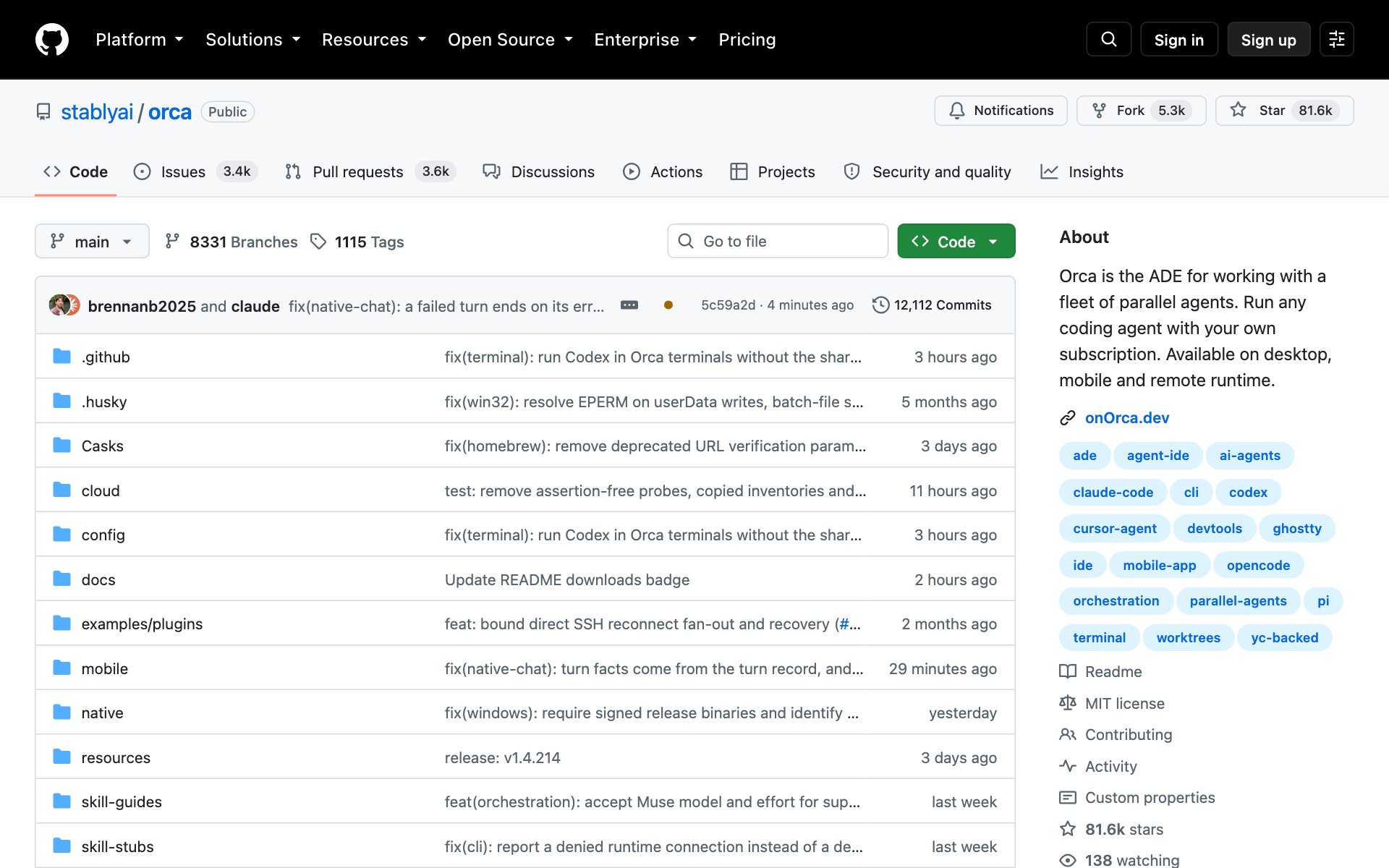
What Orca does for you: Orca is a desktop app for running several coding agents at once. It works with Claude Code, Codex, OpenCode and Pi. Each agent gets its own git worktree, a separate copy of your project, so they never step on each other. You can fan one prompt out to five agents, compare the results and keep the best one. It also has a phone app that tells you when an agent finishes. You use your own subscription.
How to install Orca: copy the repo URL below, paste it into Claude Code, and say: install this. Orca is an app, so you can also download it from onOrca.dev.
repo URLhttps://github.com/stablyai/orcaOr install it by hand on a Mac (from the README):
bashbrew install --cask stablyai/orca/orcaBest practices for Orca:
- Start with two agents on the same small task and compare. Add more once you trust the flow.
- Use one worktree per job. Do not ask two agents to edit the same file.
- Read the winning code before you merge it. Parallel agents are fast, but you still review.
Prompts to try with Orca:
promptI have Orca installed. Help me split this job into 3 independent tasks I can give to 3 agents at once: [my job].promptCompare these two versions of [a file or feature] from two Orca agents. Tell me which is better and why, in plain words.5. Agent Substrate: a safe sandbox runtime for agents
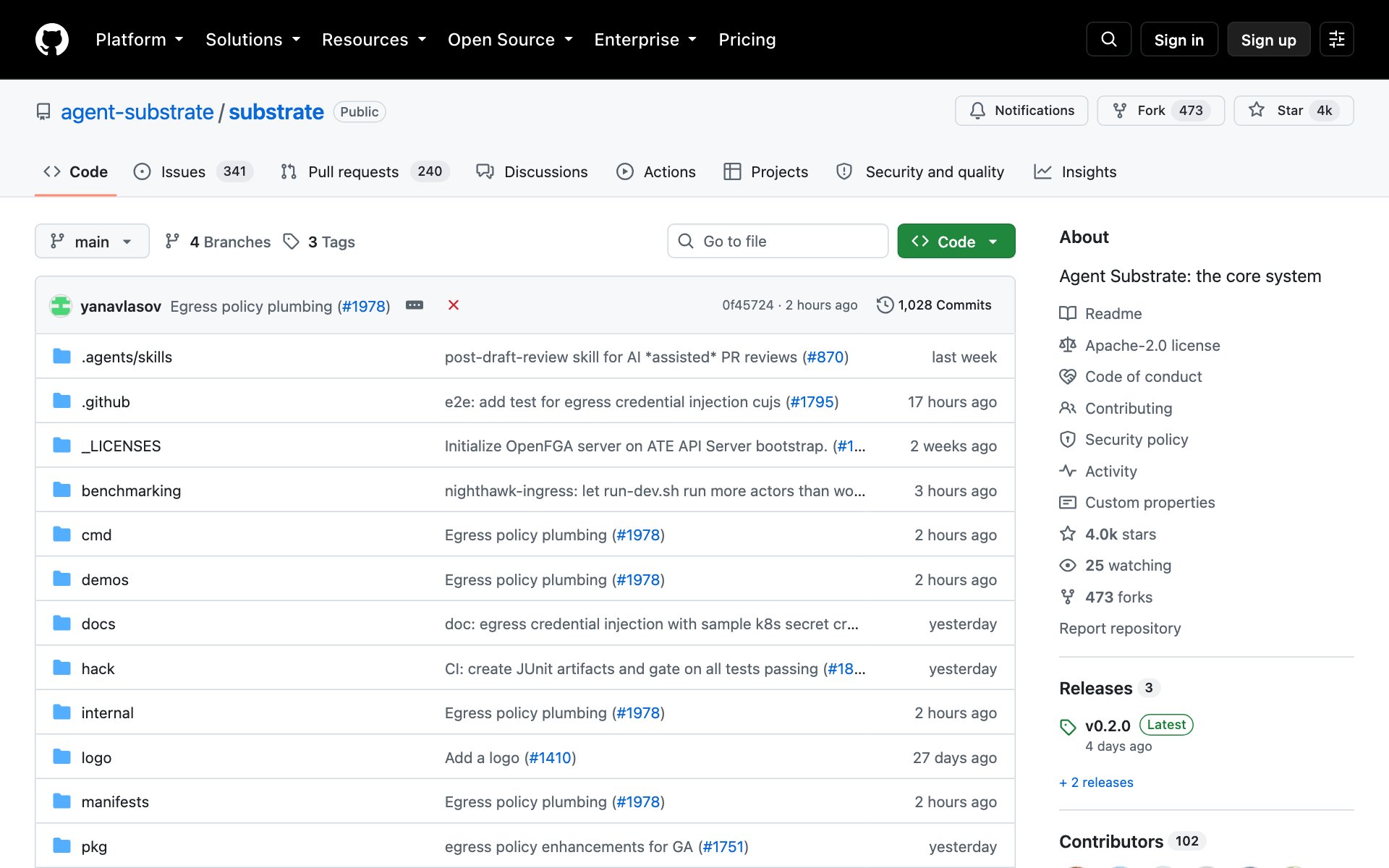
What Agent Substrate does for you: Agent Substrate is a secure place to run lots of agents. Each agent lives in its own sandbox, and Substrate pauses the idle ones and wakes them in under a second, so one small pool of machines can serve many agents. It is not a kit for building agents. It is the system that runs them, and AX is built on top of it. It is pre-1.0, so the README makes no promise that things will not change.
How to install Agent Substrate: copy the repo URL below, paste it into Claude Code, and say: install this. It sets up a local test cluster, so have Go, kubectl and Docker installed first.
repo URLhttps://github.com/agent-substrate/substrateOr install the local test version by hand (from the README). Run these inside the cloned repo:
bashgit clone https://github.com/agent-substrate/substrate.git
cd substrate

# create cluster and local registry
hack/create-kind-cluster.sh

# install ate, PostgreSQL, rustfs
hack/install-ate-kind.sh --deploy-ate-system
Best practices for Agent Substrate:
- Try it on the local test cluster from the README before you touch a real one.
- Run the counter demo first. It shows agents pausing and waking, so you see the idea in a minute.
- Read the threat model in the docs before you run agent code you did not write.
Prompts to try with Agent Substrate:
promptRead https://github.com/agent-substrate/substrate. In plain words, what problem does it solve, and would it help me if I only run [a few agents / lots of agents]?promptCheck that I have Go, kubectl and Docker installed, then walk me through the local quickstart in the Agent Substrate README one step at a time.Which repo to start with
- Want agents that remember: start with Hindsight.
- Want to run a team of agents for your business: start with Paperclip.
- Want to code faster with many agents at once: start with Orca.
- Run your own Kubernetes cluster: try Agent Substrate first, then AX.
👉 https://www.skool.com/claudecodeclub
Common questions
Are these five repos really free?
Yes. Hindsight, Paperclip and Orca use the MIT license, and AX and Agent Substrate use Apache-2.0. Both are open source licenses. You may still pay for the AI model or the computers you run them on.
How do I install a GitHub repo with Claude?
Copy the repo link, paste it into Claude Code and say: install this. Claude reads the README and does the steps. Ask it what the repo does first if you want a summary before anything runs.
Which of the five is easiest for a beginner?
Orca. It is a normal desktop app you can download, and it works with the coding agents you may already use. Hindsight is next, but you need Docker.
Do AX and Agent Substrate work together?
Yes. The AX README says it runs on top of Agent Substrate, so Substrate must be running in your cluster before you deploy AX.
Why are these ranked this way?
They are ordered by stars gained in the last 7 days, not by quality. Stars are a sign of interest, so read each README before you pick.
Keep going
Want to build with AI agents like these, step by step?
Get 650+ plug-and-play skills, MCPs & prompts, plus 8,000+ members - $9/mo, cancel anytime.
Join the Club