
Share One Skills Folder Between Claude Code and Codex
TL;DR
Claude Code and Codex both read skills as a folder with a SKILL.md file inside. That means you can keep one real skills folder and point both apps at it, so you write each skill once and fix it once. Chase AI's viral Claude OS works with both apps, and the same idea works for your own setup. A few Claude Code extras may not work in Codex, so test each skill in both.
👉 https://www.skool.com/claudecodeclub
A skill is a saved set of instructions. Claude Code reads it, then does the job the same way every time. Chase AI got 139,400 views on a reel about his Claude OS that works with both Codex and Claude Code. The part you can copy today is the skills.
Claude Code skills follow the Agent Skills open standard, and Codex skills build on the same standard. In both apps a skill is a folder with a SKILL.md file inside. Same format, so you don't need two copies.
Step 1: Keep one skills folder
Where each app looks: Claude Code reads your personal skills from ~/.claude/skills. Codex reads your personal skills from $HOME/.agents/skills. Pick one of those as the real folder and make the other one point to it, so there is one set of files and two paths into it.
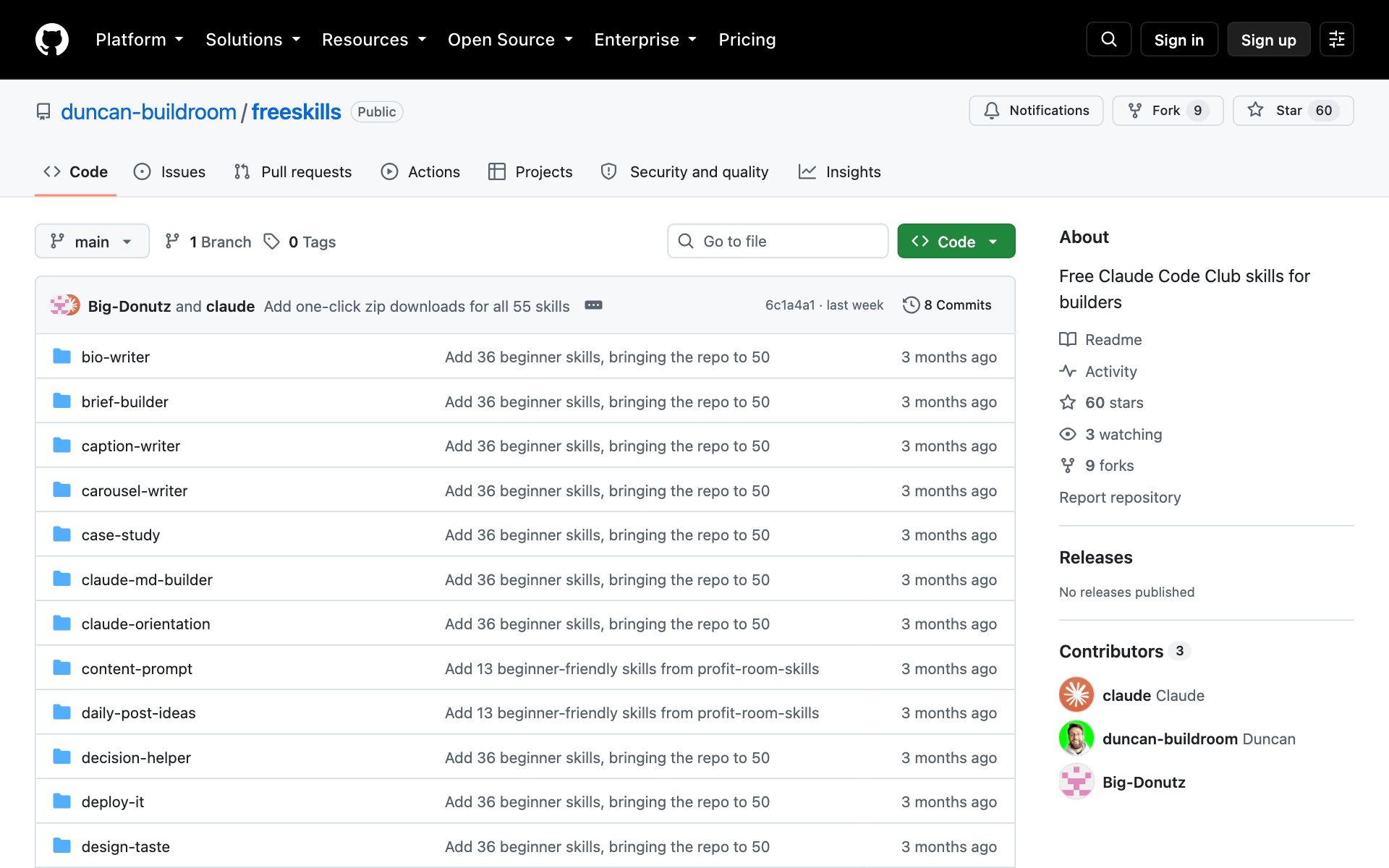
How to get a starter library: copy the repo URL below, paste it into Claude Code, and say: install this. Now you have a folder full of working skills to share.
repo URLhttps://github.com/duncan-buildroom/freeskillsStep 2: Point Claude Code and Codex at the same folder
Ask Claude Code to do the linking for you. It will check what is already in each folder first, so nothing gets overwritten.
promptI want Claude Code and Codex to share one skills folder. Claude Code reads skills from ~/.claude/skills and Codex reads them from $HOME/.agents/skills.

First, list what is in both folders and tell me if any skill names clash. Don't change anything yet.
Then keep ~/.claude/skills as the one real folder and make $HOME/.agents/skills point to it. Move any skills that only exist in the Codex folder into the real one first. Tell me exactly what you changed.
Only want it for one project? Both apps also read skills from the project itself: Claude Code from .claude/skills and Codex from .agents/skills. Link those two the same way.
Step 3: Fix a skill once and both apps get it
Open any SKILL.md in the shared folder and edit it. Because both apps read the same file, the fix shows up in Claude Code and in Codex. No copy and paste, no skill that drifts out of date in one app.
promptOpen the [skill name] skill in my shared skills folder. Make it [what you want changed], keep it short and plain, and don't touch any other skill. Then show me the new version.Best practices for a shared skills folder:
- One real folder, never two copies. Two copies drift apart the first time you edit only one.
- Keep each skill plain. Write the steps in simple words, and let the skill do one job.
- Test every skill in both apps. Run it once in Claude Code and once in Codex before you trust it.
- Name skills clearly. A name like write-weekly-report beats a name like skill2.
The honest catch
- Some extras are Claude Code only. Claude Code's docs say a few frontmatter fields are extensions and not part of the open standard. A skill that leans on them may act differently, or ignore them, in Codex. Check the 'Using skill frontmatter outside Claude Code' section of the Claude Code skills docs.
- Plain skills travel best. A skill that is just clear steps in a SKILL.md works in both apps. Keep the Claude-only tricks in a separate skill.
- This is not Chase AI's full Claude OS. His setup also has a voice, a built-in terminal and a fast model that routes each request. Sharing skills is the simple part you can build in an afternoon.
Which setup to start with
- Use both apps on one computer: share your personal folder, ~/.claude/skills and $HOME/.agents/skills.
- Work in one project with a team: share the project folders, .claude/skills and .agents/skills, and commit them to the repo.
- Only use one app: skip all of this. Come back when you try the other one.
👉 https://www.skool.com/claudecodeclub
Common questions
Do Claude Code and Codex use the same skill format?
Yes. Both build on the open Agent Skills standard, and in both a skill is a folder with a SKILL.md file inside.
Where does each app keep my personal skills?
Claude Code uses ~/.claude/skills. Codex uses $HOME/.agents/skills. Point one at the other and you have one folder.
Will every skill work in both apps?
Plain skills should. Claude Code's docs say some frontmatter fields are Claude Code extensions, so a skill that uses them may not behave the same in Codex. Test each skill in both.
Do I need Chase AI's full setup to do this?
No. His Claude OS adds a voice, a terminal and a model router on top. Sharing one skills folder works on its own.
Where can I get skills to start with?
The Claude Code Club's freeskills repo on GitHub is a free library of skills. Paste its URL into Claude Code and say install this.
Keep going
Want the skills that make Claude Code worth every token?
Get 650+ plug-and-play skills, MCPs & prompts, plus 8,000+ members - $9/mo, cancel anytime.
Join the Club