
Invisible Dots: a free AI agent with its own computer that websites don't block
TL;DR
Invisible Dots is a free, open-source AI agent that runs on your own machine. It gets a computer of its own and a patched Firefox, so it can do online chores like downloading invoices. You message it from Telegram, WhatsApp or the web, and you decide what it can do.
👉 https://www.skool.com/claudecodeclub
Invisible Dots is a free AI agent that does online chores for you
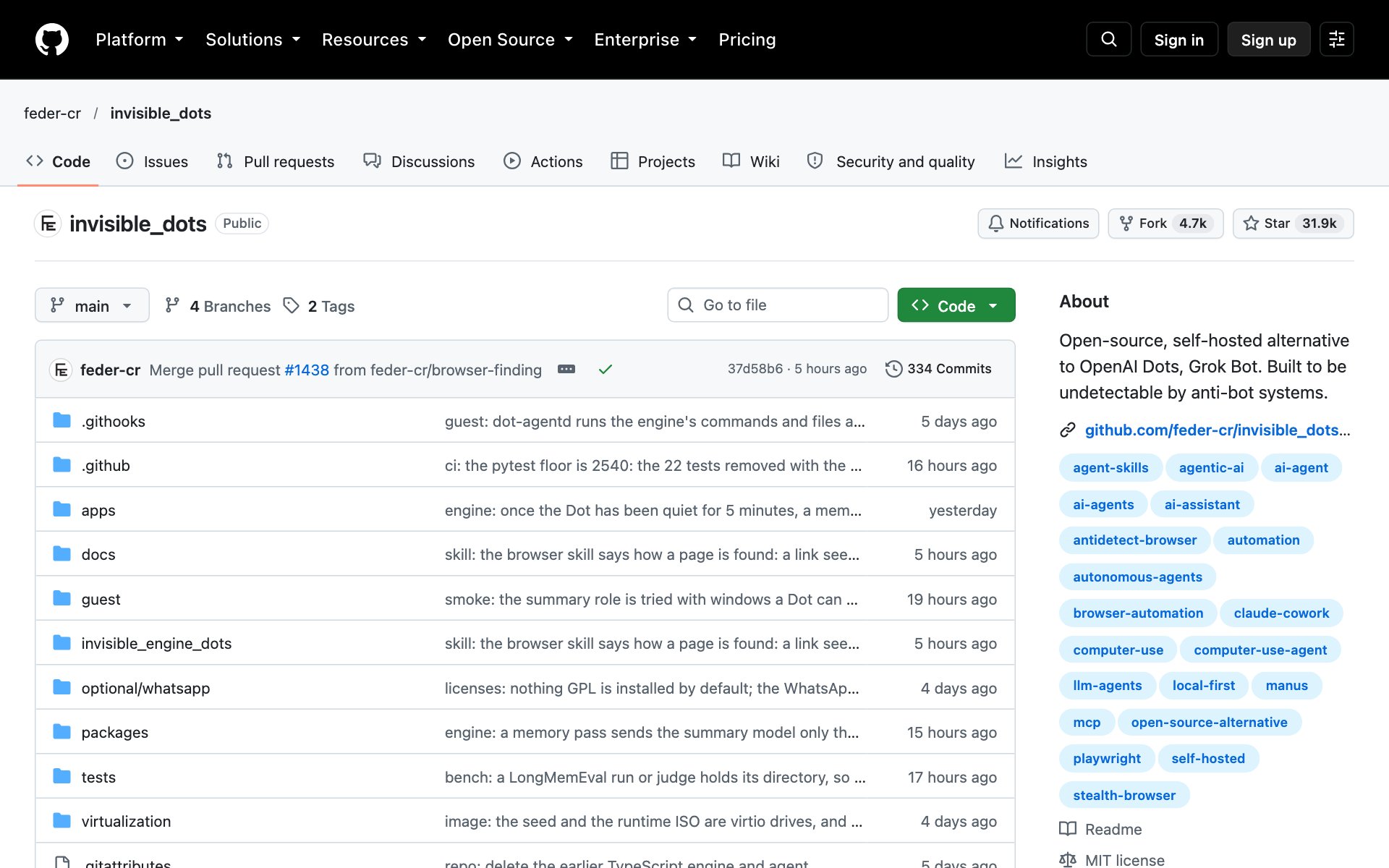
Invisible Dots is an open-source, self-hosted alternative to OpenAI Dots and Grok Bot. Federico Elia built it, it uses the MIT license, and its status badge says alpha, so expect rough edges. It gives each AI agent a computer of its own, so the agent can log in to a shop, download your invoices, or check flight fares while you do something else.
Give Invisible Dots a computer, a browser and your phone
What Invisible Dots does for you: each agent runs in a virtual machine with a Linux desktop and a disk that keeps every file. It sleeps when idle and wakes for your next message. Its browser is Firefox patched in C++ with the fingerprint set inside the engine, so websites don't flag it as a bot, and each identity keeps its own cookies and logins. It also writes its own notes and how-tos, then reads them on the next task.
How to install Invisible Dots: copy the repo URL below, paste it into Claude Code, and say: install this. You need a Linux or Windows machine with hardware virtualization, plus an OpenRouter key.
repo URLhttps://github.com/feder-cr/invisible_dotsOr install it by hand on Linux (the README also has a Windows version). You need Node 24+, Go 1.25+ and Git first:
bashgit clone https://github.com/feder-cr/invisible_dots && cd invisible_dots
npm ci && npm run build --workspace @invisible-dots/cli
node apps/cli/dist/invisible-dots.mjs setup --all
node apps/cli/dist/invisible-dots.mjs server
Then open http://127.0.0.2:3000 in your browser, paste your OpenRouter key and create your first agent.
Best practices for Invisible Dots:
- Start every tool on ask. Each tool is allow, ask or deny, and an ask waits in your Inbox until you approve it. Switch a tool to allow only after you trust it.
- Give each job its own browser identity. Each identity keeps its own cookies and logins, so your shop login stays apart from your research browsing.
- Respect the sites you visit. The README says an agent acts with your accounts and from your connection, so follow each site's terms and robots.txt.
- Treat it as alpha software. Try it on a spare machine and a low-stakes chore before you hand it anything important.
Prompts to try with Invisible Dots:
promptEvery morning, check one-way fares from [city A] to [city B] for the next two weeks, write them to a file in your workspace and tell me the cheapest day.promptLog in to [my shop] with the shopping identity, download this month's invoices to your documents folder, and remember where the invoices page is for next time.Start with one chore, then add Telegram
- Run the agent from the web UI first and give it the invoice chore above.
- Watch the first run. Approve each ask in your Inbox so you see what it does.
- Connect Telegram once it works, so you can send jobs from your phone. WhatsApp is an opt-in extra.
👉 https://www.skool.com/claudecodeclub
Common questions
Is Invisible Dots really free?
The code is free and open source under the MIT license. You still need an OpenRouter key to run the AI model, and OpenRouter charges for model use.
Does Invisible Dots run on a Mac?
The README lists Linux and Windows as the supported hosts, and it needs hardware virtualization on an x86-64 machine.
Why don't websites block Invisible Dots?
Its browser is Firefox patched in C++, with the fingerprint set inside the engine, and the project is built to be undetectable by anti-bot systems. Each identity keeps its own cookies and logins.
How do I talk to my Invisible Dots agent?
You can use the web UI, the command line, an HTTP API, Telegram, or WhatsApp, which is opt-in.
Keep going
Get more free AI agent guides inside the Claude Code Club
Get 650+ plug-and-play skills, MCPs & prompts, plus 8,000+ members - $9/mo, cancel anytime.
Join the Club