
The 5 Claude Plugins to Install First (Free Install Guide)
TL;DR
Five plugins make Claude much more useful: Claude-Mem for memory, Superpowers for planning and testing, Ralph Loop for finishing a task, GSD for long projects and Context7 for current docs. Three of them (Superpowers, Ralph Loop and Context7) install from Anthropic's own plugin marketplace. This guide shows how to install all five.
👉 https://www.skool.com/claudecodeclub
See what the five Claude plugins do
A plugin adds new abilities to Claude. Each of these five fixes one problem: Claude forgets, rushes, quits early, gets worse in long chats, or uses old docs. Superpowers alone has almost 300,000 stars on GitHub.
- Claude-Mem gives Claude memory across every session.
- Superpowers makes Claude plan, test and review its work.
- Ralph Loop keeps Claude working on one task until it's finished.
- GSD stops Claude's answers from slipping in long chats.
- Context7 hands Claude the latest docs for your tools.
Look for the plus button next to the box where you type. Click it, then click Plugins. Pick a marketplace, then pick the plugin. Start with Anthropic's own marketplace: it's the one to trust first. Superpowers, Ralph Loop and Context7 are all in it. Claude-Mem and GSD are not, so they take one extra step each, shown below.
Add memory with Claude-Mem
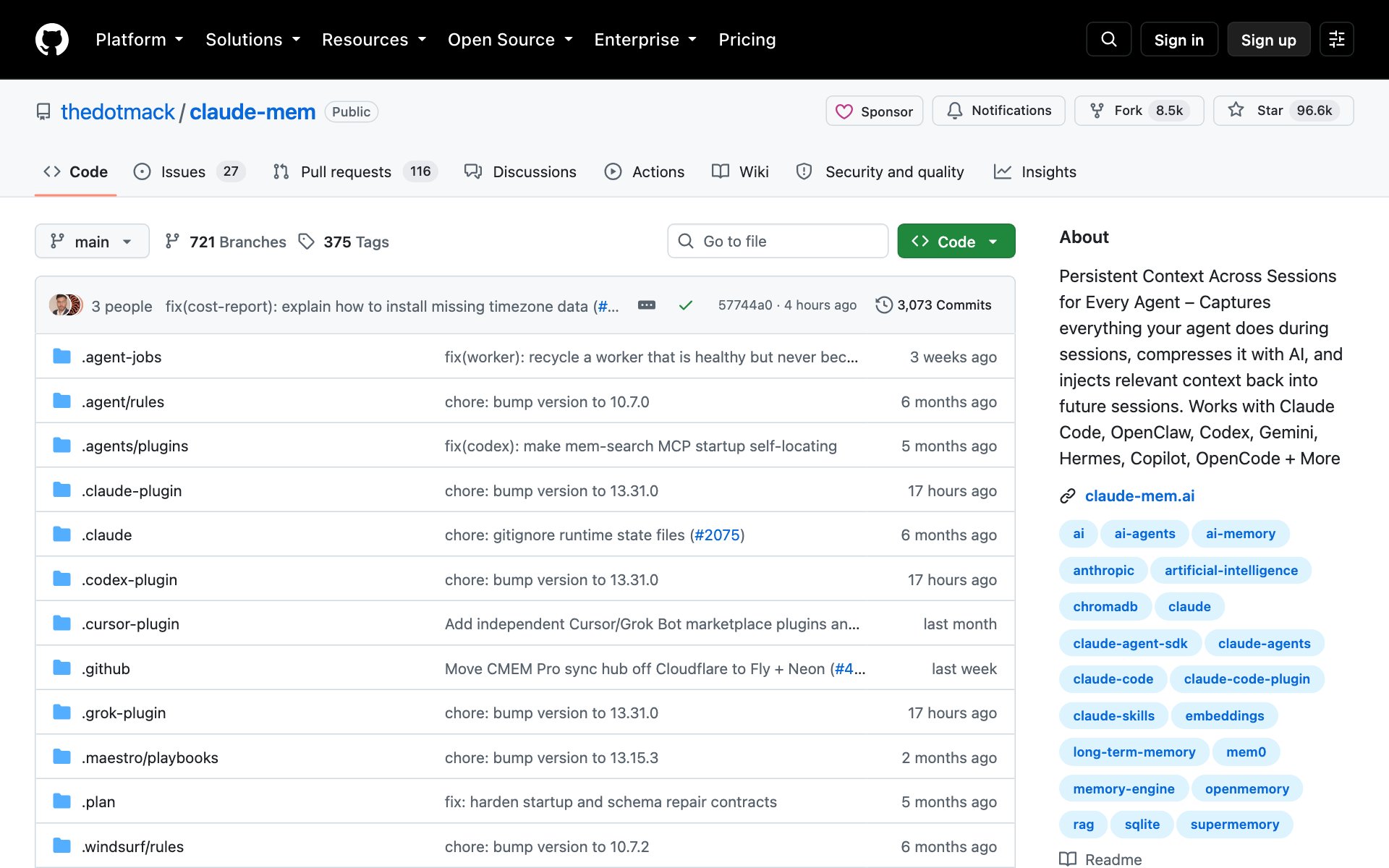
What Claude-Mem does for you: it watches what Claude does while you work, shrinks it into short notes, and brings the useful notes back in your next session. You stop re-explaining your project every morning.
How to install Claude-Mem: copy the repo URL below, paste it into Claude Code, and say: install this.
repo URLhttps://github.com/thedotmack/claude-memOr install it by hand inside Claude Code, then restart Claude Code. Don't use npm install -g claude-mem: the Claude-Mem page says that only installs the library, not the plugin.
bash/plugin marketplace add thedotmack/claude-mem
/plugin install claude-mem
Prompt to try with Claude-Mem:
promptWhat did we decide last time about [your project]? Remind me of the three most important choices and why we made them.Plan, test and review with Superpowers
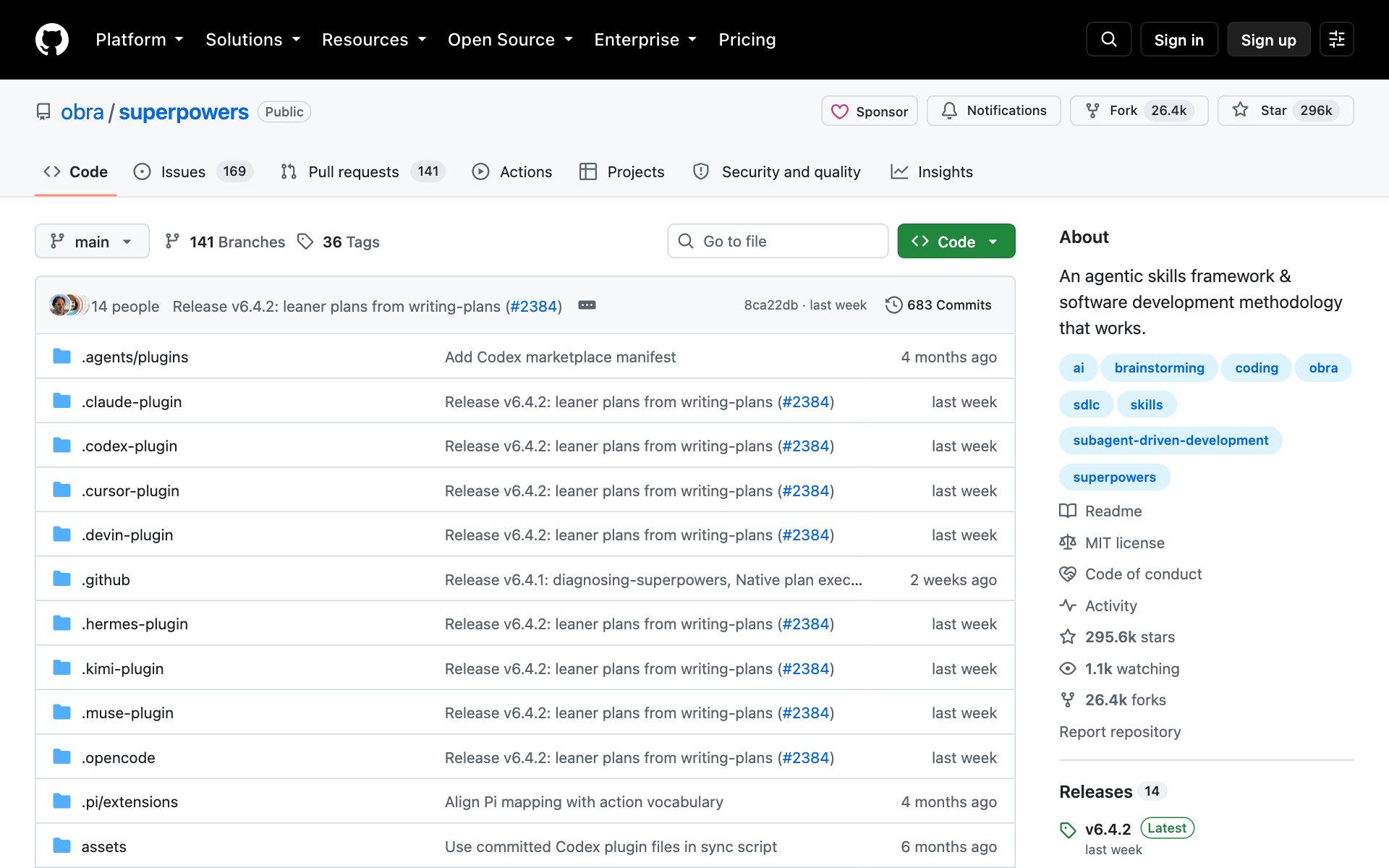
What Superpowers does for you: when you ask Claude to build something, Superpowers makes Claude stop and ask what you really want first. Then Claude writes a plan, builds it in small steps with tests, and checks its own work along the way.
How to install Superpowers: copy the repo URL below, paste it into Claude Code, and say: install this.
repo URLhttps://github.com/obra/superpowersOr install it by hand from Anthropic's official marketplace:
bash/plugin install superpowers@claude-plugins-officialPrompt to try with Superpowers:
promptI want to build [a simple page that collects email signups]. Ask me what you need to know first, then show me a plan before you write any code.Finish the job with Ralph Loop
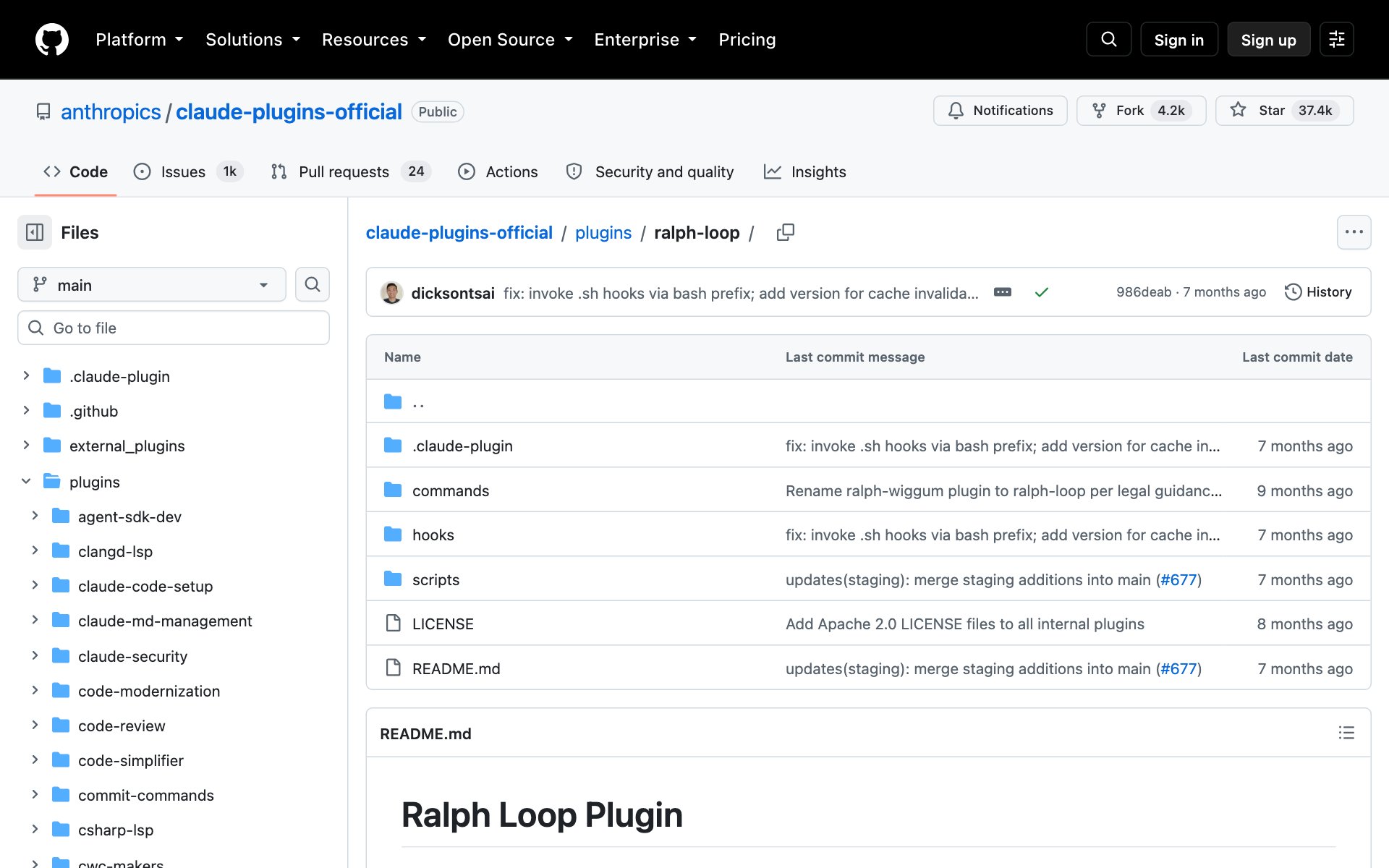
What Ralph Loop does for you: normally Claude stops when it thinks it's done. Ralph Loop blocks that exit and hands Claude the same task again, until Claude says the finish word you chose. It sees its own earlier work in your files, so each round gets better.
How to install Ralph Loop: copy the repo URL below, paste it into Claude Code, and say: install this.
repo URLhttps://github.com/anthropics/claude-plugins-official/tree/main/plugins/ralph-loopOr install it by hand from Anthropic's official marketplace:
bash/plugin install ralph-loop@claude-plugins-officialPrompt to try with Ralph Loop: always set a cap on rounds, so a loop can't run forever.
prompt/ralph-loop "Build [a to-do list page]. It must add, check off and delete tasks, and the tests must pass. Say <promise>COMPLETE</promise> when done." --completion-promise "COMPLETE" --max-iterations 20Keep long chats sharp with GSD
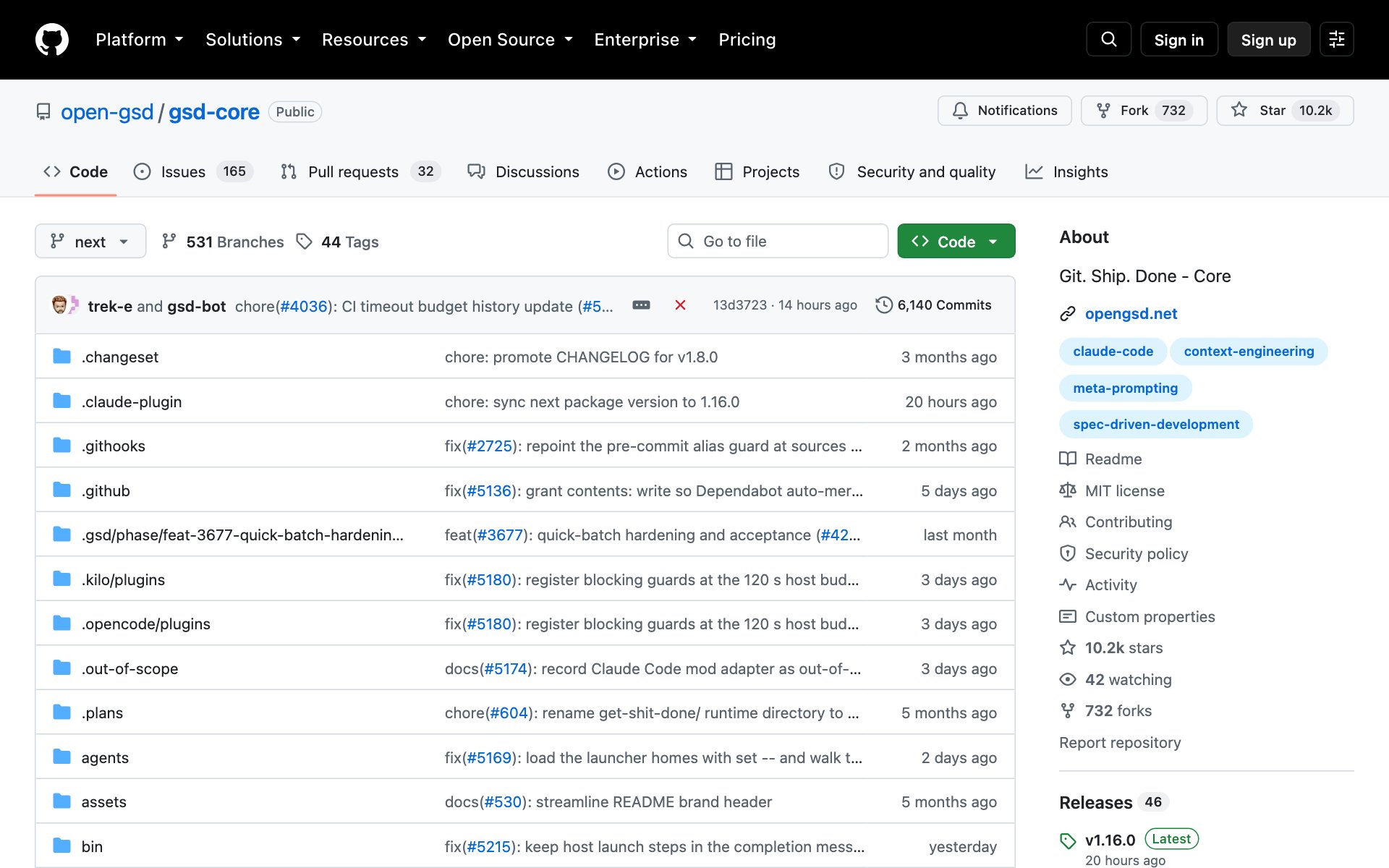
What GSD does for you: the longer a chat gets, the worse Claude's answers get. The GSD page calls this context rot. GSD fixes it by giving each big job to a fresh helper, so your main chat stays clean. It works in a loop: discuss, plan, build, check, ship.
The original GSD page was archived and moved. Use the new one below, GSD Core.
How to install GSD: copy the repo URL below, paste it into Claude Code, and say: install this. When the installer asks where to put it, pick Claude Code.
repo URLhttps://github.com/open-gsd/gsd-coreOr install it by hand with one terminal command. You need Node.js on your computer first.
bashnpx @opengsd/gsd-core@latestPrompt to try with GSD: type /gsd-new-project for a new project, or /gsd-onboard for a project you already have.
prompt/gsd-onboardGet the latest docs with Context7
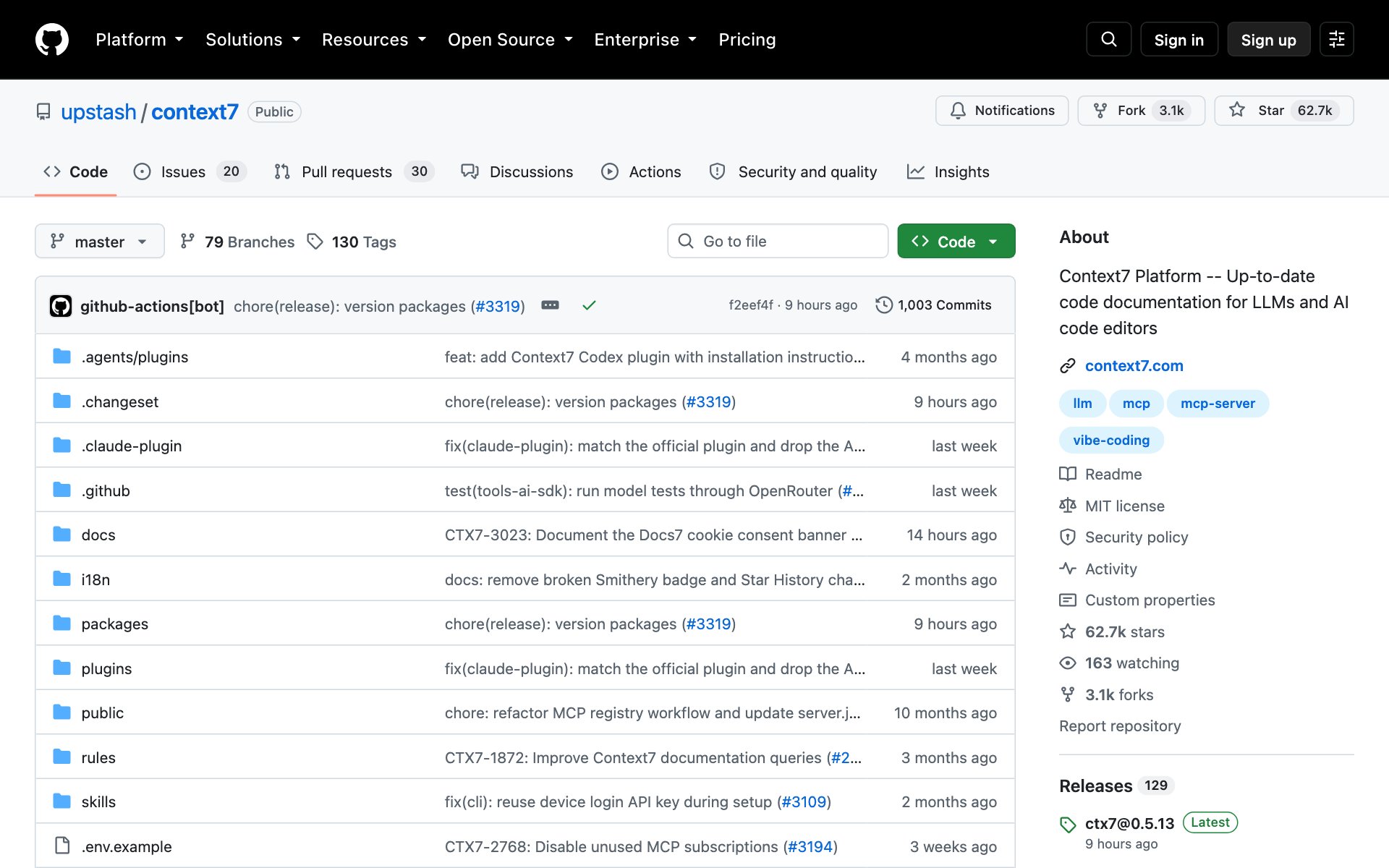
What Context7 does for you: Claude learned from old data, so it can use outdated tools or invent features that don't exist. Context7 pulls current, version-specific docs straight into your prompt, so Claude builds with what's real today.
How to install Context7: copy the repo URL below, paste it into Claude Code, and say: install this.
repo URLhttps://github.com/upstash/context7Or install it by hand from Anthropic's official marketplace:
bash/plugin install context7@claude-plugins-officialThe Context7 page also offers a one-command setup, `npx ctx7 setup` (you need Node.js 18 or newer), and recommends a free API key for higher limits.
Prompt to try with Context7:
promptShow me how to set up email sign-up with [Supabase], using the current docs. use context7Pick which plugin to start with
- Start with Superpowers. It changes every build for the better, and it's one click in Anthropic's marketplace.
- Add Context7 next if you build with tools that change fast.
- Add Claude-Mem if you work on the same project for days.
- Add Ralph Loop when you have one clear job with a clear finish line.
- Add GSD when a project gets too big for one chat.
👉 https://www.skool.com/claudecodeclub
Common questions
How do I install a plugin in Claude?
Click the plus button next to the box where you type, then click Plugins. Pick a marketplace and install the plugin. Start with Anthropic's own marketplace. In Claude Code you can also type /plugin install followed by the plugin name.
Which of the five plugins are in Anthropic's marketplace?
Superpowers, Ralph Loop and Context7. Claude-Mem needs its own marketplace added first, and GSD installs with its own npx installer.
Is GSD the same as get-shit-done?
GSD Core is the new home of that project. The original get-shit-done page was archived and points to open-gsd/gsd-core, so install from there.
Are these plugins free?
All five are open source and free to install: Superpowers, Context7 and GSD Core use the MIT license, and Claude-Mem uses Apache-2.0. Context7 also suggests a free API key for higher limits.
Keep going
Want to build with Claude Code, not just install plugins?
Get 650+ plug-and-play skills, MCPs & prompts, plus 8,000+ members - $9/mo, cancel anytime.
Join the Club