
Edit Videos With Claude Code Using the Free DaVinci Resolve MCP
TL;DR
The DaVinci Resolve MCP is a free GitHub repo that lets Claude Code control DaVinci Resolve. You need DaVinci Resolve Studio, the paid version ($295, one time), for it to connect. Paste the repo URL into Claude Code, flip one setting in Resolve, and tell Claude the edit you want: it marks dead air, matches color and queues the export.
👉 https://www.skool.com/claudecodeclub
See what the DaVinci Resolve MCP does
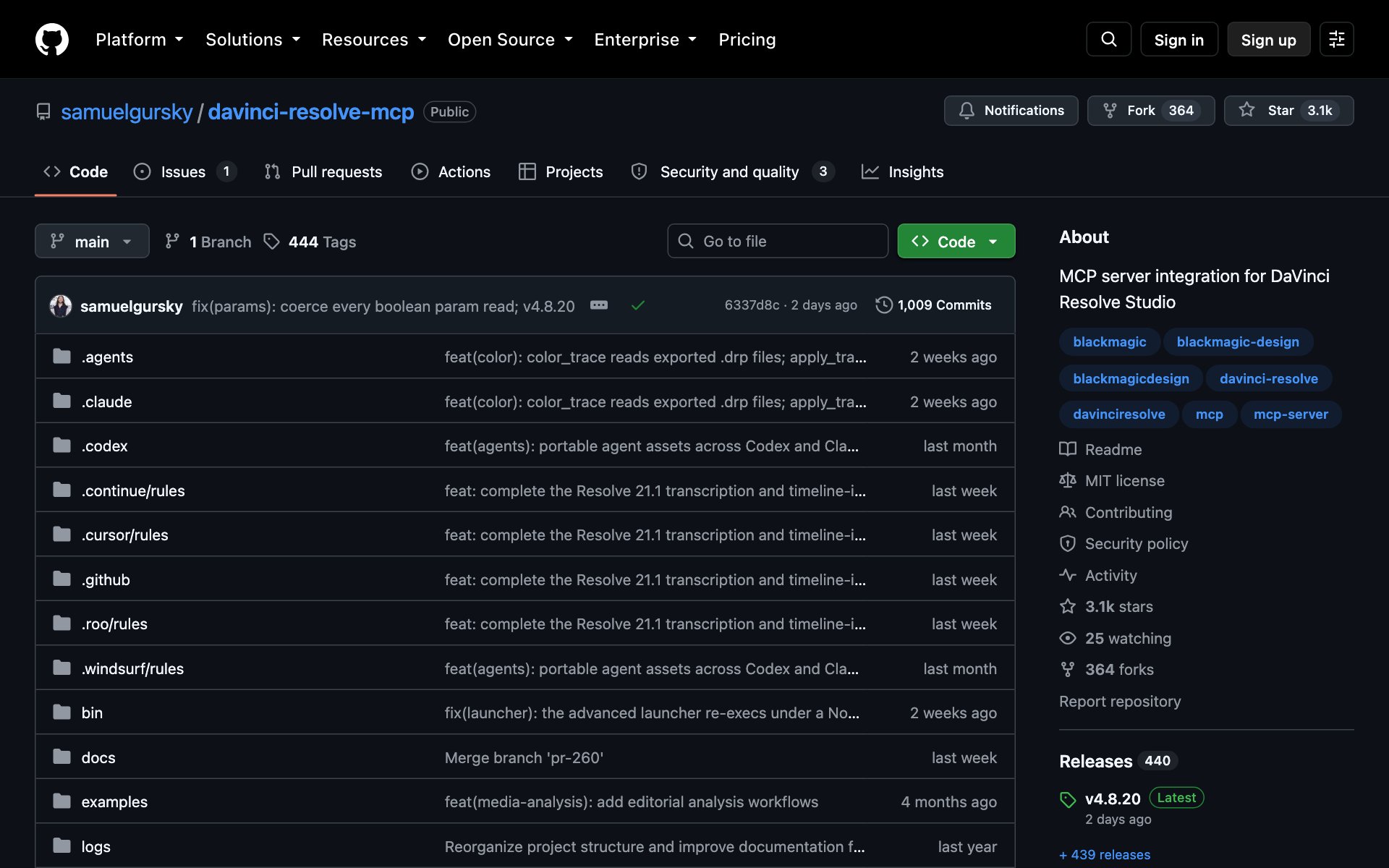
The DaVinci Resolve MCP is a free GitHub repo that lets Claude Code control DaVinci Resolve, the video editor. MCP is the plug that lets Claude use other apps. You tell Claude the edit you want in plain words, and Claude runs Resolve for you: timelines, markers, color, sound and the final export. Over 3,100 people have starred the repo, and the MIT license means you can use it however you want.
Know what the DaVinci Resolve MCP can edit
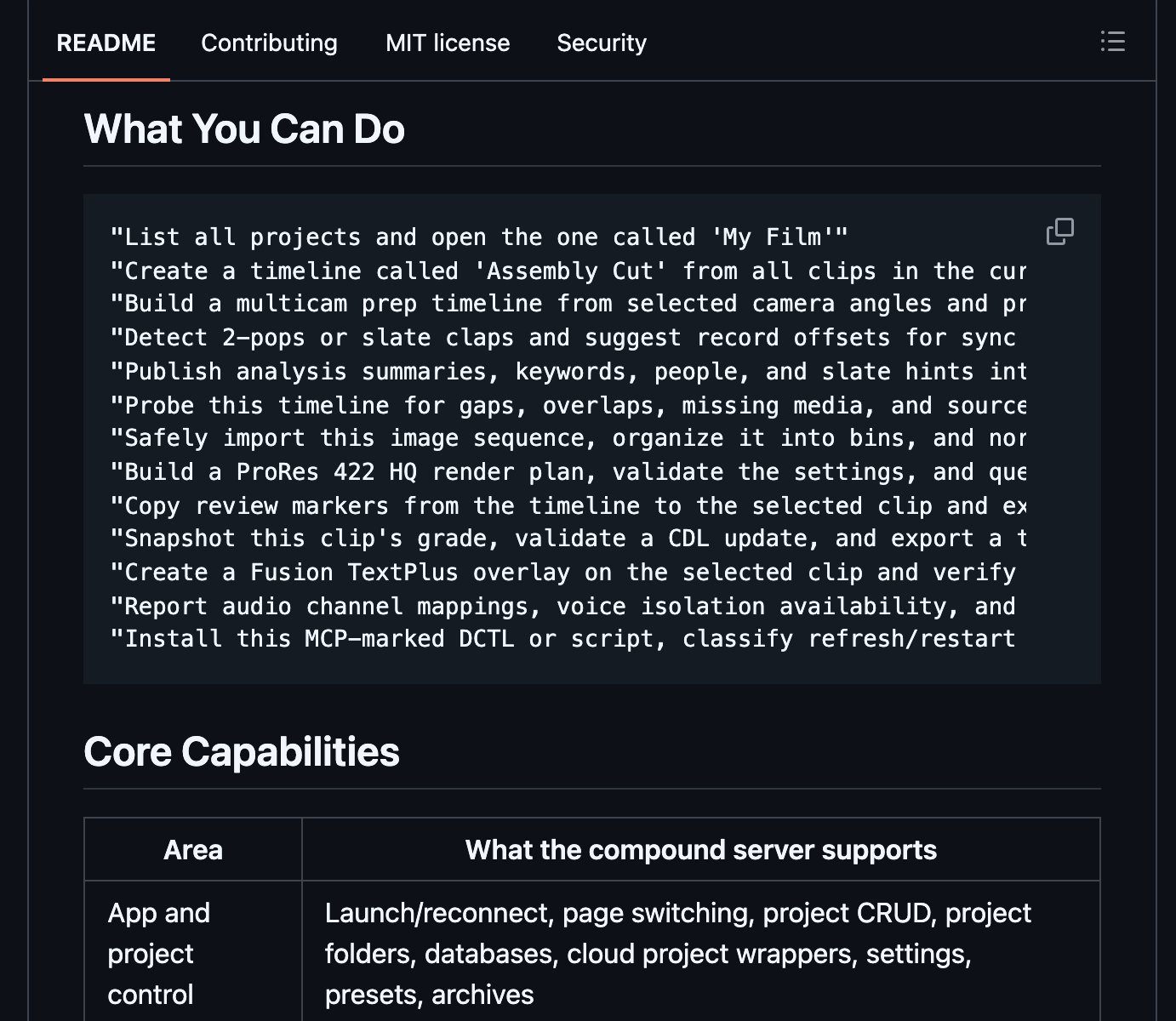
What the DaVinci Resolve MCP does for you: it gives Claude hands inside Resolve. Here's what Claude can do once it's connected:
- Dead air: find the silent gaps in your footage and drop a marker on each one (needs ffmpeg, a free tool).
- Color: match clips to a reference still, copy a grade from one clip to others, and export a LUT.
- Sound: change audio settings on clips and turn on voice isolation.
- Timelines: build a timeline from a bin, find gaps and overlaps, and add text overlays.
- Export: check your render settings and queue the render job.
- Transcripts: transcribe your clips and write the notes back into Resolve (needs Whisper, a free add-on).
Flip the one DaVinci Resolve setting first
This is the step most people miss, and without it Claude can't connect. Open DaVinci Resolve, then go to Preferences > General > External scripting using and set it to Local. Restart Resolve after you change it.
Install the DaVinci Resolve MCP in Claude Code
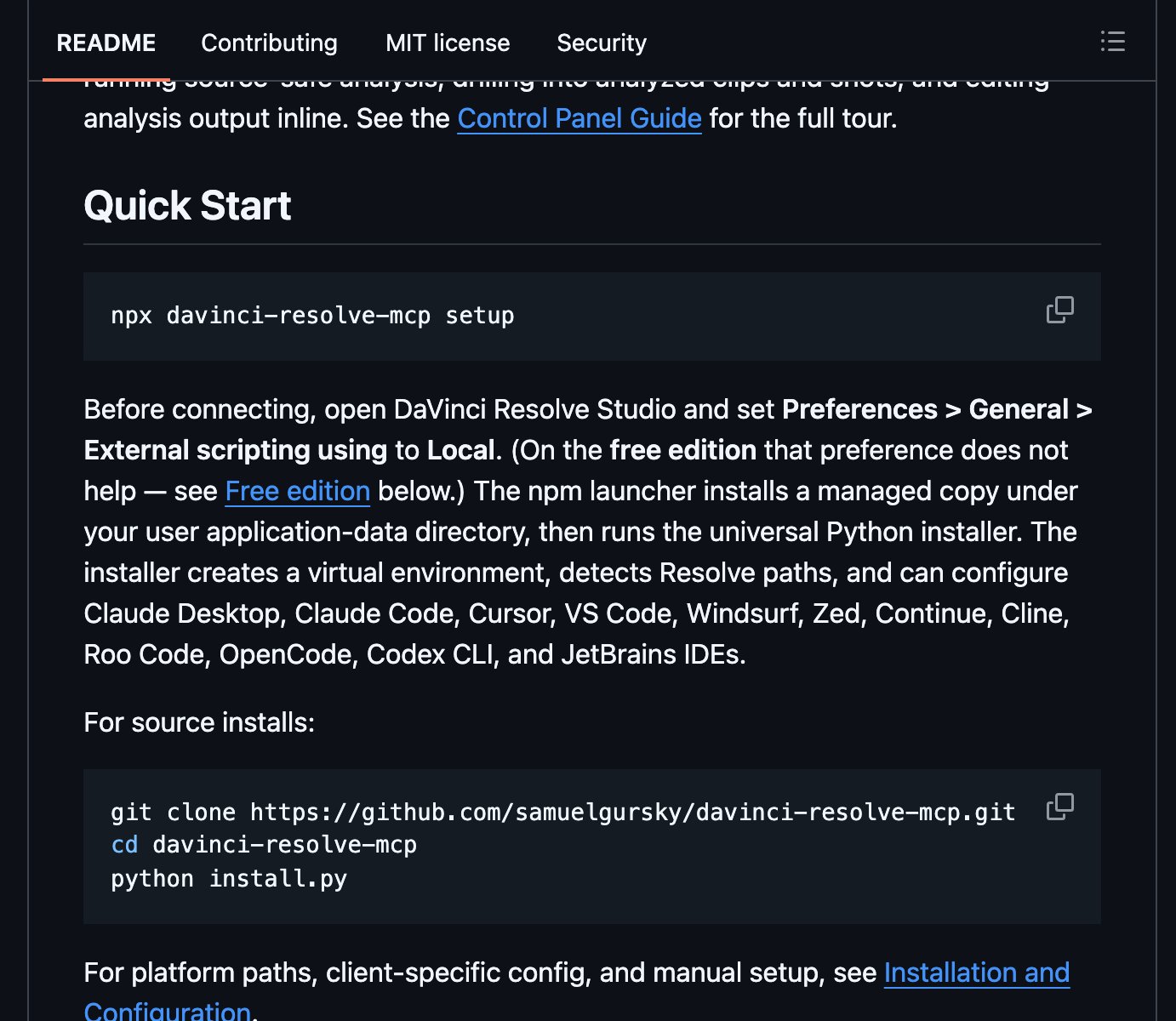
How to install the DaVinci Resolve MCP: copy the repo URL below, paste it into Claude Code, and say: install this. The installer finds Resolve on your computer and sets up Claude Code for you.
repo URLhttps://github.com/samuelgursky/davinci-resolve-mcpOr install it by hand. Open Resolve first, then run this one line in your terminal:
bashnpx davinci-resolve-mcp setupBest practices for the DaVinci Resolve MCP:
- Install ffmpeg first. The repo calls it the single most useful extra, and dead-air detection needs it.
- Ask for the plan before the change. Every big edit in the MCP goes plan, then review, then confirm.
- Treat the result as a first pass. The repo says it builds an assistant editor's first assembly, not a finished cut, so you still make the final call.
- Your original footage is safe. The MCP never changes your source media unless you ask it to.
Prompts to try with the DaVinci Resolve MCP:
promptFind every silent gap longer than 1 second on the timeline called [timeline name] and add a marker on each one. Don't cut anything yet. Show me the list first.promptMatch the color of every clip on [timeline name] to the still from [clip name]. Show me the plan before you apply it.promptBuild an H.264 1080p render plan for [timeline name], check the settings, and queue the render job.Start with the boring DaVinci Resolve jobs
- Start with dead air. It's the job you'd hate most by hand, and markers are easy to check.
- Next, hand Claude the export. Render settings are easy to get wrong and easy for Claude to check.
- Then try color matching on one short timeline before a full project.
👉 https://www.skool.com/claudecodeclub
Common questions
Is the DaVinci Resolve MCP free?
The repo is free and open source under the MIT license. But it needs DaVinci Resolve Studio, which costs $295 one time. The free version of Resolve won't connect on version 21.1 and newer.
Does the DaVinci Resolve MCP work with free DaVinci Resolve?
Only up to Resolve 21.0, through the repo's in-app bridge. Resolve 21.1 moved Python scripting to Studio, so on 21.1 and newer you need Studio.
Do I need to know DaVinci Resolve to use it?
No. You tell Claude the edit in plain words and Claude runs Resolve. Knowing the basics helps you check Claude's work.
Will the DaVinci Resolve MCP change my original footage?
No. The repo treats your source media as read-only. It only writes to your Resolve project unless you ask for more.
Keep going
Want Claude Code to handle more of your content work?
Get 650+ plug-and-play skills, MCPs & prompts, plus 8,000+ members - $9/mo, cancel anytime.
Join the Club