
The Claude Update Playbook: 10 Releases, What To Try And What To Skip
TL;DR
Claude shipped ten things in one month, and most of them change where your work happens, not what the model can do. Pick the two or three that match the work you already do, try each one on a real task, and ignore the rest. If you only try one thing this week, ask Claude to build a deck from your notes.
The full guide is right here on this page. The download is a self-contained copy you can keep offline.
Download the guideAnthropic shipped ten major things for Claude in one month, and it is easy to miss half of them. I went through every release and boiled it down to a decision for each one: what it is, who it is for, and whether it is worth your time. This page is that list, plus the order I would try them in.
Step 1: Sort the ten updates by the work you already do
Here are the ten, grouped the way I would use them. Models: a new family of three. The app: chat and Cowork merged into one Claude. Making things from a chat: Docs, Slides and Design, then Dashboards, then Motion. Claude inside other places: Google Docs, Sheets and Slides, and CarPlay. Claude Code: the Projects redesign, the wrap-up allowance, and mods.
You do not need all ten. Most people need two or three of these, and the fastest way to find yours is to ask which ones touch a task you did last week. If you write documents and decks, the chat tools matter. If you live in Google files, the sidebar matters. If you never open Claude Code, three of the ten can wait.
Step 2: Pick the right model for each job
The first update is a new family of three models, and a model is the brain behind Claude. They are Opus 5.5, Sonnet 5.5 and Haiku 5.5, which are three sizes of the same brain. Opus is the biggest and smartest, built for hard jobs that take a long time, like deep research you do not have to babysit. Anthropic says it costs about 40% less than the last Opus. Sonnet is the everyday model, faster and cheaper than Opus, and good at documents, slides, spreadsheets and coding. Haiku is the small, quick, cheap one, and it is the cheapest and fastest model Anthropic has made.
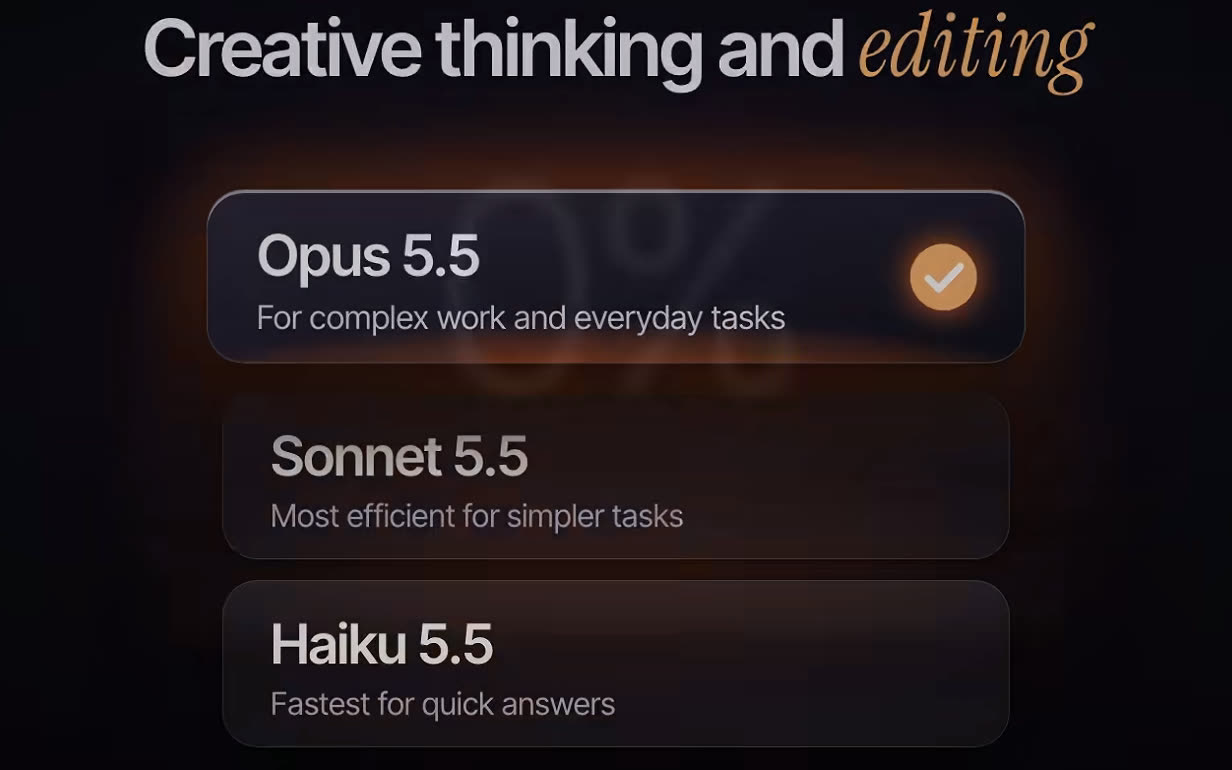
The decision is which one to start on, and my answer is Sonnet. If you are not sure which model to pick, pick Sonnet, then move up or down only when the job tells you to. Reach for Opus when a job is long and hard, like an Instagram carousel or motion graphics. I also use Opus for creative thinking and for editing videos. Save Haiku for the small stuff you run all day, like quick captions or sorting a list of ideas, or as a helper that handles small tasks while a bigger model does the thinking.
Try it by running one real task on Sonnet first and only moving to Opus if the result is not good enough.
Step 3: Stop choosing between chat and Cowork
Before this update, Claude had two places. Chat was for quick questions. Cowork was a separate space for bigger multi-step work. You had to decide where a task belonged, and your work did not carry over between them. Now they are one Claude. You say what you want and Claude works out whether you need a quick answer or a bigger job.
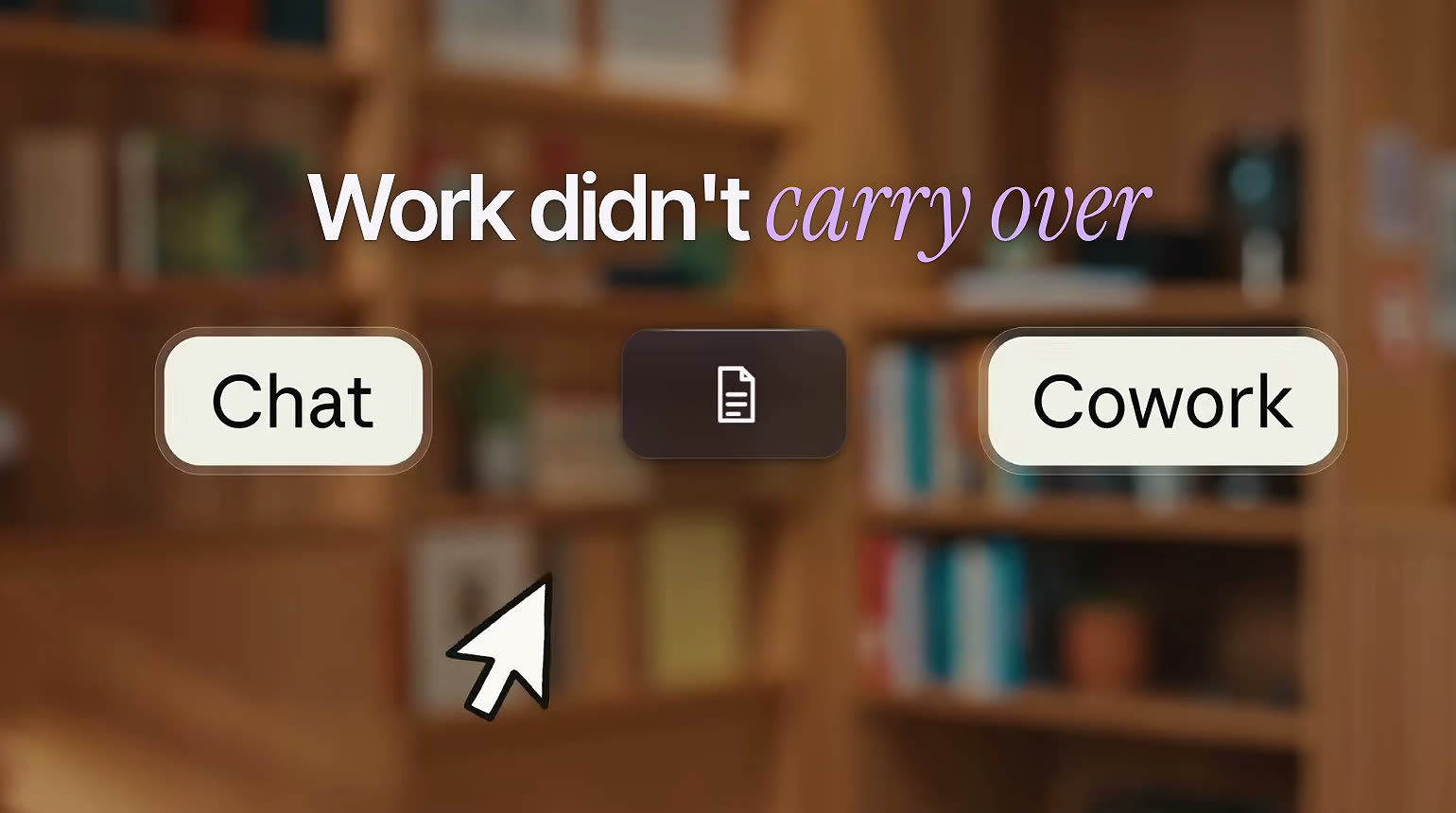
For bigger jobs, Claude can keep working in the background even after you close your laptop, and you can check on it from your phone. You can also set a task to repeat on a schedule, like a report every Monday morning. By default Claude asks before it takes an action. If you trust it more, you can switch it to check in only when it needs you. If you used Cowork before, your chats, projects, connectors and skills came with you, so there is nothing new to set up.
The decision here is how much trust to hand over. Leave the default on, where Claude asks before every action, until you have watched it do the same job a few times. Then switch to check-in-only for jobs that have proven themselves. If you never touched Cowork, this change matters less to you.
Step 4: Build docs, decks and designs from a normal chat
Docs, Slides and Design all work the same way. You ask Claude in a normal chat, and it builds the document, deck or design. Claude saves it in the artifacts tab on the side of the app, so you can find it, edit it and share it. All three are out of beta and work on every plan, including the free one.
- Docs: Claude writes a document with you, and your teammates can work in it at the same time. Claude drafts sections, asks you questions and leaves comments. It is private until you share it, and you can export it to Word, PDF or Google Docs.
- Slides: give Claude your notes, a report or a file and it builds a deck. You can edit any slide yourself or ask Claude to change it. You can present from inside Claude or download the deck as PowerPoint or PDF.
- Design: it makes visual things like mockups, one pagers, pitch decks and landing pages using your own brand style, and it now works in any chat with no separate app to open.
The decision is which one replaces a habit you already have. If you copy chat answers into another app to make a guide for new hires or a campaign plan, use Docs. If you have a meeting Monday and a pile of notes, use Slides. If you hand-build one pagers or mockups, use Design. This is the one I would try first, because it takes a minute and shows you how much has changed.
Step 5: Turn plain questions into a Dashboard
A dashboard is a page that shows your numbers in charts so you can see how things are going at a glance. Normally someone has to build one, which takes a data person and a lot of time. With Claude you describe what you want in plain words, like show me this quarter's revenue by region, or how many people signed up this week compared to last month. Claude writes the questions that pull the numbers from your data, builds the charts and keeps them up to date.
It works with tools like Snowflake, BigQuery and Salesforce. You can check what you see, too. Click any number and Claude shows you where it came from, and every chart shows when it last refreshed. If you want to go deeper, you can send the dashboard to other tools like Mixpanel, PostHog or Grafana. Dashboards are in beta and are on the paid plans.
Step 6: Make an explainer video with Motion
Motion is also in beta, and it makes animated videos from a single prompt. Say you have a quarterly report and want a 30-second video that explains it to your team. You describe it, and Claude builds it. To start, type /motion in a chat. Good uses are an explainer for an all hands meeting, adding movement to a chart in a board deck, or a quick walkthrough for new customers.
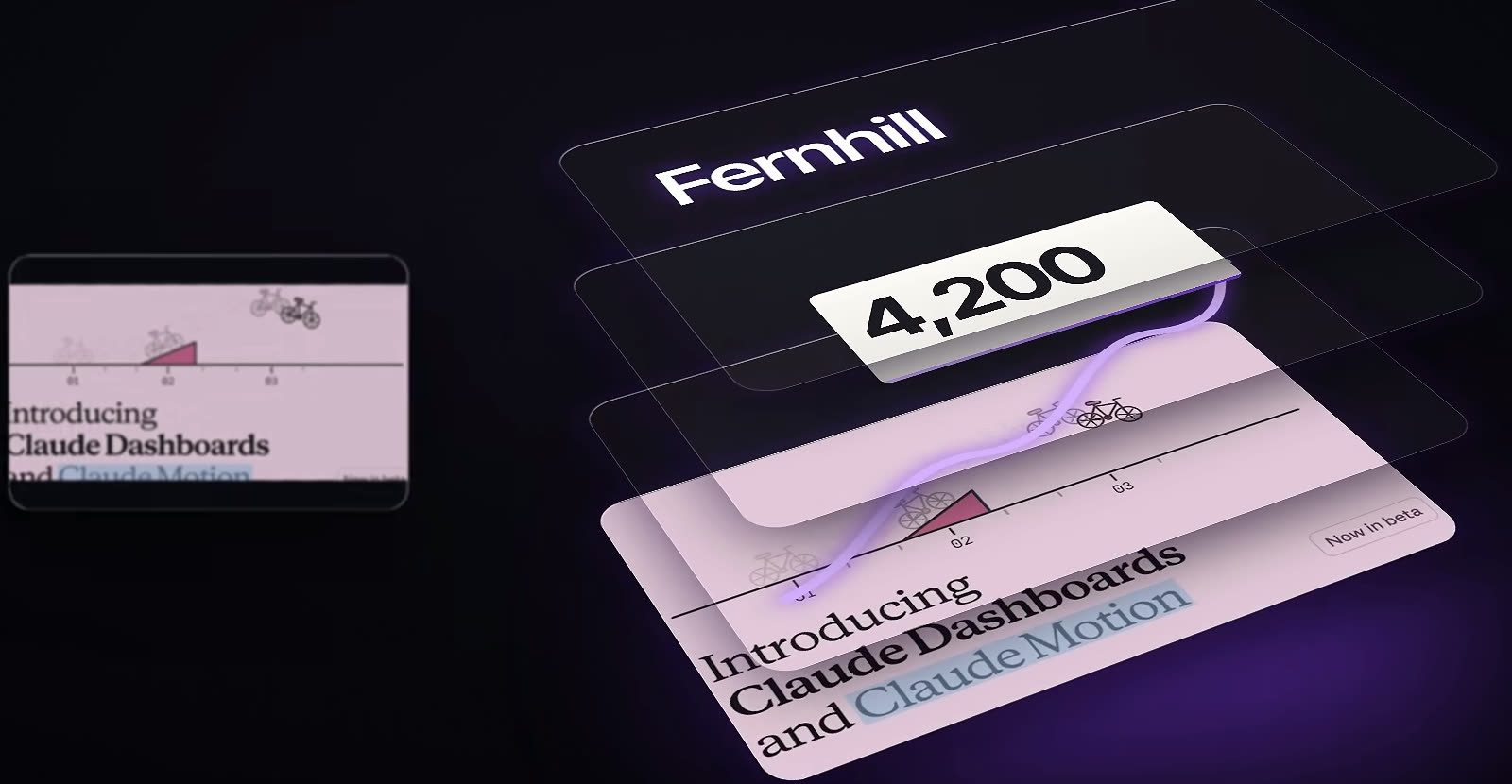
Motion is only available on Team and Enterprise plans right now, so check your plan before you plan a project around it. You can export the result as a video file or open it in tools like Descript or Runway.
The idea underneath Motion: it writes code, so everything stays editable
Here is the part that surprised me. Motion does not use an AI video generator, so there is no fake footage and no fake people. Claude writes code that animates your own words, numbers, charts, shapes and images.
That one design choice changes what you can do afterward. Because it is code and not a flat video, everything stays editable. If you want to change a number, change it. If you want the timing faster, ask Claude. Nothing is baked in or permanent.
Compare that to a generated clip. If one figure is wrong, you regenerate the whole video and hope the rest comes out the same. With Motion a late correction is a one-line change. I would use this rule for any tool that makes media: ask whether you get an editable source or only a finished file.
The same pattern shows up in the broader month. Look back at the list. Chat and Cowork merged into one place. Docs, Slides, Design, Dashboards and Motion all arrive inside a chat. Claude moved into Google files and into your car. Projects and mods change how Claude Code runs. Most of this month's releases are about where the work happens, not about what the model can do. That is why the useful question for every update is where you already work, and whether Claude now meets you there.
Step 7: Meet Claude where you already are: Google files and CarPlay
You install Claude from the Google Workspace Marketplace. Then in any Google file you click Extensions, then Claude, and a Claude sidebar opens next to your document. You stop copying things back and forth, because you talk to Claude while you look at the file.
- In Docs: turn the notes under next steps into a table with an owner and a due date.
- In Sheets: find out why a formula shows an error and fix it.
- In Slides: make all the titles the same style and under eight words.
Claude asks your permission before each edit, so it does not change things behind your back, and every change shows up in your normal version history, so you can undo anything. There is a second piece as well: Claude can create and edit Google files from a normal Claude chat. All of this is in beta on Pro, Max, Team and Enterprise plans.
If you spend your day in Google files, install it. If you do not use Google much, skip it.
The second place Claude now shows up is CarPlay, which is the screen in your car that shows your iPhone apps, and Claude now works on it. Open Claude from CarPlay and you can talk. It is voice only, so your eyes stay on the road. You can start a new chat or pick up a recent one where you left off. Use it to think out loud on your commute, brainstorm a video, or ask questions and get spoken answers.
Step 8: Use the three Claude Code updates: Projects, wrap-up and mods
The last three updates are all for Claude Code. The first is a redesign of Projects, which is in beta. Before, a project was basically a folder of chats. Now a project is built around a goal. You tell Claude the goal and point it at your code. Then a main Claude, like a team lead, splits the goal into smaller jobs. Each job runs as its own thread on its own copy of your code, working at the same time as the others. The team lead tracks progress, reviews what comes back and puts the results together.
The project also has shared memory, so Claude remembers decisions, like why you dropped something or which date changed. Anthropic's own example is removing an old version of your product from your website, your app and your back end. Instead of three jobs one after the other, Claude runs one thread for each and tells you which changes need to go in first. You can check on it and steer it from your phone, and it keeps running after you walk away. The work can run in the cloud or on your own computer, and every Pro and Max user can get it now.
The decision is whether you have a job big enough to need it. Projects are built for big jobs that touch many places, because the work gets done in parallel and you manage it in one spot. It is tied to Claude Code for now, and Anthropic says it is coming to everyone soon, so if you are not using Claude Code yet, this one can wait.
The second Claude Code update is the wrap-up allowance, and it is small. Claude has a usage limit that resets every 5 hours. Before this update, if you hit it in the middle of a task, Claude just stopped and your work was left half done. Now, if Claude is already in the middle of a response, it gets a small extra amount of usage to reach a safe stopping point. You will see a message that says wrapping up.
The third is mods. A mod is a small add-on that changes how Claude Code looks or behaves. Think of it like a browser extension, but for Claude Code. Under the hood, a mod listens for things that happen, like Claude using a tool, asking for permission or drawing the screen, and then it can step in. It can change what you typed before Claude sees it. It can block or approve actions. It can add something new to the screen, like a panel that shows your build status.
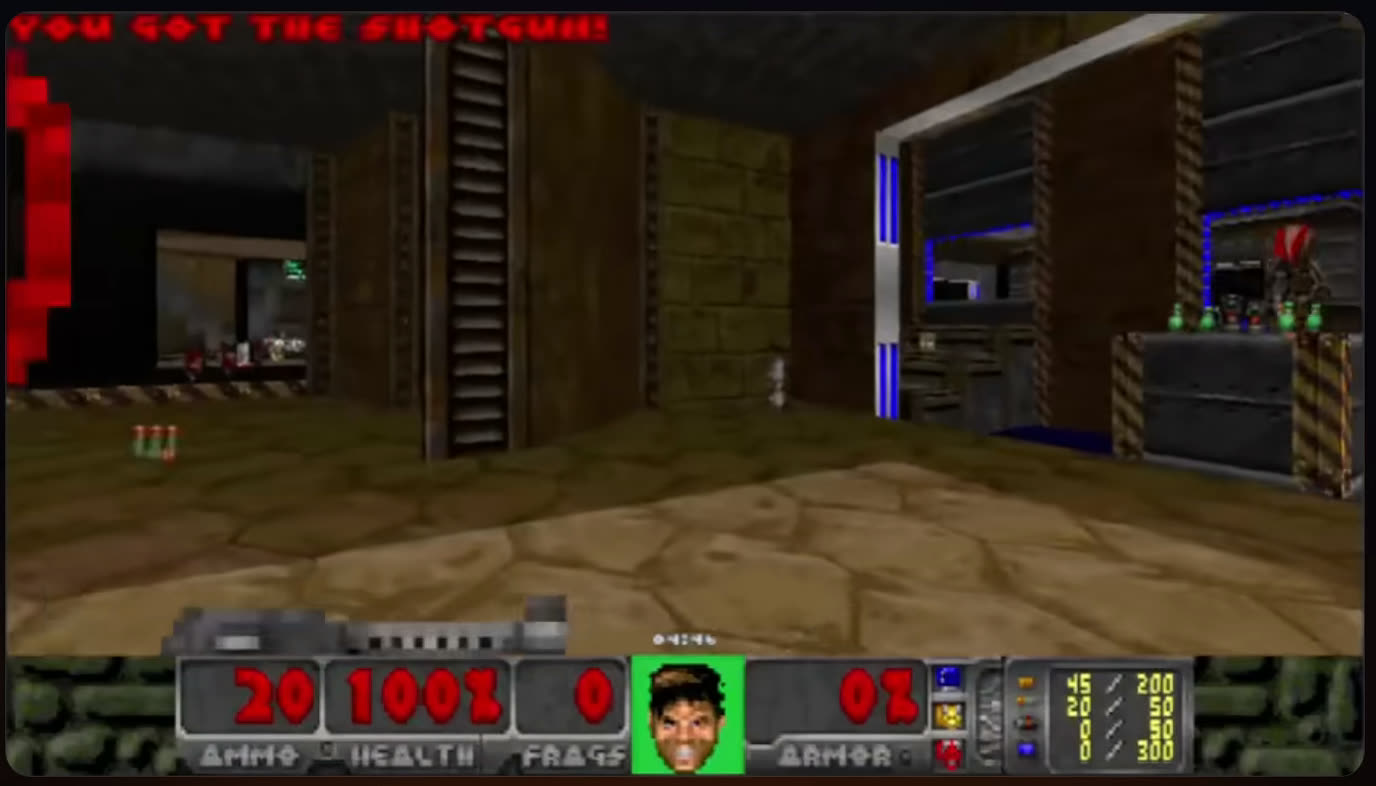
Boris Cherny, who created Claude Code, put it this way: each person works differently, so there is no reason everyone should have the same Claude experience. One mod runs Doom while Claude works. Another puts Tetris above your prompt, and typing /arcade starts it. A calm breathing animation and a Claude mascot in a detective hat are in there too. A useful one shows a live panel of which helpers Claude is running right now. Teams can use mods for safety, like asking for confirmation before anyone changes a live setting, or keeping a log of everything Claude does.
You do not need to write any code. Ask Claude Code to make you a mod, such as a mod that shows what Claude is working on. Claude writes it, you approve it, and it turns on for that session. To find more, type /plugin or browse the Claude directory.
A worked example: the same week of work with these tools
Here is how the updates fit together on one job, using only the examples from the video: a quarterly report and a team meeting on Monday.
- Start on Sonnet, the everyday model, and ask Claude to turn your notes into a deck in Slides. Edit any slide yourself or ask Claude to change it.
- Ask for a dashboard of this quarter's revenue by region, if your numbers live in a connected tool.
- Use Motion to describe a 30-second video that explains the report to your team, if you are on a Team or Enterprise plan. Fix a number by changing it, not by regenerating.
- Set a task to repeat on a schedule, such as the report every Monday morning.
- Export the deck as PowerPoint or PDF, or present from inside Claude.
Every step happens in one chat, which is the point of the month. You did not switch apps to write, chart, animate and present.
Where each update breaks
Most failures with these releases are mismatches between the update and your setup. Check these first.
- Plan mismatch: Motion is only on Team and Enterprise right now, Dashboards are on paid plans, and Projects are for Pro and Max.
- Beta status: Dashboards, Motion, the Google Workspace sidebar and Projects are all in beta, so expect rough edges.
- Missing connection: Dashboards only work with data in a tool Claude connects to.
- Over-trust: switching Cowork to check-in-only before you have watched it work.
- Limits misread: CarPlay cannot control your car or phone and has no wake word, and the wrap-up allowance does not fully finish a job.
- Unvetted add-ons: a mod has the same access to your computer as Claude Code.
From reading to doing: your first sitting
- 1Write down the three tasks you repeat most each week.
- 2Match each task to one update from the sort in Step 1, and cross out the rest.
- 3Check the plan requirement for your pick. Motion needs Team or Enterprise, Dashboards need a paid plan, and Projects need Pro or Max.
- 4Open a normal chat on Sonnet and ask Claude to build a deck from your real notes. It takes a minute.
- 5Edit one slide yourself and ask Claude to change another, so you feel both ways of working.
- 6If you live in Google files, install Claude from the Google Workspace Marketplace and ask for one small edit.
- 7If you use Claude Code, ask it to make a mod that shows what Claude is working on, and read it before you approve it.
- 8Update the Claude app, then try CarPlay on your next drive.
If you want help setting any of this up, that is what happens inside Claude Code Club at https://www.skool.com/claudecodeclub/about, where you get the exact setups and the people who have already tried them.
Common questions
Which of the ten updates should I try first?
Ask Claude to build a deck from your notes. Docs, Slides and Design are out of beta and work on every plan, including the free one, so you can try them today. It takes a minute and shows you how much has changed.
Do I need Claude Code for any of this?
No. Seven of the ten work without it: the models, the merged chat and Cowork, Docs, Slides and Design, Dashboards, Motion, the Google Workspace sidebar and CarPlay. Projects, the wrap-up allowance and mods are the three Claude Code updates, and Projects are tied to Claude Code for now.
Is Motion the same as an AI video generator?
No. Motion does not use an AI video generator, so there is no fake footage and no fake people. Claude writes code that animates your own words, numbers, charts, shapes and images, which is why everything stays editable.
Is it safe to let Claude edit my Google files?
Claude asks your permission before each edit, and every change shows up in your normal version history, so you can undo anything. The sidebar is in beta on Pro, Max, Team and Enterprise plans.
Are mods safe to install?
Mods have the same access to your computer as Claude Code, so install only ones you trust. You can also ask Claude Code to write a mod for you, and it turns on for that session only after you approve it.
What happens when I hit my usage limit now?
If Claude is already in the middle of a response, it gets a small extra amount of usage to reach a safe stopping point, and you see a wrapping up message. That usage counts toward your weekly limit and may not be enough to finish the job.
Keep going
- Claude Opus 5.5: What Changed and How to Use ItVideo walkthroughs · 12 min
- Three Levels Of Motion Graphics With Claude DesignVideo walkthroughs · 14 min
- How To Build A $10,000 Mobile Microsite With Claude CodeVideo walkthroughs · 14 min
- How To Start A Faceless YouTube Channel With AIVideo walkthroughs · 13 min
Want help setting any of this up?
Get 650+ plug-and-play skills, MCPs & prompts, plus 8,000+ members - $9/mo, cancel anytime.
Join the Club