
Let Claude Run Your Social Media With Blotato (Setup + Prompts)
TL;DR
Sabrina Ramonov says she got 41.9 million views in 30 days with two subscriptions: Claude and Blotato, an app that posts to your social accounts for you. Connect Blotato to Claude Code, and Claude can write a post for every app and publish it from one chat. The fastest win is reusing your best video: paste one link, approve four captions, and Blotato posts them.
👉 https://www.skool.com/claudecodeclub
What the Claude and Blotato setup does
Claude writes. Blotato posts. Blotato holds the logins for your social accounts, and once Claude Code can talk to Blotato, you run your whole posting routine from one chat: pick a topic, get a post for each app, approve it, done.
Sabrina Ramonov made this setup famous. She says it got her 41.9 million views in 30 days, with no big team, no ad budget and two subscriptions total. That is her own number, and she is also the founder of Blotato, so read it as a best case.

Make a Blotato account and link every app you post on. Blotato works with X, LinkedIn, Facebook, Instagram, TikTok, YouTube, Threads, Bluesky and Pinterest. Link only the accounts you really use, then open Blotato's settings and copy your API key, which is a password that lets Claude use your Blotato account.
linkhttps://blotato.com/?ref=duncanStep 2: Connect Blotato to Claude Code
Blotato has an MCP server, which is a plug that lets Claude use another app. Paste this prompt into Claude Code with your key in the brackets:
promptConnect the Blotato MCP server to Claude Code.
Server address: https://mcp.blotato.com/mcp
My Blotato API key: [your key]
Keep the key out of any file I might share. When it's connected, list my linked Blotato accounts so I can check them.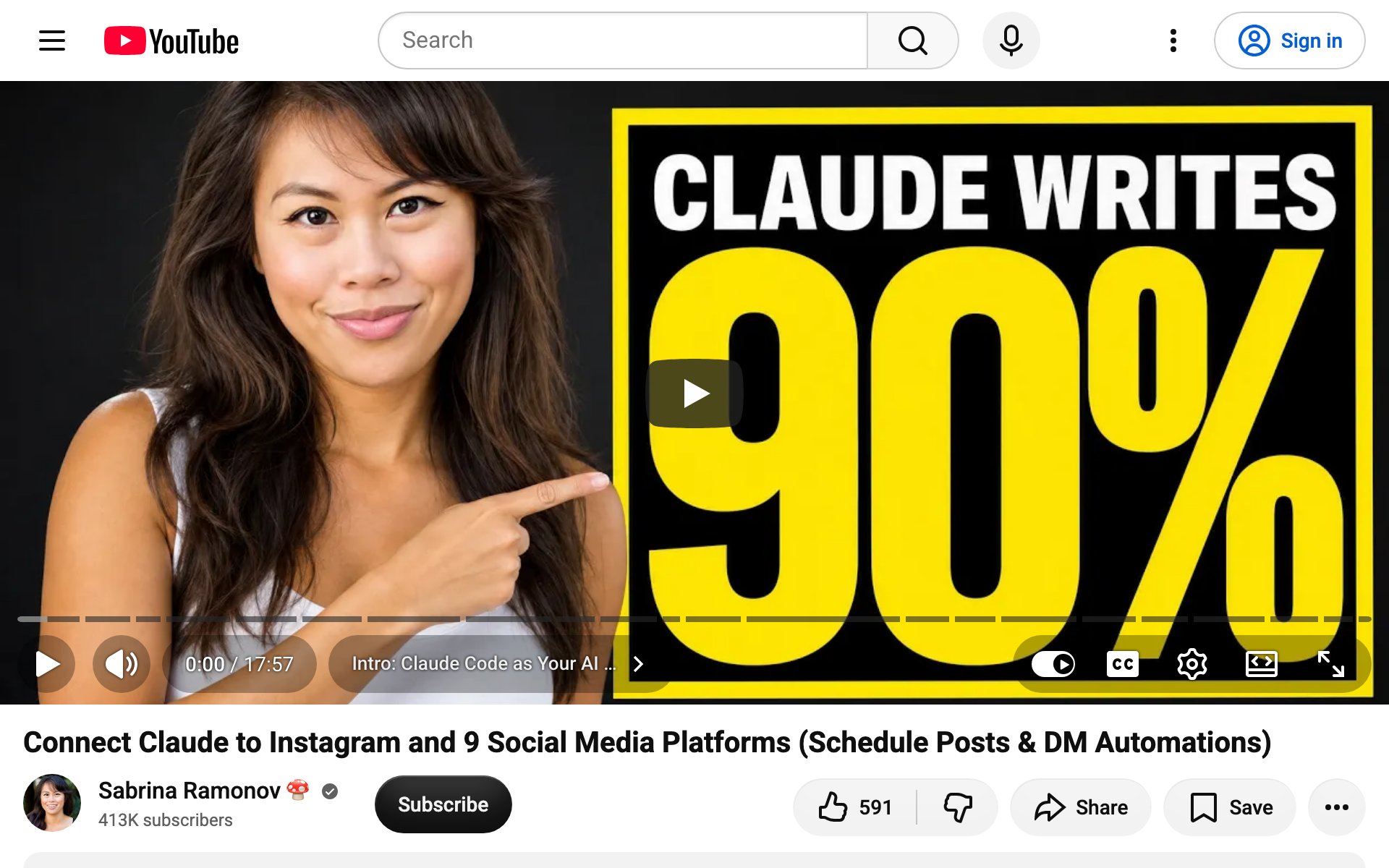
Test Blotato with one post first. Ask Claude for a draft, read it, and only then let it post:
promptWrite one LinkedIn post and one X post about [your topic] in my voice: short sentences, one clear idea, no hashtags on LinkedIn. Show me both. Don't post anything until I say go.Step 3: Reuse your best video on four apps
Writing new posts every day is the slow way. The faster way is taking one video that already worked and putting it everywhere else. This is the flow from the Claude Code Club lesson on posting to every social: paste one TikTok link, Claude writes a different caption for YouTube, Instagram, X and LinkedIn, you approve, and Blotato posts all four.
promptHere's my TikTok: [link]
Use Blotato to pull the video and its transcript. Then write a native caption for each app:
- YouTube Shorts: a title under 100 characters plus a short description with search words
- Instagram Reels: 2 to 3 punchy lines, a call to action, 3 to 5 hashtags
- X: under 280 characters, in a "Just did X. Here's what happened." voice
- LinkedIn: a professional hook plus 2 to 3 lines
Use real numbers from the transcript, no em dashes, and never the same text twice.
Show me all 4 captions and wait for my approval. After I approve, post YouTube first, then Instagram, X and LinkedIn, and give me the links.
Best practices for posting with Claude and Blotato:
- Keep the approval step. Claude is fast, but you are the one whose name is on the post.
- Give Claude a few of your best old posts as examples, so the captions sound like you.
- Post YouTube first: YouTube takes the longest to process a video.
- Start with 2 or 3 apps you care about, not all 9.
The honest catch
- Blotato is Sabrina's company. Her 41.9 million views are her own number, from an account that was already big (over 400,000 YouTube subscribers). Your first month won't look like that.
- It takes two apps. You need a Claude plan and a Blotato account. Blotato's site offers a free start; Sabrina runs hers on a paid subscription.
- Posting more doesn't fix a boring video. Claude and Blotato save you time. The views still come from the video.
👉 https://www.skool.com/claudecodeclub
Common questions
What is Blotato?
Blotato is an app that posts to your social accounts for you. It works with X, LinkedIn, Facebook, Instagram, TikTok, YouTube, Threads, Bluesky and Pinterest, and it connects to Claude Code through an MCP server.
Do I need Claude Code, or does regular Claude work?
The walkthrough here uses Claude Code. Sabrina's own tutorial says the Blotato connection also works with other AI tools, but Claude Code is where you can save prompts and reuse them every day.
Will Claude post without asking me?
Only if you tell it to. Every prompt in this guide asks Claude to show you the posts and wait for your go before anything goes live.
Will I get 41.9 million views?
Probably not right away. That number is Sabrina Ramonov's, and she founded Blotato. The setup saves you hours of posting; the views still depend on your videos.
Keep going
Want the full repurpose skill that posts your video to four apps?
Get 650+ plug-and-play skills, MCPs & prompts, plus 8,000+ members - $9/mo, cancel anytime.
Join the Club