
TL;DR
Wikipedia keeps a page called Signs of AI writing that lists the habits that make text sound like a chatbot. A free Claude skill called Humanizer is built on that page and rewrites those habits out of your emails, captions and proposals. Removing the AI habits gives you neutral text, so add 2 or 3 paragraphs of your own writing and Claude copies your rhythm and word choice too.
👉 https://www.skool.com/claudecodeclub
Why your AI writing sounds like AI
A chatbot picks the word that fits the widest group of readers. A person picks words for one reader. That gap is why people spot ChatGPT emails in a few seconds: the same stock words, the same neat triple lists, the same dramatic one-line closers.
Wikipedia's editors had to catch this at scale, so they wrote down the habits. The page is called Signs of AI writing, and it is free for anyone to read.
Step 1: Read the Wikipedia page that lists the AI habits
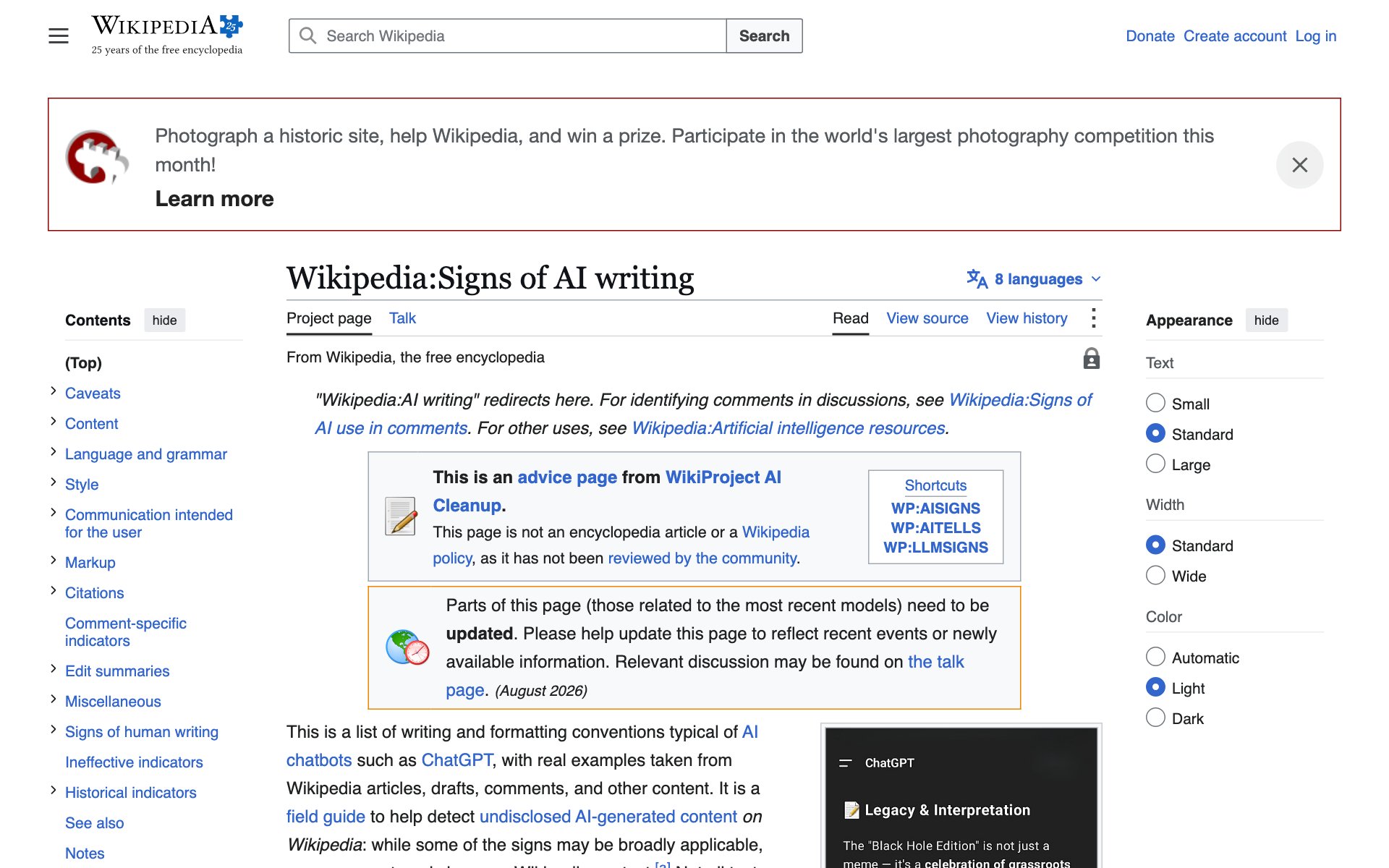
What the page does for you: it names the tells, like overused words (delve, testament, tapestry), too many em dashes, forced lists of three, and lines like "Let that sink in." Once you know the tells, you can tell Claude to avoid them.
Make your own skill in 2 minutes: paste the page into Claude and ask for a reusable skill.
promptRead this Wikipedia page: https://en.wikipedia.org/wiki/Wikipedia:Signs_of_AI_writing
Turn it into a reusable skill called humanizer. When I paste text, the skill finds every sign of AI writing, rewrites it in plain words, and keeps my meaning and facts the same.
Step 2: Or install the Humanizer skill someone already built
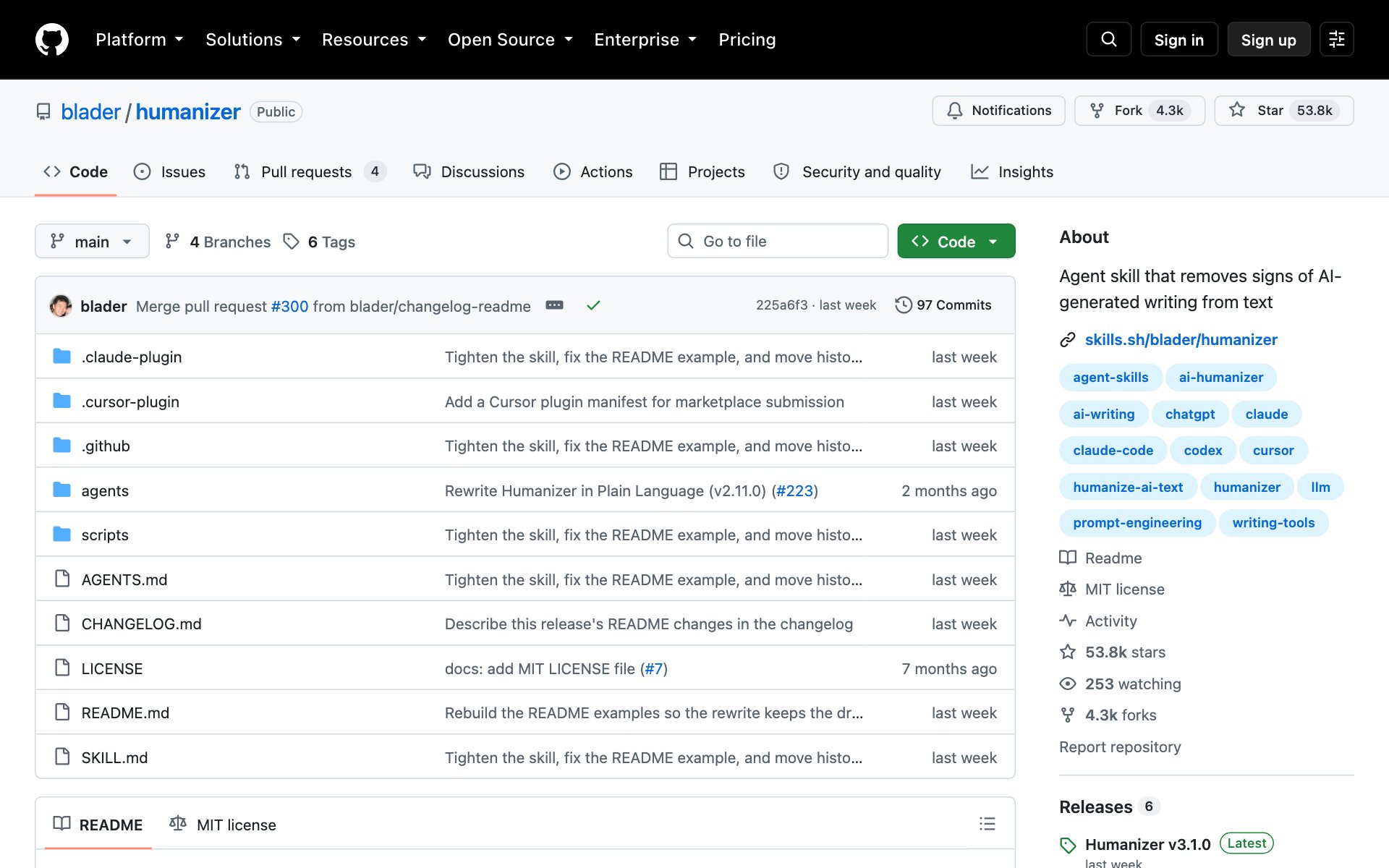
What Humanizer does for you: it is a free Claude skill built on the same Wikipedia page. It checks 26 patterns, marks the strongest tells first, then rewrites your text. It does not make up facts. If a sentence needs a detail it doesn't have, it asks you.
How to install Humanizer: copy the repo URL below, paste it into Claude Code, and say: install this.
repo URLhttps://github.com/blader/humanizerOr install it by hand in Claude Code (needs Claude Code 2.1.142 or newer). On Claude.ai or Claude Desktop, download the repo as a ZIP and upload it as a skill in Settings.
bash/plugin marketplace add blader/humanizer
/plugin install humanizer@humanizer
Step 3: Add your own writing so it sounds like you
Removing the AI habits leaves you with clean, neutral text. Neutral is better, but it still isn't you. The fix is a voice sample: 2 or 3 paragraphs you wrote yourself, like an old email, a post or a newsletter. Humanizer follows your rhythm, word choice, punctuation and quirks.
prompt/humanizer

Here's a sample of my writing for voice matching:
[paste 2-3 paragraphs you wrote yourself]

Now humanize this text:
[paste the AI draft]
Make it stick: save your sample in one file, and ask Claude to use it every time you run Humanizer.
promptSave my writing sample below as my voice sample. From now on, whenever I run humanizer, match this sample's rhythm, word choice and punctuation without me pasting it again.

[paste 2-3 paragraphs you wrote yourself]
Best practices for sounding like you
- Pick a sample you like. Use writing from a day you sounded like yourself, not a stiff work email.
- Match the sample to the job. Use a casual sample for captions and a longer one for proposals.
- Check every fact. Humanizer keeps your meaning, but read the final text before you send it.
- Keep your quirks. If you love short sentences or dashes, leave them in the sample and Humanizer keeps them.
Which path to start with
- Want it in 2 minutes with no install: use the Step 1 prompt to build your own humanizer skill.
- Want the full 26-pattern checker: install blader/humanizer in Step 2.
- Want it to sound like you: do Step 3 with either one.
👉 https://www.skool.com/claudecodeclub
Common questions
Does Humanizer get past AI detectors?
No, and it doesn't try to. Its README says it edits for human readers and that detectors still flag most of its output. Use it to make writing better for people.
Will Humanizer change my facts?
It is built not to. Names, numbers, dates and quotes must come from your text. If a sentence needs a detail that is missing, it asks you instead of making one up.
How much writing should I paste as a voice sample?
Two or three paragraphs of your own writing, as the Humanizer README says. More is fine, but it should be writing you wrote yourself, not AI text.
Is Humanizer free?
Yes. It is open source under the MIT license, and the Wikipedia page it is built on is free to read.
Does it work outside Claude Code?
Yes. It works in Claude Code, Codex and other agents that support skills, and you can upload it to Claude.ai or Claude Desktop as a ZIP.
Keep going
Want the skills that make Claude Code worth every token?
Get 650+ plug-and-play skills, MCPs & prompts, plus 8,000+ members - $9/mo, cancel anytime.
Join the Club