
The Free 342-Hour AI Course You Can Take Inside Claude Code
TL;DR
AI Engineering from Scratch is a free course on GitHub: 523 lessons, 20 phases, about 342 hours, from AI math up to agents and MCP servers. Every lesson makes a prompt, skill or agent you keep. Install its tutor into Claude Code, type /start-learning, and pick one goal instead of starting at lesson one.
👉 https://www.skool.com/claudecodeclub
See what AI Engineering from Scratch is
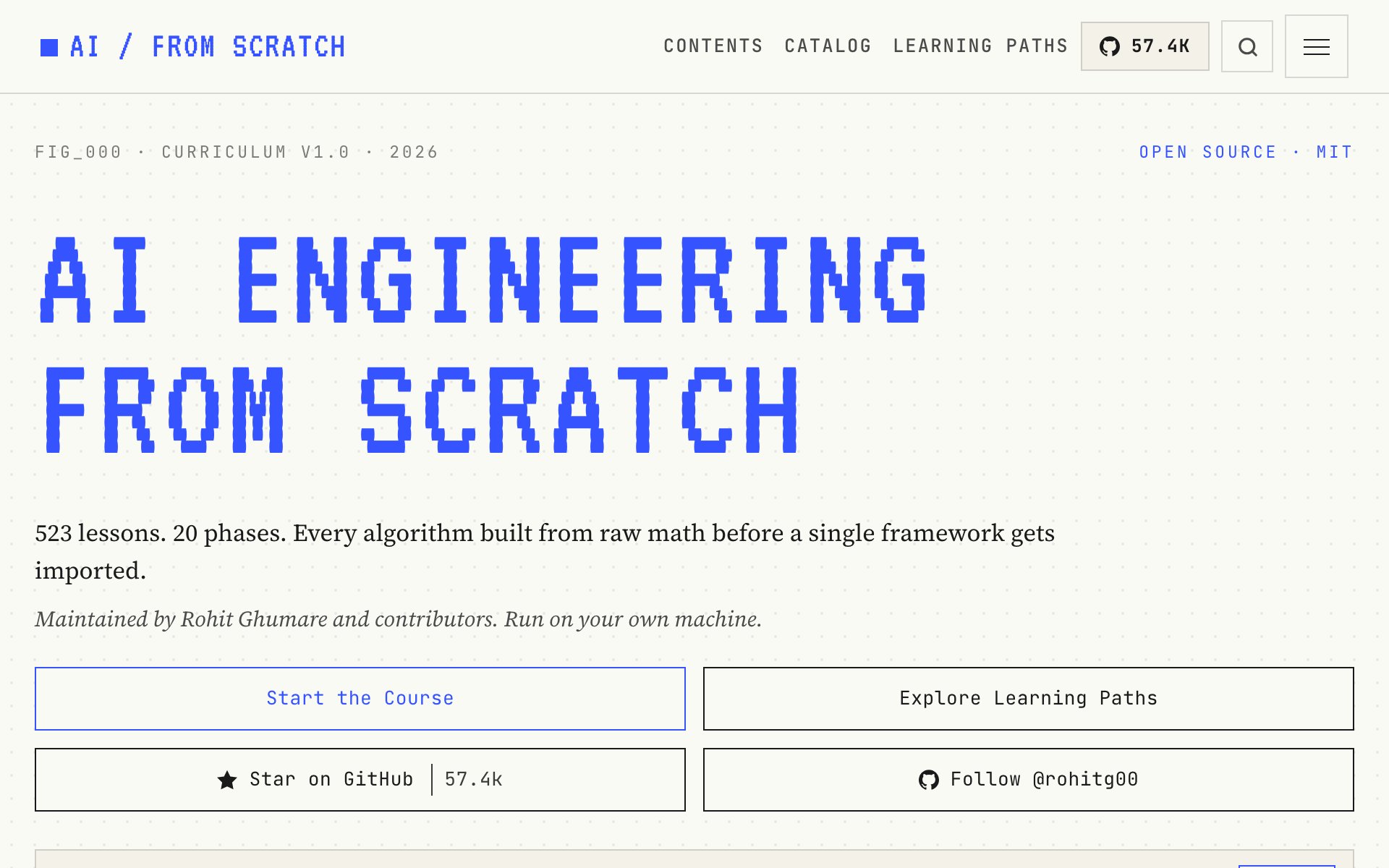
AI Engineering from Scratch is a free AI course that lives on GitHub. It's 523 lessons in 20 phases, about 342 hours in total, and over 57,000 people have starred it. Rohit Ghumare and the community keep it up to date, and the MIT license means you can use it however you want.
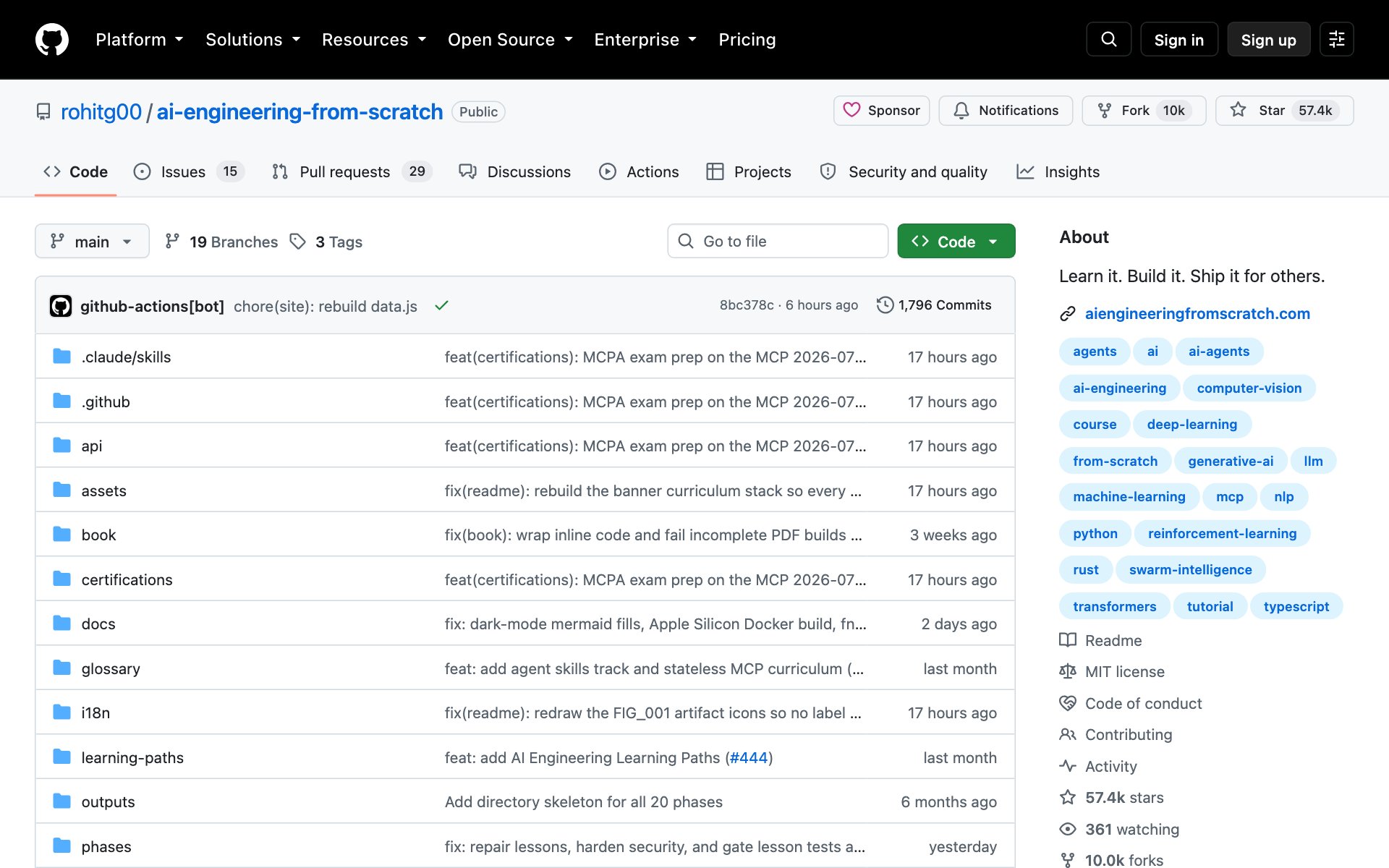
The best part for Claude Code users: the course comes with a tutor you install into Claude Code. You type one command and Claude teaches you the course, one lesson at a time.
Learn what the AI Engineering course teaches
What AI Engineering from Scratch does for you: it takes you from the math behind AI all the way up to agents and MCP servers. Each idea gets built by hand first, then you use the same idea in the tool the pros use. The lessons come in Python, TypeScript, Rust and Julia.
Every lesson makes something you keep: a prompt, a skill, an agent or an MCP server. The course calls them "real tools, not homework." Each lesson folder has an outputs folder where that tool lands.
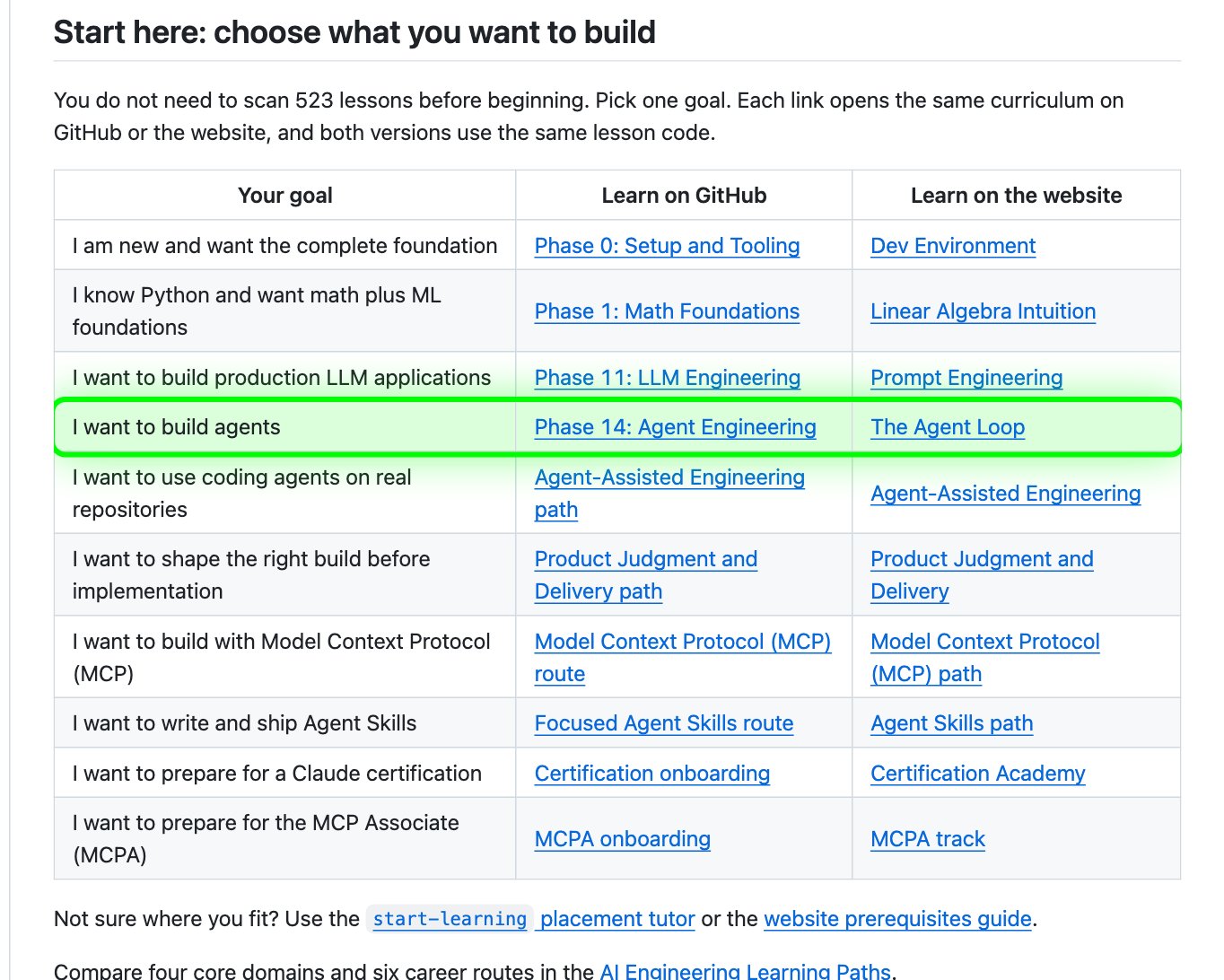
You don't have to start at lesson one. The course opens with a table of goals. Pick the one you want, like I want to build agents, and it points you to the right phase.
Turn Claude Code into your AI tutor
How to install the AI Engineering tutor: copy the repo URL below, paste it into Claude Code, and say: install this. When the installer asks where to put it, pick Claude Code.
repo URLhttps://github.com/rohitg00/ai-engineering-from-scratchOr install it by hand with one terminal command. You need Node.js on your computer first.
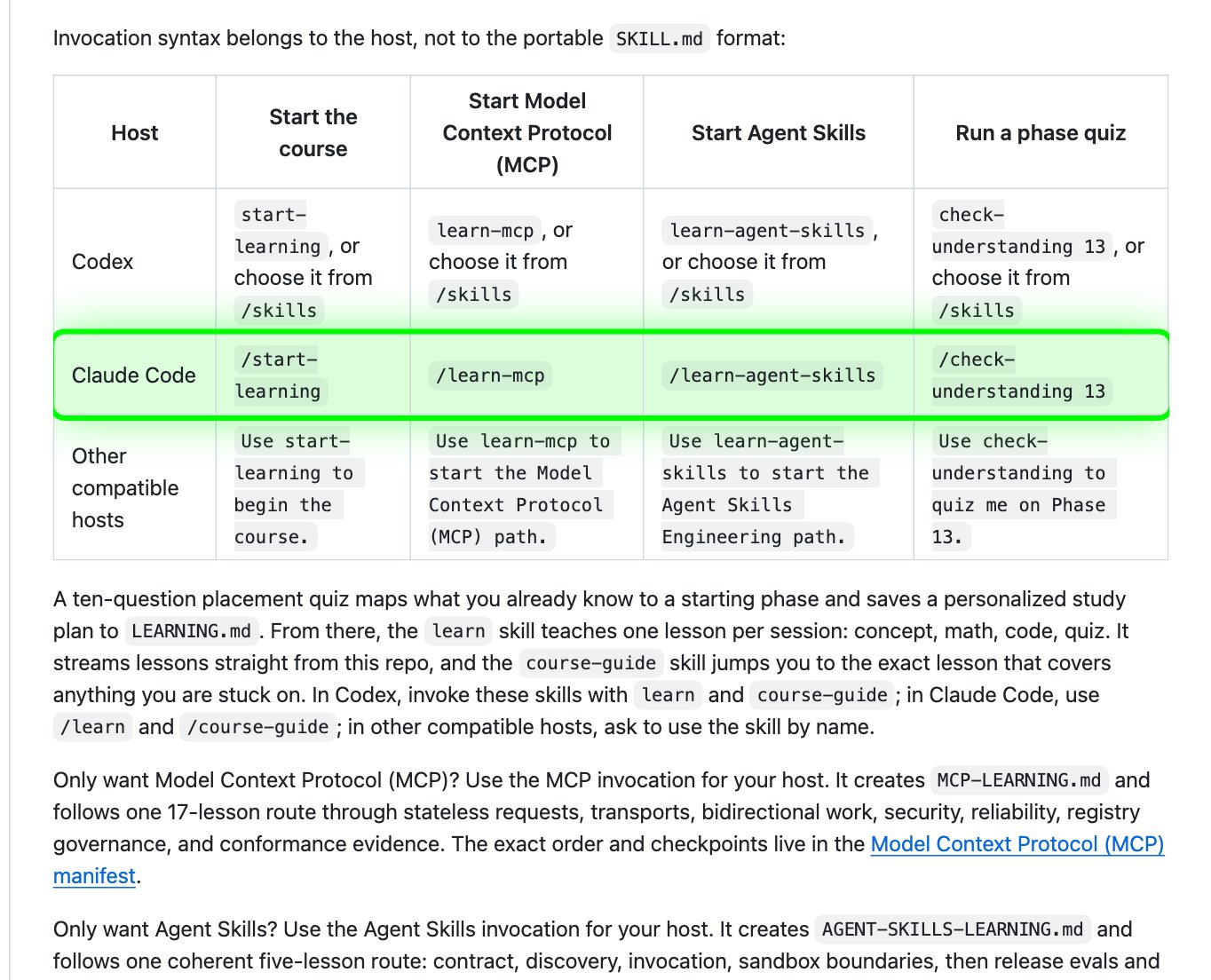
bashnpx skills add rohitg00/ai-engineering-from-scratchThen type /start-learning in Claude Code. A ten-question quiz finds the right starting phase for you and saves your study plan in a file called LEARNING.md. After that, /learn teaches one lesson per session: the idea, the math, the code, then a quiz.
Best practices for AI Engineering from Scratch:
- Pick one goal and ignore the rest. The course itself says you don't need to scan all 523 lessons before you begin.
- Do one lesson per session with /learn. Finish the quiz before you move on to the next lesson.
- Keep what each lesson makes. The prompts, skills and agents in each outputs folder are yours to use in your own work.
- Stuck on a word or an error? Type /course-guide and ask. It sends you to the exact lesson that covers it.
- At the end of a phase, run /check-understanding with the phase number. It's an eight-question quiz that tells you which lessons to review.
Prompts to try with AI Engineering from Scratch:
promptI just installed the AI Engineering from Scratch course. I run [your business] and I want to build [an AI agent that answers customer emails]. Look at the course and pick the lessons that get me there fastest. List them in order, with one sentence each on what I'll build.prompt/learn Teach me the next lesson. Explain every new word the first time you use it. After the code runs, tell me in one sentence what the output means, then give me one small change to try on my own.Pick where to start in AI Engineering from Scratch
The course lists a starting point and a time estimate for each kind of learner:
- New to programming and AI: start at Phase 0, Setup. About 306 hours.
- You know Python but not machine learning: start at Phase 1, Math Foundations. About 270 hours.
- You only want to build agents: start at Phase 14, Agent Engineering. About 60 hours.
- You only want MCP servers: take the MCP path. About 23 hours.
- You only want Agent Skills: take the Agent Skills path. About 9.5 hours.
If you already use Claude Code, we'd start with the Agent Skills path. It's the shortest route in the course, and it teaches the same kind of skill you're already installing into Claude Code. Type /learn-agent-skills to begin.
👉 https://www.skool.com/claudecodeclub
Common questions
Is AI Engineering from Scratch free?
Yes. The whole course is free and open source under the MIT license, on GitHub and on aiengineeringfromscratch.com.
Do I need to know how to code?
The course says you should be able to write some code, and Python helps. If you're brand new, start at Phase 0, Setup, and use /course-guide in Claude Code whenever a word or an error stops you.
How long does AI Engineering from Scratch take?
About 342 hours for all 523 lessons. You don't have to do all of them. The Agent Skills path takes about 9.5 hours, and the agents phase about 60 hours.
How do I use the course in Claude Code?
Paste the repo URL into Claude Code and say: install this. Then type /start-learning for the placement quiz and /learn for each lesson.
Keep going
Want to build with Claude Code, not just learn about it?
Get 650+ plug-and-play skills, MCPs & prompts, plus 8,000+ members - $9/mo, cancel anytime.
Join the Club