
7 Free GitHub Repos for Building AI Agents (Every Link)
TL;DR
These 7 free GitHub repos each give your AI agent something it's missing: a real browser (Browser Use), a memory (Agent Memory, OpenViking), new skills for research, diagrams and security, and a reading list on how to set agents up. To install any of them, paste the repo URL into Claude Code and say: install this. Start with the one that fixes a problem you have today.
👉 https://www.skool.com/claudecodeclub
See the 7 GitHub repos for building AI agents
An AI agent is an AI that does the work for you instead of just chatting: it clicks, reads, remembers and finishes the job. These 7 free GitHub repos each add one thing your agent is missing. Browser Use gives it a browser. Agent Memory and OpenViking give it a memory. Scientific Agent Skills, Diagram Design and Anthropic Cybersecurity Skills teach it new jobs. Awesome Harness Engineering shows you how the pros set agents up.
Each section below says what the repo does, who it's for, when to skip it, and how to install it. You don't need all 7. Pick the one or two that fix a problem you have today.
1. Browser Use: give your agent a real browser
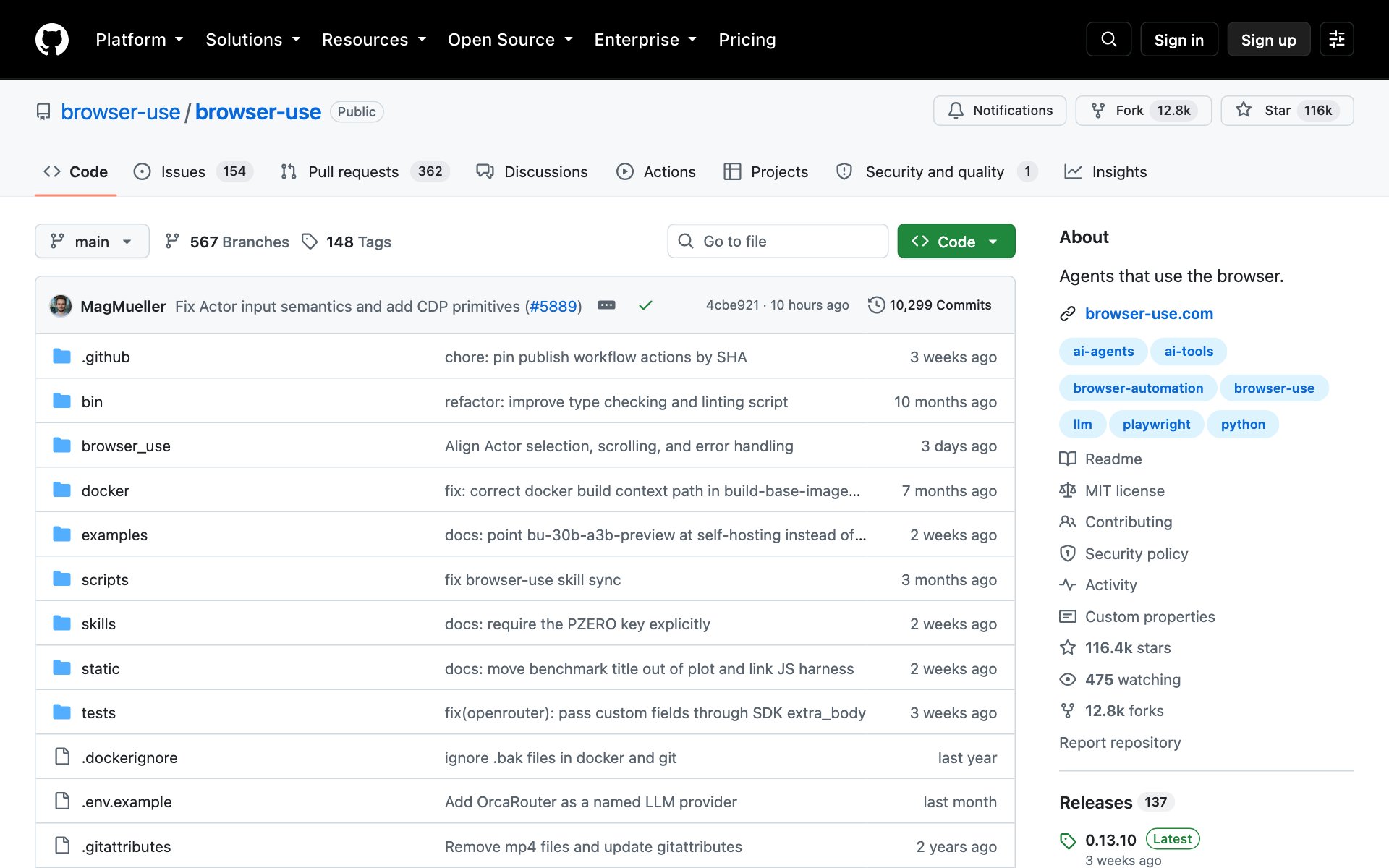
What Browser Use does for you: Browser Use lets an AI agent open web pages, click buttons, fill in forms and finish tasks on real websites, the same way you would. It's one of the most popular agent repos on GitHub, with over 116,000 stars.
The Browser Use code is free under the MIT license. The AI model it runs on and the optional cloud browsers cost money, the same as any AI use.
Who Browser Use is for: Anyone who wants Claude Code to do web chores for them: pull info off a site, fill in a form, check a page every morning.
Skip Browser Use if: You only need Claude to read a web page. Claude Code can already fetch pages. Browser Use is for when the agent has to click and type.
How to install Browser Use: copy the repo URL below, paste it into Claude Code, and say: install this. The Browser Use README has its own setup prompt made for Claude Code, and Claude will follow it.
repo URLhttps://github.com/browser-use/browser-usePrompt to try with Browser Use:
promptUse Browser Use to open [a website you check often], find [the information you need], and give me a short summary. Show me each step before you click anything.2. Agent Memory: stop re-explaining your project every session
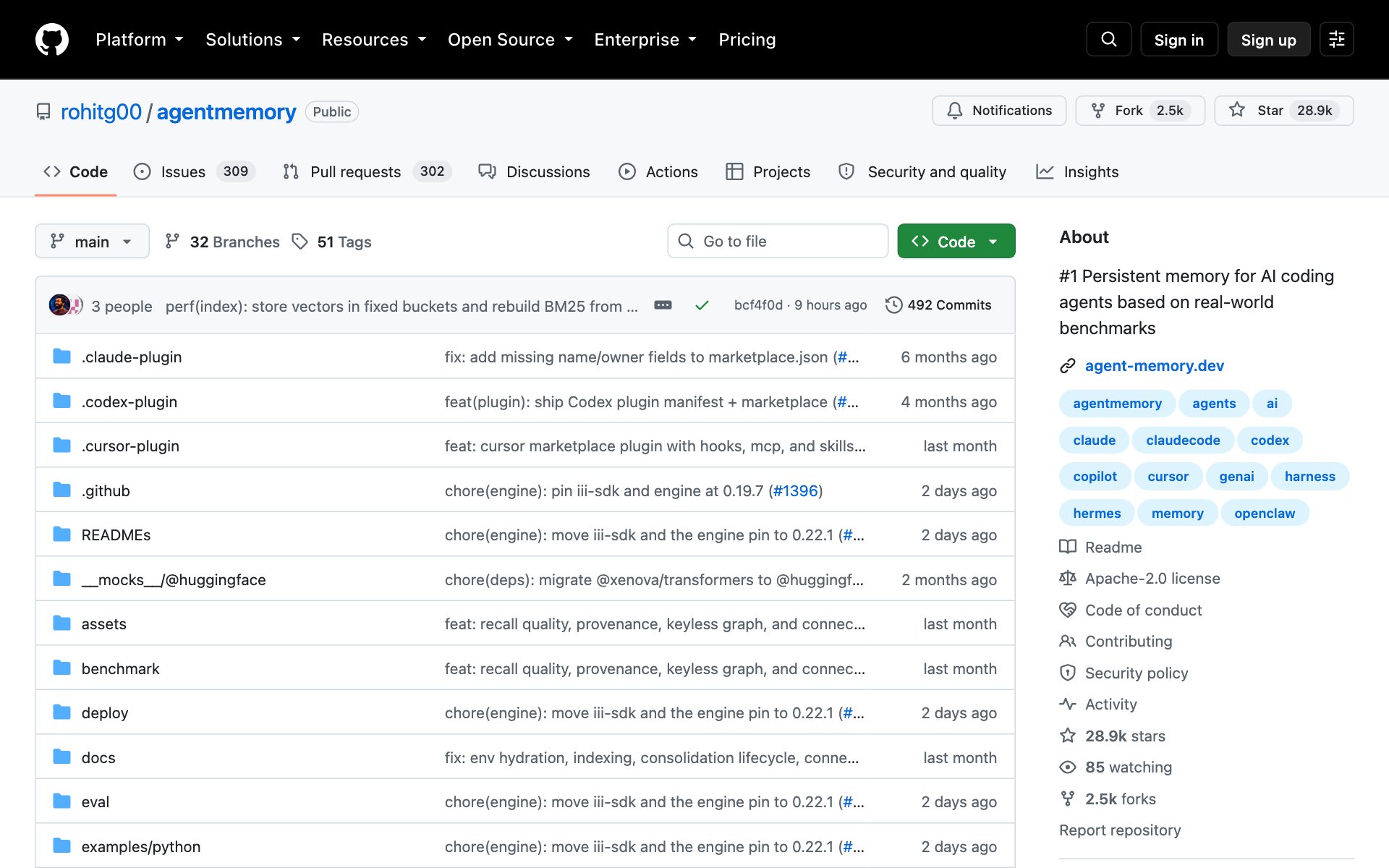
What Agent Memory does for you: Agent Memory (the repo is called agentmemory) quietly saves what your coding agent does, then hands the right notes back when your next session starts. You stop re-explaining your project, your choices and your old bugs. It works with Claude Code, Cursor, Codex CLI, Gemini CLI and more.
Who Agent Memory is for: Anyone who works on the same project across many Claude Code sessions and is tired of starting from zero.
Skip Agent Memory if: Your projects are small, one-off builds. A short CLAUDE.md file already covers you there.
How to install Agent Memory: copy the repo URL below, paste it into Claude Code, and say: install this. The first run asks which agents to connect. Pick Claude Code. You can start without adding any extra AI keys.
repo URLhttps://github.com/rohitg00/agentmemoryOr install it by hand. You need Node.js 20 or newer on your computer.
bashnpx -y @agentmemory/agentmemory@latestPrompt to try with Agent Memory:
promptSet up agentmemory for this project. Then tell me in plain words what it will remember between sessions, where it saves that memory, and how I can look at it.3. Scientific Agent Skills: turn Claude into a research assistant
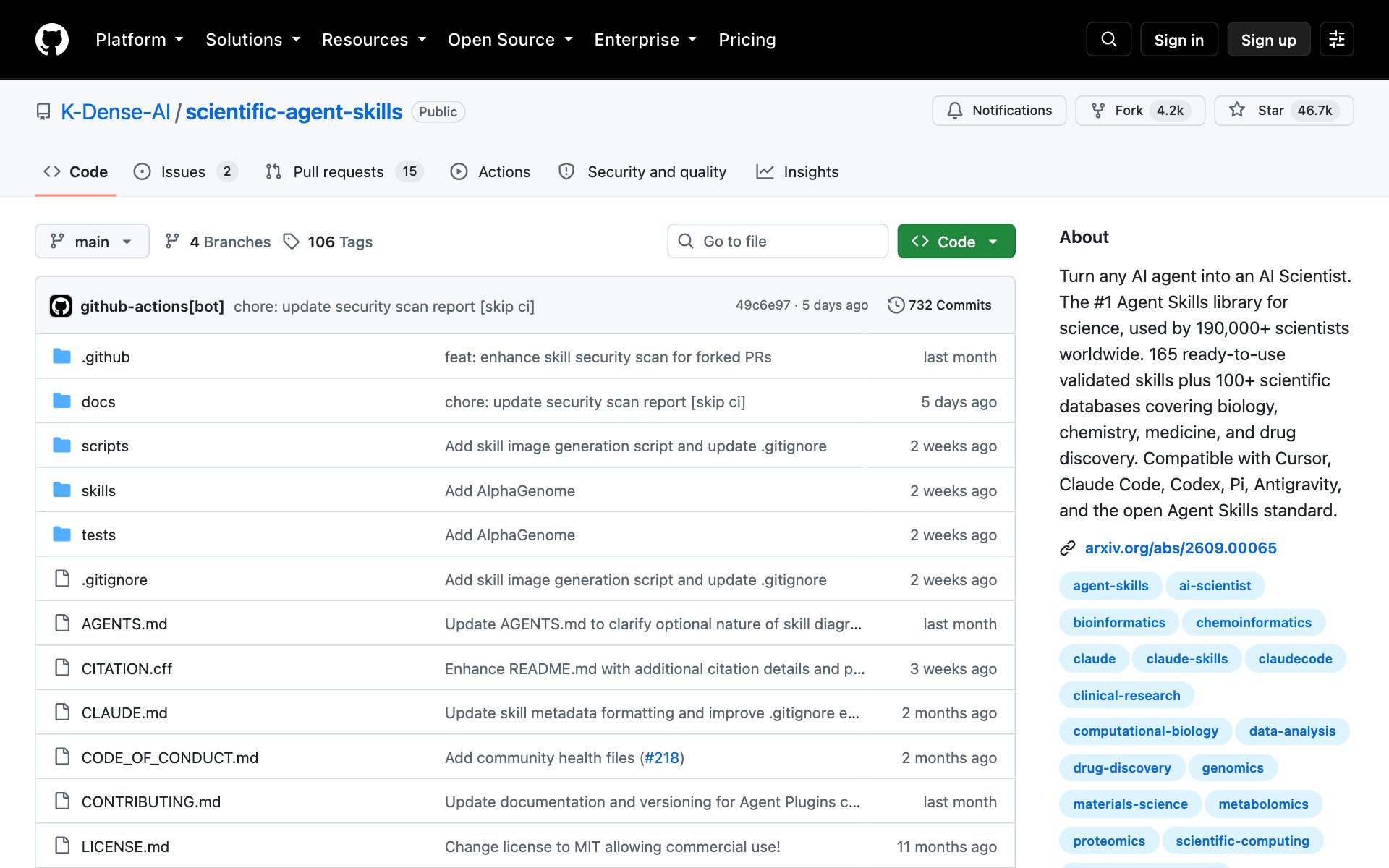
What Scientific Agent Skills does for you: Scientific Agent Skills is a library of over 160 ready-made skills for research. A skill is a saved set of instructions Claude loads when a task needs it. These cover genomics, drug discovery, chemistry, stats, charts and more, plus access to over 100 science and finance databases. It used to be called Claude Scientific Skills.
Who Scientific Agent Skills is for: Researchers, students and anyone who digs through data or scientific papers for work.
Skip Scientific Agent Skills if: You never touch research or data work. Every skill here is science-focused.
How to install Scientific Agent Skills: copy the repo URL below, paste it into Claude Code, and say: install this.
repo URLhttps://github.com/K-Dense-AI/scientific-agent-skillsOr install it by hand with one terminal command:
bashnpx skills add K-Dense-AI/scientific-agent-skillsPrompt to try with Scientific Agent Skills:
promptUse the Scientific Agent Skills to find the 5 most-cited recent papers on [your topic]. Summarize each in two sentences, then make one chart that compares them.4. Diagram Design: make clean diagrams in your brand colors
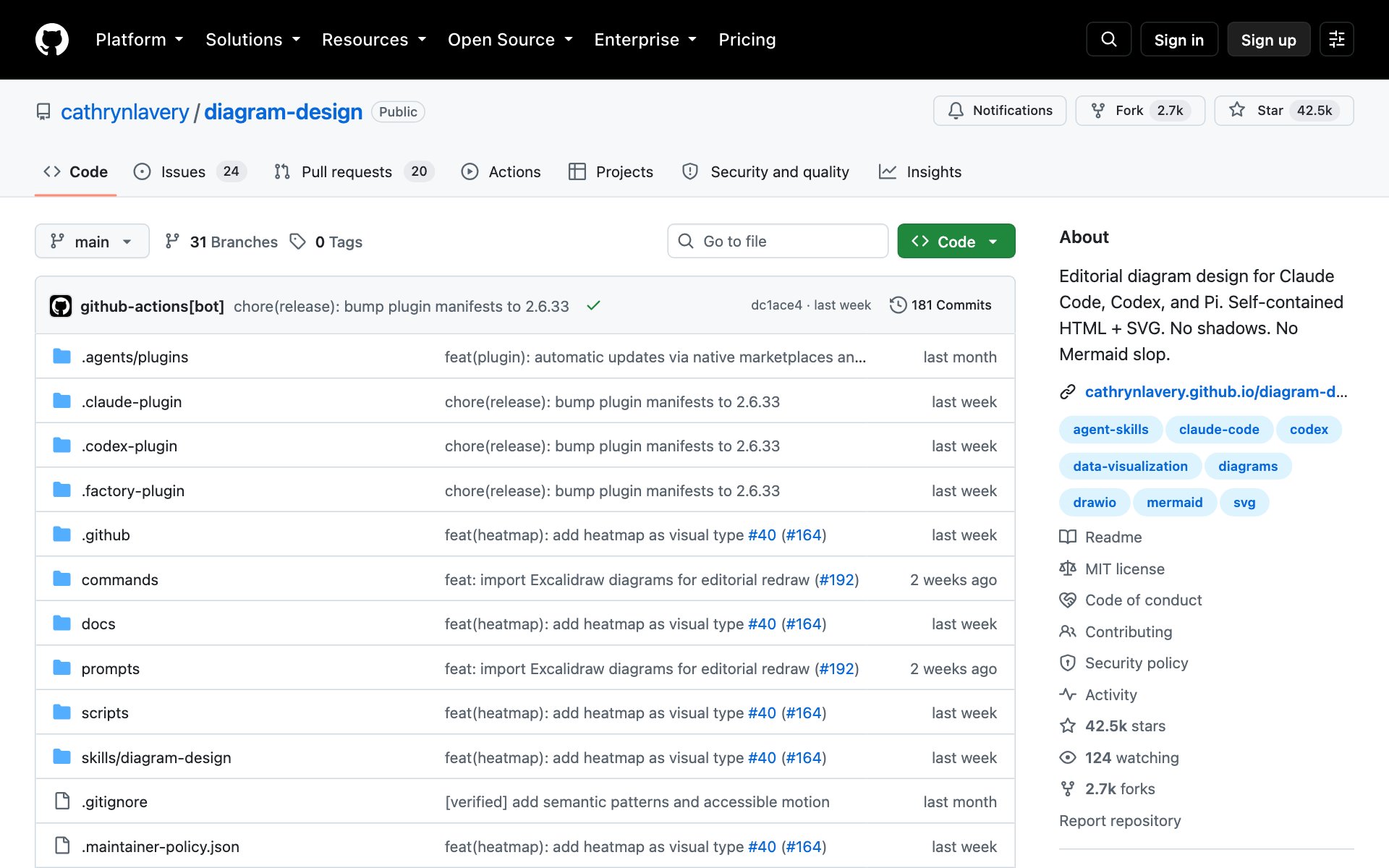
What Diagram Design does for you: Diagram Design is a Claude Code skill that makes clean, magazine-style diagrams: architecture maps, flowcharts, timelines, org charts, Gantt charts, pyramids and more. Each one comes out as a single web page you can open in any browser, in light, dark or full editorial style.
The best part: tell Claude "onboard diagram-design to [your website]" and it reads your site's colors and fonts, so every diagram matches your brand. The repo says it takes about 60 seconds.
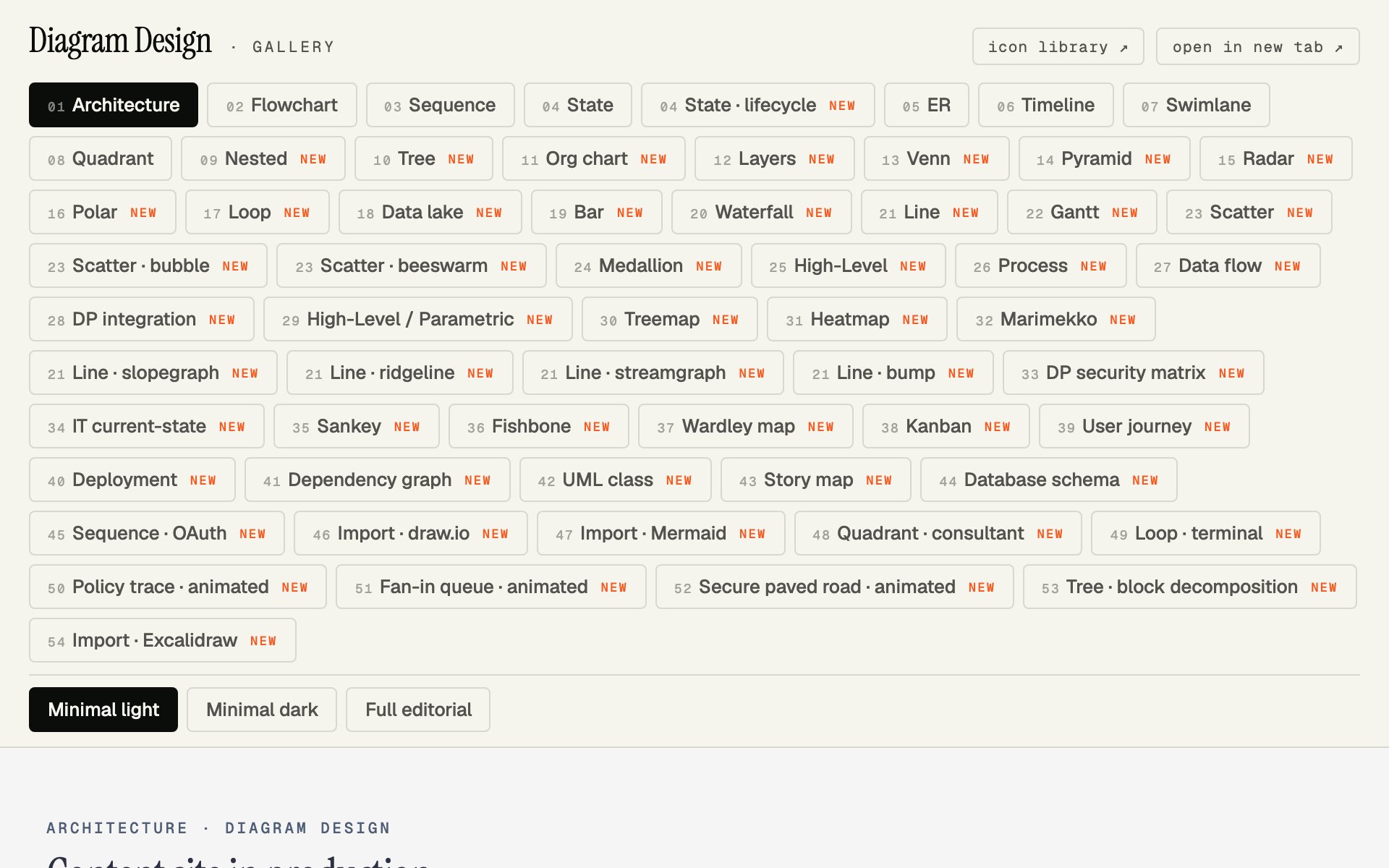
Who Diagram Design is for: Anyone who explains ideas with pictures: course creators, consultants, founders making slides or docs.
Skip Diagram Design if: You're happy with the quick diagrams Claude makes already, or you only need a diagram once a year.
How to install Diagram Design: copy the repo URL below, paste it into Claude Code, and say: install this.
repo URLhttps://github.com/cathrynlavery/diagram-designOr type these two lines into Claude Code yourself:
Claude Code/plugin marketplace add cathrynlavery/diagram-design
/plugin install diagram-design@diagram-design
Prompt to try with Diagram Design:
promptUse diagram-design to make a flowchart of how a new customer goes from [first contact] to [paying customer] in my business. Keep it to 6 steps or fewer.5. Anthropic Cybersecurity Skills: give your agent a security analyst's playbook
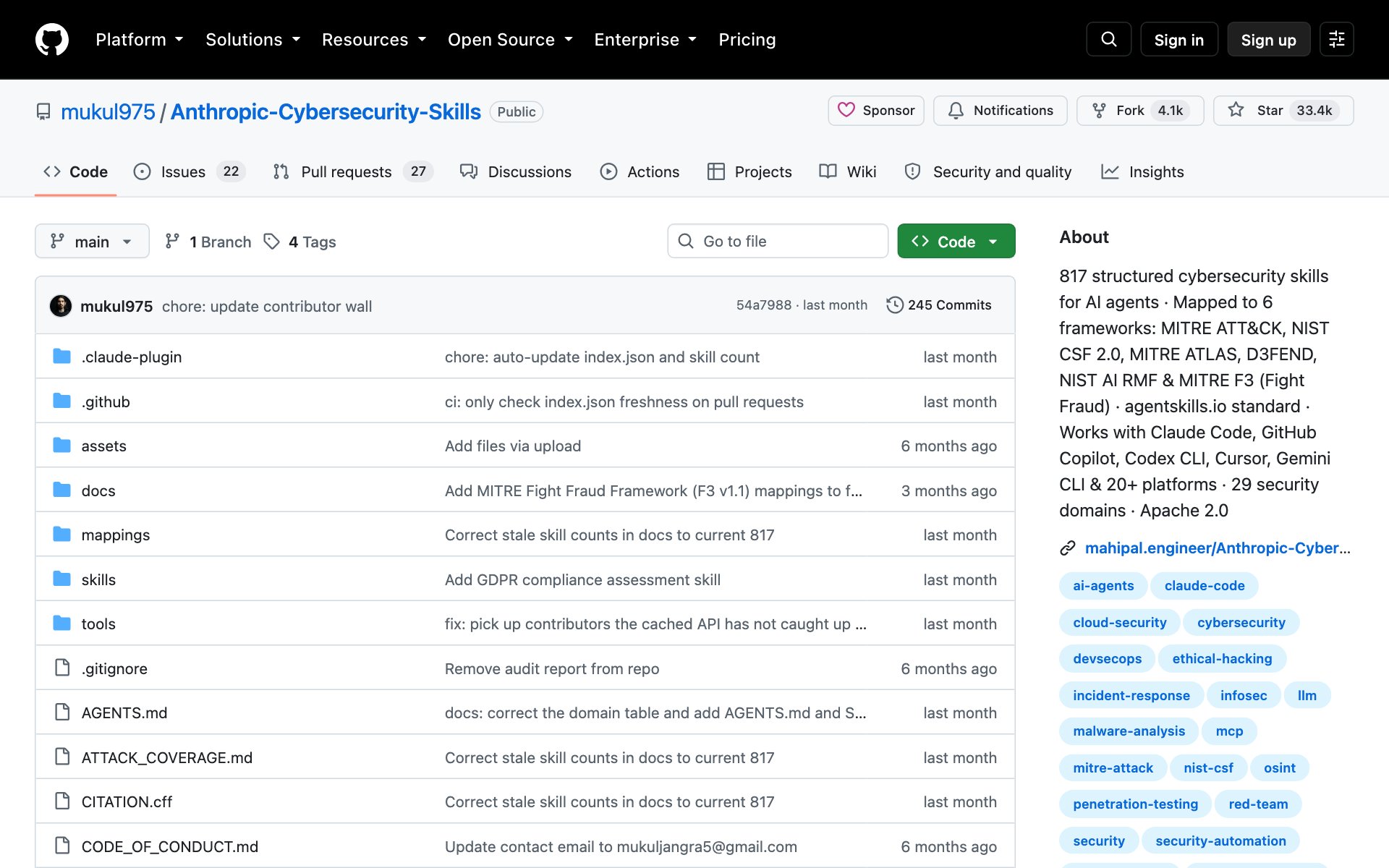
What Anthropic Cybersecurity Skills does for you: Anthropic Cybersecurity Skills is a library of over 800 security skills in 34 areas, like cloud security, threat hunting and incident response. Each skill is matched to well-known security standards such as MITRE ATT&CK and NIST. Heads up: despite the name, it's a community project and isn't made by Anthropic.
Who Anthropic Cybersecurity Skills is for: People who run or protect their own apps, websites or company systems and want a second set of eyes on security.
Skip Anthropic Cybersecurity Skills if: You don't work on security, or you don't have permission to test the systems you'd point it at. The repo says it's for authorized and lawful use only.
How to install Anthropic Cybersecurity Skills: copy the repo URL below, paste it into Claude Code, and say: install this.
repo URLhttps://github.com/mukul975/Anthropic-Cybersecurity-SkillsOr install it by hand with one terminal command:
bashnpx skills add mukul975/Anthropic-Cybersecurity-SkillsPrompt to try with Anthropic Cybersecurity Skills:
promptUse the cybersecurity skills to review the security of [my app or website that I own]. List the top 5 risks in plain English, from most to least serious, with one fix for each.6. Awesome Harness Engineering: learn how the pros set up agents
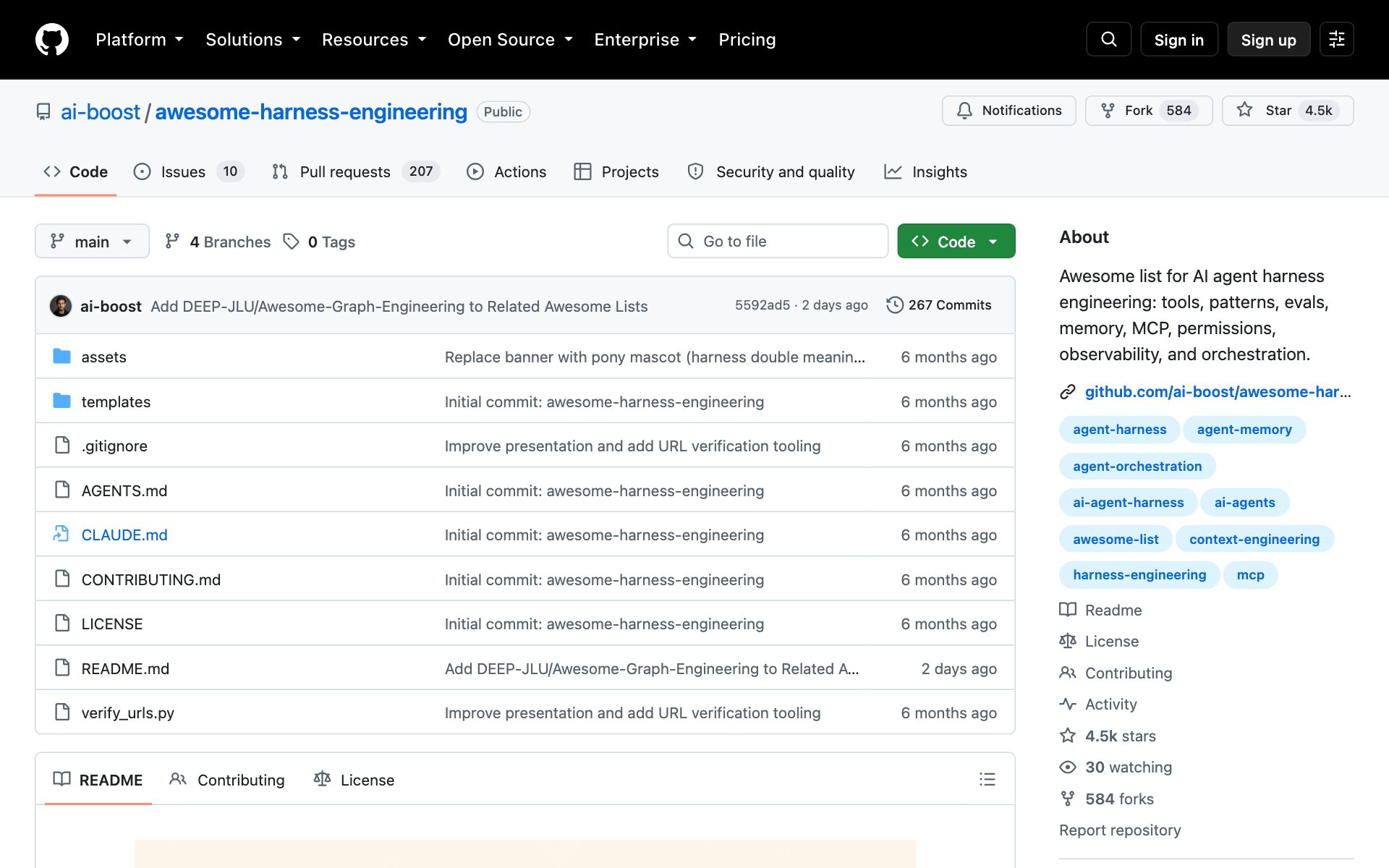
What Awesome Harness Engineering does for you: Awesome Harness Engineering is a hand-picked list of the best guides, patterns and tools for setting up AI agents. The "harness" is everything around the AI model: the instructions it reads, the tools it can use, its memory, and the checks on its work. The list covers planning, memory, tools, skills, safety and testing, and it ships 4 ready-to-copy templates: AGENTS.md, PLAN.md, IMPLEMENT.md and HARNESS_CHECKLIST.md.
Who Awesome Harness Engineering is for: Anyone building their own agent setup who wants to learn what works before guessing.
Skip Awesome Harness Engineering if: You just want a tool that works today. Awesome Harness Engineering is a reading list, not an app.
How to install Awesome Harness Engineering: there's nothing to install. Copy the repo URL below, paste it into Claude Code, and ask Claude to pick the parts that fit your project.
repo URLhttps://github.com/ai-boost/awesome-harness-engineeringPrompt to try with Awesome Harness Engineering:
promptRead the Awesome Harness Engineering list at https://github.com/ai-boost/awesome-harness-engineering. Look at how my project is set up, then pick the 3 ideas that would make my agent more reliable and set up the first one for me.7. OpenViking: give your agent one organized place for everything it knows
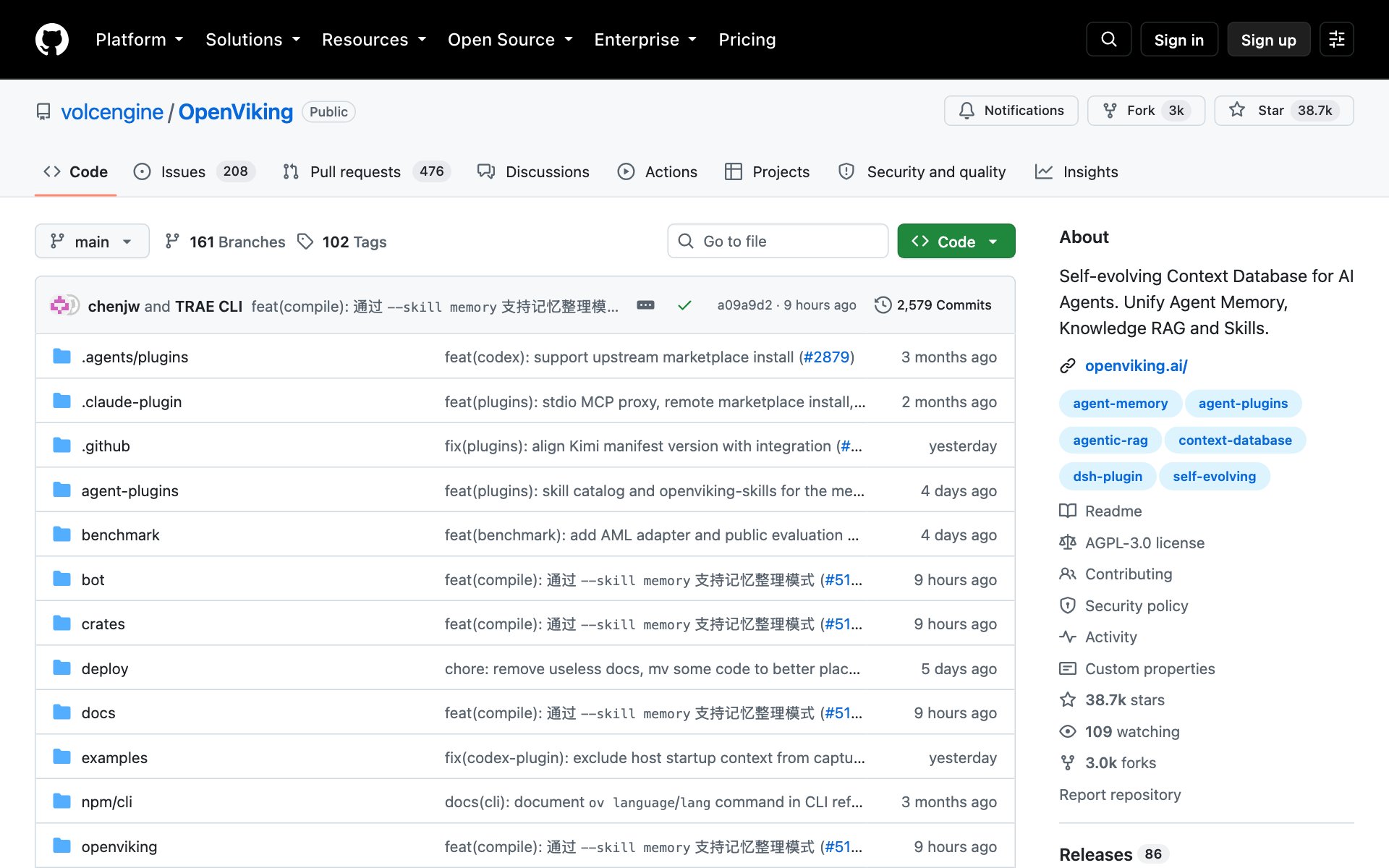
What OpenViking does for you: OpenViking (the reel calls it Open Viking) is a context database for AI agents. It stores everything your agent knows, your documents, its memories and its skills, as folders and files you can open and edit. The agent reads a short summary first and only opens the full file when it needs it, so it finds the right info without loading everything.
In the OpenViking team's own memory test, Claude Code answered 57.21% of questions right on its own, and 80.32% with OpenViking connected.
Who OpenViking is for: People building agents that work with lots of documents, or anyone who wants to see and edit exactly what their agent remembers.
Skip OpenViking if: You're just getting started. OpenViking runs its own server and needs your own AI model account for search. Try Agent Memory first, or play with OpenViking Studio in your browser with no install.
How to install OpenViking: copy the repo URL below, paste it into Claude Code, and say: install this. Claude will walk you through connecting an AI model when setup asks for one.
repo URLhttps://github.com/volcengine/OpenVikingOr install it by hand. You need Python 3.10 or newer.
bashpip install openviking --upgrade
openviking-server init
Prompt to try with OpenViking:
promptInstall OpenViking and connect it to Claude Code. Then add the docs folder from [my project] and show me what OpenViking saved, folder by folder.Pick which AI agent repo to start with
- Your agent needs to use websites: start with Browser Use.
- You keep re-explaining your project to Claude Code: start with Agent Memory.
- You do research or data work: start with Scientific Agent Skills.
- You explain ideas with pictures: start with Diagram Design.
- You want a security check on something you own: start with Anthropic Cybersecurity Skills.
- You want to learn how agents are set up: read Awesome Harness Engineering.
- You're building an agent that works with lots of documents: try OpenViking.
👉 https://www.skool.com/claudecodeclub
Common questions
Are these AI agent repos free?
Yes. All 7 are free and open source on GitHub. Some need an AI model to run, like Browser Use and OpenViking, and that model use costs money the same as any AI use.
How do I install a GitHub repo in Claude Code?
Copy the repo URL, paste it into Claude Code, and say: install this. Claude reads the setup steps and runs them for you. Ask it what the repo does first if you're not sure.
Is Anthropic Cybersecurity Skills made by Anthropic?
No. The repo says it's an independent community project and isn't affiliated with Anthropic. It's built for Claude Code and other AI agents, and it's for authorized and lawful use only.
Which repo should I install first?
Pick the one that fixes a problem you have today. If Claude Code keeps forgetting your project, start with Agent Memory. If your agent needs to use websites, start with Browser Use.
Keep going
Want to build real AI agents with Claude Code?
Get 650+ plug-and-play skills, MCPs & prompts, plus 8,000+ members - $9/mo, cancel anytime.
Join the Club