Video walkthroughs · Claude Code Club
How To Automate LinkedIn Content With Claude Code
TL;DR
An automated LinkedIn pipeline is four moving parts: a context layer that holds who you are and how you write, a skill that turns a topic into a drafted post, a publishing path that puts it live without you touching the browser, and a data loop that scrapes your own results back in. Most people are stuck at the prompt because they never built the context layer, and that is the piece that transfers to every other system you build. Decide early which stages run on your machine and which run on a scheduler, because that one choice determines how the whole thing is wired.
Most people trying to automate their content are tuning the wrong dial. They rewrite the prompt, get a slightly better post, and stay exactly as manual as they were the day before. The people whose LinkedIn output looks automated did something different. They stopped improving the prompt and started building the plumbing around it, and the plumbing is what this guide is about.
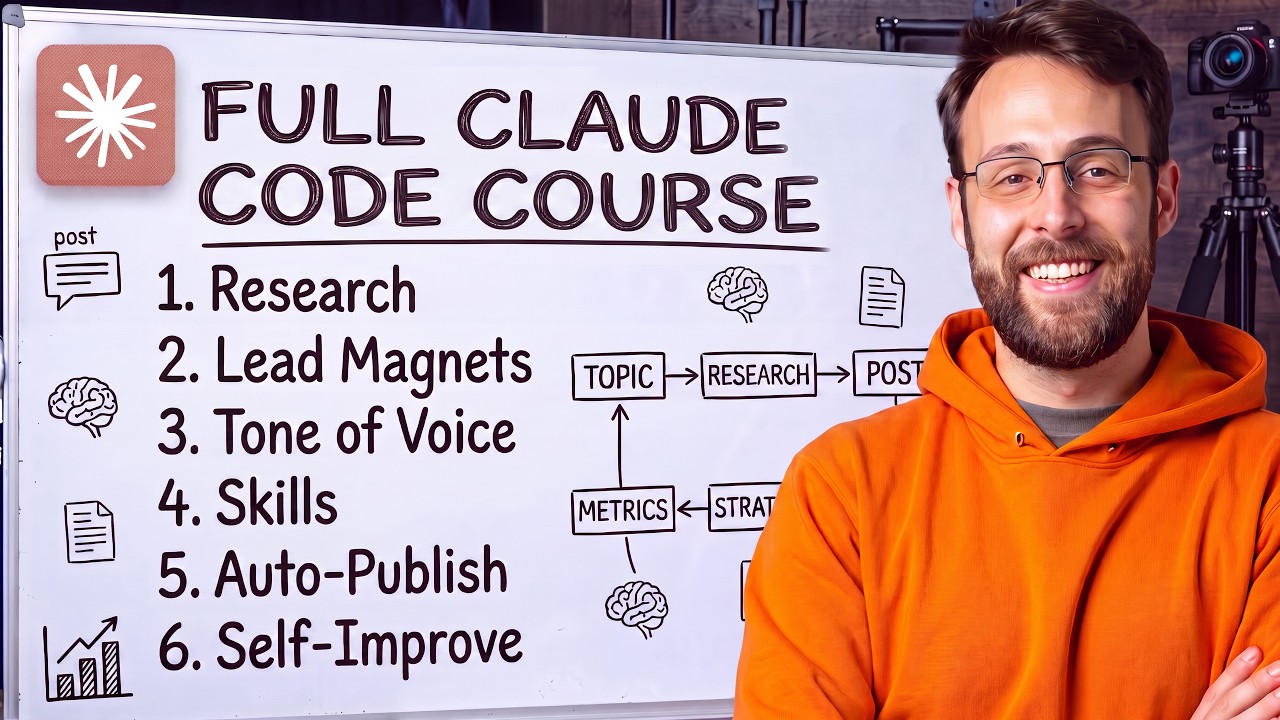
Watch the full course: the LinkedIn pipeline built end to end
The four levels, and why level one keeps disappointing you
There is a ladder here, and knowing which rung you are on tells you exactly what to fix next. If your posts do not sound like you, that is almost never a prompting problem. It is a level problem, and the fix is structural rather than verbal.
- Level 1 is typing a prompt into Claude in the browser. Fast, and better than people expect once you turn on research, but it forgets you the moment the chat ends.
- Level 2 is a project: a saved system prompt plus files it always reads. Same output every time, but you still copy and paste the result into LinkedIn yourself.
- Level 3 is a skill: instructions plus files plus the ability to take action, including opening a browser and publishing the post for you.
- Level 4 is a skill wired to a real knowledge base of everything about you, your audience, and what has already worked, so the system decides what to write and not just how to write it.
The gap between levels 2 and 3 is the one people underestimate. A project is a very good writer with no hands. A skill can read files, run code, open your browser, hit an API, and write results back to a database. The words barely change between them. What changes is how much of the workflow survives without you sitting there.
Level 1: prompt in chat, but turn research on
Start here for a day, because it teaches you what the model needs. Ask for the post, then ask it to search the web and weave in real information before it writes. The difference is not subtle. A generic opinion post becomes a post carrying a real figure from a real source, and posts with a hard number in the opening line reliably do better than posts without one.
What level 1 cannot do is sound like a specific person. It writes competent posts that read like a competent stranger wrote them. That limitation is the reason to climb, and it is worth feeling it once yourself rather than taking our word for it.
Level 2: move the instructions into a project
A project has two halves that matter. The instructions field is the standing system prompt, and the files section is the knowledge it reads before every response. Everything else is decoration.
Do not write the system prompt yourself. Describe the writer you want out loud, in ordinary language, and have Claude write the prompt for you. Say that every post needs a strong opening line, that the first step is always to search the web for hard statistics, and that it must always read the voice and proof files before drafting. You will get a better prompt in thirty seconds than you would have written in an hour, because the model already knows the structural conventions of the format and you do not have to.
Build the context layer before you build any automation
This is the section to slow down on, because it is the part that keeps paying. Before any skill exists, assemble three files and keep them in the folder you work in.
- The context packet. Who you are, what the business does, the projects, the goals, the offer, the audience, the content pillars. Ask Claude or ChatGPT to clone you into a data packet based on your conversation history, or have it interview you if the history is thin.
- The tone of voice guide. How you build sentences, what vocabulary you use, what you never say, which storytelling structures you lean on, and your real proof points so the writing can reach for something true instead of something generic.
- The reference examples. Actual posts that performed, saved as plain markdown files, yours and other people's.
Here is the part that generalizes far past LinkedIn. The skill is disposable and the context layer is the asset. Skills get rewritten every few months as the tooling changes. That context packet gets read by your posting skill, your email skill, your video script skill, your outreach system, and everything you build next year that does not exist yet. Build it once, keep it in a folder you can point anything at, and every later system starts three steps ahead.
That is also why the highest level of this pipeline is powered by a full personal knowledge base rather than a better prompt. When the system can read who the audience is, what has already worked, and what you said last week, it stops repeating itself and starts making editorial decisions. The words are the small part. The context is the whole game.
Keep the voice honest with references, not adjectives
Telling a model to write "punchy and authentic" does almost nothing. Showing it four posts that actually worked does almost everything. Keep a references folder inside the skill and add to it constantly. When you see a post with a structure you admire, paste it in as a new file and tell the system to add it to the list.
Vary what you collect on purpose. Different hook shapes, different lengths, different formats. A reference set where every example looks the same produces output where every post looks the same, which is its own kind of failure. The folder is the one part of the system that should visibly get better every week without you editing any instructions.
Level 3: give the skill hands
A skill is instructions plus files plus the ability to act. Two mechanisms give it the ability to act, and you should know which one you are reaching for.
Connectors are the clean path. Claude Code ships with a connector menu covering the services you already use, and adding one takes under a minute. If the step you want is "save the draft to Notion" or "read this from Drive," a connector handles it and nothing breaks when a website redesigns.
Browser automation is the wide path. Install the Playwright CLI and Claude can drive a real browser, which means anything you can do on the internet, it can now do on your behalf. That covers every platform that never built an API for you. It logs in once with your credentials, saves the session cookies, and runs unattended for months afterward.
You do not have to write the skill by hand. Describe the whole job in one paragraph, switch into plan mode, and read the plan it produces before approving it. Plan mode is the cheapest quality control in the entire workflow, because it shows you the architecture while changing it is still free.
The decision that shapes everything: browser or API
Every automated pipeline hits this fork, and picking wrong costs you weeks of flaky runs. Both approaches publish a post. They fail in completely different ways.
Choose browser automation when the platform has no usable API, when you are the only user, and when a run happening on your own machine is fine. It is free, it works on anything, and the trade is that it is doing visual work. It takes a screenshot to find the post button, and a layout change can break it silently.
Choose a publishing API when the pipeline has to run on a schedule with nobody watching, when you are posting to several platforms at once, or when a silent failure would actually cost you something. A service like Blotato exists for exactly this and it removes the whole class of layout-related breakage. The rule of thumb: if a human is nearby when it runs, use the browser. If nobody is, pay for the API.
Decide where each stage runs
There are three places a stage can live, and mixing them deliberately is what makes a pipeline feel effortless instead of fragile.
- Your terminal, on demand. Right for anything where you want to read the output before it goes anywhere. Idea capture and one-off posts belong here permanently.
- A local scheduled routine. Claude Code can create a routine that runs a skill at a set time in a set folder, and you can just ask it to set that up rather than clicking through the interface. Right for daily work when your machine is on anyway.
- A hosted scheduler. Put the project in a repository and run it on a schedule there. Right when the pipeline must run whether or not your laptop is open, which is the honest requirement for anything daily.
The upgrade that costs nothing: give any scheduled stage a rotating list of topics or keywords to cycle through. Without it, a daily job with a fixed instruction produces the same post shape every morning, and the sameness reads as automation to everyone scrolling past it.
Close the loop by scraping your own results
This is the piece that turns a content generator into a system that improves. The loop is simple: publish, record what happened, analyze the pattern, rewrite the strategy the writer reads, publish again.
For LinkedIn, a scraper marketplace like Apify gives you a working actor without building anything. Run it against your profile and it returns the post text, the URL, and the engagement stats. A daily run costs cents. The one setup detail worth knowing: paste the actor's sample response into Claude alongside the API docs, because without seeing the response shape the system frequently parses the results wrong and quietly returns nothing.
Where you store the results matters less than what you store. Log the attributes, not just the posts. Hook line, hook type, format, content type, angle, topic, post length, average line length, and the engagement numbers. A table of post text and likes tells you nothing you can act on. A table of attributes lets the analysis say which hook type outperforms, which is a decision you can actually make next week.
A worked example, including the parts that broke
The full build in the course wires the whole thing together: at 9am it researches what people are actually discussing, drafts the asset and the post, records a short scroll video of the asset with a branded text overlay burned in, publishes, and writes a row to a tracking database. At 10am a scraper fetches the metrics for the previous posts. Weekly, an analysis pass reads the accumulated rows and rewrites the strategy file the writer reads.
It did not work on the first run. The scheduled job failed, and the fix loop is the habit worth copying: paste the raw error back in and let the system diagnose it. It found the cause, then checked the other two scheduled jobs unprompted, found the same fault in both, and fixed all three at once. Troubleshooting is most of this work, and getting comfortable with that loop matters more than getting the first version right.
The result was worth the friction, and it was not what anyone expected. The going assumption was that first-person hooks with a specific number were the top performers. The data disproved it. Transformation hooks, the ones that show a starting point and an end point, won on reach by a wide margin. That is the entire argument for building the loop. An opinion held for months was wrong, and the system found out in one pass.
Scale it with an orchestrator, not a bigger prompt
Once one format works, the instinct is to bolt every other format onto the same skill until it becomes an unreadable wall of instructions. Do not. Use the orchestrator pattern that a one-person marketing team at Anthropic used to cover paid search, paid social, email, and SEO from a single command.
One entry point reads the shared context layer, then spawns a small specialist for each output format and runs them in parallel. One writes the posts, one writes the subject lines, one writes the video hooks. The orchestrator assembles everything into one deliverable. Adding a new platform means adding one small specialist rather than editing a monolith, and the parallel run means the whole set finishes in about the time one used to.
Parallel agents cost more in tokens than a single agent doing everything in sequence. For a copy bank across four formats that trade is clearly worth it. For a single post it is not, so keep the simple path for the simple job.
What should stay manual on purpose
Full automation is not the goal, and pretending otherwise produces a feed nobody wants to read. Some things should stay in your hands.
- Anything drawn from a real conversation you had this week. The system cannot know it happened, and those posts consistently land hardest.
- The final read on anything that names a person, a client, or a number about your business. One wrong figure published automatically is worse than a week of no posts.
- The judgment call on which idea to actually run. Let the system surface three options and pick one yourself. That single checkpoint costs ten seconds and prevents most of the output that would embarrass you.
- The strategy rewrite. Read what the analysis concluded before you let it change how everything gets written.
The failure modes that kill these pipelines
- Building the skill before the context layer, which produces a well-organized system writing in nobody's voice.
- Reference examples chosen by taste instead of by performance data.
- Scheduled jobs that cannot see your local API keys or saved browser sessions, which is the single most common first-run failure.
- Storing post text and engagement without the attributes, which leaves the analysis with nothing to compare.
- Running a loop on an empty database and treating its first conclusions as real.
- A daily job with one fixed instruction and no topic rotation, which publishes the same post shape forever.
- Browser automation on an unattended schedule, where a layout change fails silently and you find out days later.
- Not pasting the scraper's sample response in, so results parse wrong and come back empty with no error.
- One giant skill that does every format, which becomes impossible to change without breaking something.
Build the first working version in one sitting
The shortest honest path from reading this to having something that runs. Do not try to reach level 4 today. Get level 3 working end to end and the rest is additive.
- Make a folder. Everything lives in it, and the folder is what you point Claude Code at.
- Generate the context packet and the tone of voice guide from your existing chat history, and save both into the folder as markdown.
- Create a references subfolder and paste in four posts that genuinely performed, with varied hooks and lengths.
- Describe the skill you want in one paragraph, enter plan mode, read the plan, then approve it and let it build.
- Run it once with a topic you already know well, so you can judge whether the voice is right rather than whether the facts are.
- Add the publishing step. Browser automation if you will be watching, a publishing API if you will not.
- Scrape your last twenty posts into a table with the attribute columns, so the loop has a history from the start.
- Only then put it on a schedule, and move your keys into the scheduler's secrets before the first run.
Do that once and you own a pipeline instead of a prompt. The framework above is the whole system and every stage of it can be built by hand today. Building it by hand is how you learn which parts actually carry the weight, which is why it is written out here in full rather than hidden.
Common questions
Do I need to know how to code to build this?
No. Every decision in this guide is about architecture rather than syntax: which stage runs where, whether to publish through a browser or an API, and what to log. You describe the system in plain language, read the plan it proposes, and approve it. The troubleshooting is done by pasting error messages back in and reading the explanation.
What is the real difference between a Claude project and a skill?
A project holds a system prompt and files, so it writes consistently but cannot do anything with what it writes. A skill holds the same things and can also take action: read files, run code, open a browser, call an API, and write results back. The output quality is similar. The difference is whether the workflow continues without you.
Should the pipeline publish automatically or should I approve posts first?
Approve at first. Keep a checkpoint where the system proposes a few directions and you pick one, because that single step prevents most of the output you would not want published. Once you have watched it produce good drafts for a couple of weeks, you can remove the checkpoint for routine posts and keep it for anything naming a person, a client, or a number.
How much does it cost to run daily?
The scraping is the only line item that is genuinely predictable, and a daily run over your own posts costs cents. Model usage varies with how much research and how many parallel agents each run uses. Parallel specialist agents cost noticeably more than a single agent working in sequence, so use them for multi-format output and not for a single post.
Why does my automated writing still not sound like me?
Almost always because the context layer is thin. Adjectives in a prompt do very little. A tone of voice document generated from your actual conversation history, plus a folder of reference posts that genuinely performed, does most of the work. If the voice is wrong, add references rather than editing instructions.
What does the self-improving loop actually change?
It replaces your assumptions with your own data. It needs attribute-level logging to work, meaning hook type, format, angle, topic, and length alongside the engagement numbers, and it needs a seeded history before its conclusions mean anything. In the build shown in the video it overturned a long-held assumption about which hook style performed best.
Want the skills that run this pipeline?
The architecture above is yours to build by hand. The installed skills, the context prompts, and the publishing wiring live inside the club, with 8,000+ members running the same pipeline. $9/mo, cancel anytime.
Join the Club — $9/mo